
Learn how to draw - ArtWorkout








Application Overview
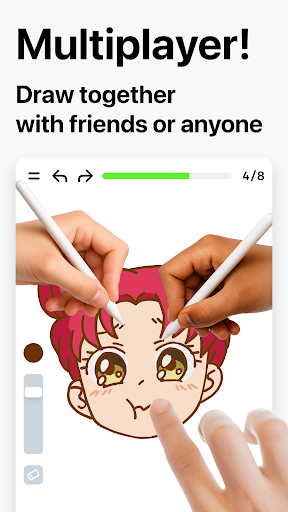
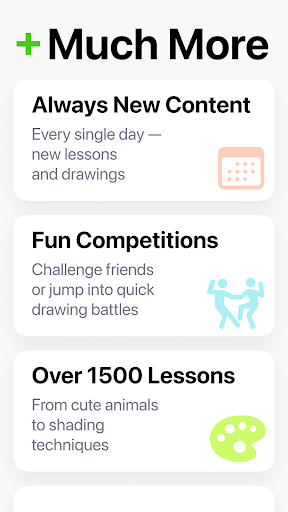
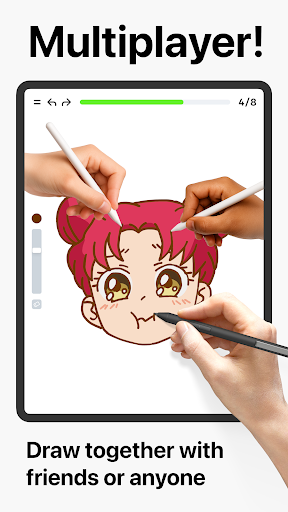
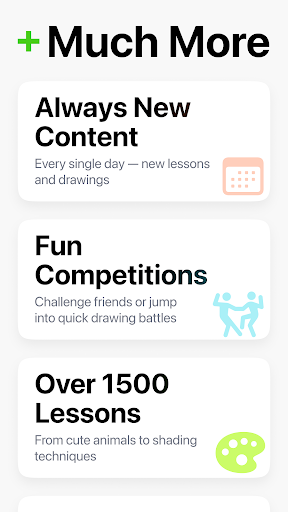
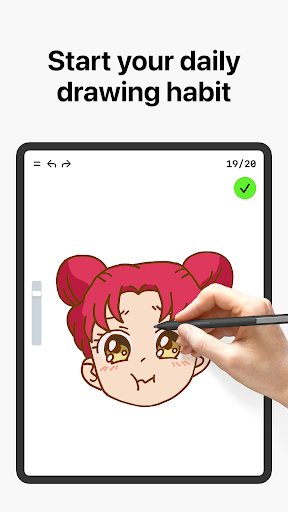
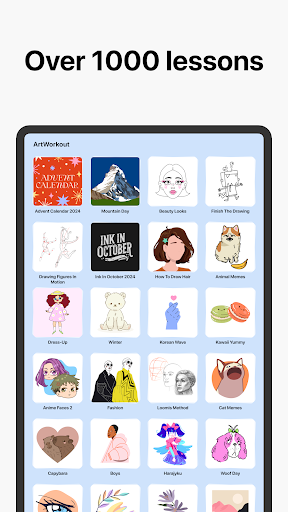
Learn how to draw - ArtWorkout serves as your personal drawing trainer. It combines theory with hands-on practice, offering comprehensive lessons in doodling, sketching, painting, and even handwriting. The app evaluates your performance by measuring the accuracy of your strokes and providing instant feedback. With over 500 drawing lessons available through its premium version, it caters to users of all skill levels, from kids to adults.
Main Features
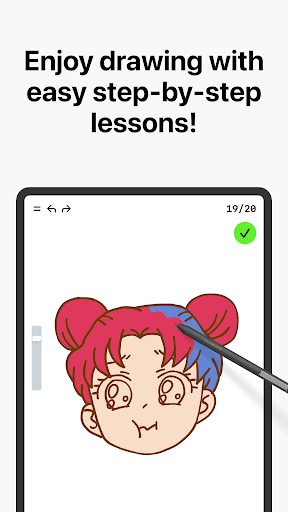
- Interactive Courses: The app provides step-by-step tutorials that cover a wide range of artistic techniques.
- Skill Trainers: Beyond basic line tracing, it includes specialized exercises to refine your hand-eye coordination and precision.
- Immediate Feedback: Users receive real-time evaluations of their work, helping them identify areas for improvement.
- Customizable Learning: Whether you're a beginner or a professional artist, the app adapts to your needs and goals.
Pros and Cons
Pros:
- User-friendly interface suitable for all ages.
- A vast library of lessons ensures continuous learning and skill development.
- Real-time feedback helps users track their progress effectively.
Cons:
- The free version has limited access to content, requiring a subscription for full features.
- Some users have reported occasional bugs during usage.
Conclusion
Learn how to draw - ArtWorkout is a powerful tool for anyone passionate about art. Its interactive approach and focus on skill-building make it stand out among other drawing apps. While there are minor drawbacks, such as limited free content and occasional technical issues, its benefits far outweigh these concerns. Download the app today and embark on a creative journey to master the art of drawing!
Similar to This App


Hot Apps