
YouTube Studio









Application Overview
YouTube Studio serves as a one-stop solution for creators to handle various aspects of their channels. Whether you're a beginner or an experienced YouTuber, this app provides a streamlined interface to manage your channel on the go. It is especially useful for those who need real-time updates and quick access to essential features.
Main Features
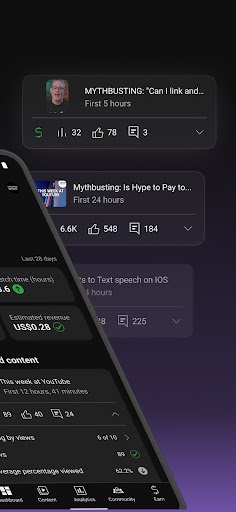
Analytics: The app offers detailed insights into video performance, including views, watch time, audience retention, and engagement metrics. These analytics help creators understand what works best for their audience.
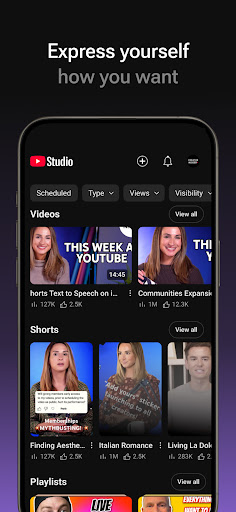
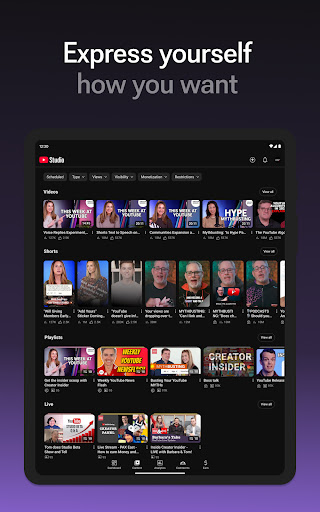
Content Management: Creators can upload videos, edit video details, and schedule posts directly from the app. It also allows users to customize thumbnails and descriptions.
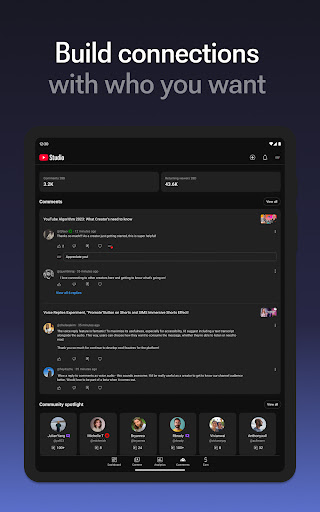
Community Engagement: With tools to moderate comments, respond to messages, and interact with subscribers, YouTube Studio ensures creators maintain strong connections with their audience.
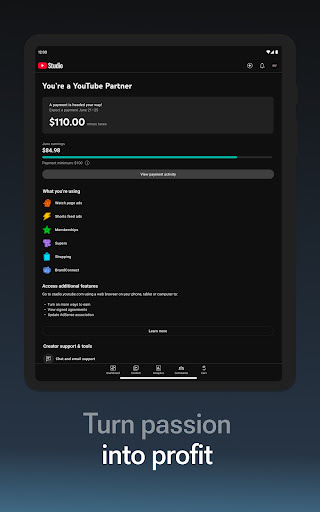
Monetization Tools: The app provides access to revenue reports and helps creators track earnings from ads, Super Chats, and memberships.
Pros and Cons
Pros:
- User-friendly interface tailored for creators.
- Real-time notifications about channel activity.
- Comprehensive analytics for data-driven decisions.
- Ability to manage multiple aspects of a channel in one place.
Cons:
- Some advanced features are only available on desktop.
- Occasional bugs during video uploads or edits.
- Limited customization options compared to the web version.
Conclusion
YouTube Studio is an indispensable tool for modern content creators who want to stay connected with their audience and streamline their workflow. While it has minor limitations, its robust feature set makes it a must-have app for anyone serious about growing their YouTube presence. Download YouTube Studio today to take full control of your channel and elevate your content creation journey.
Similar to This App


Hot Apps