
Microsoft Word: Edit Documents

Application Overview
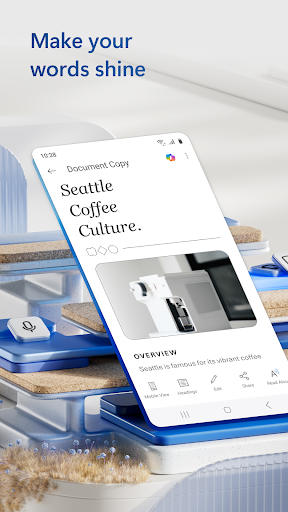
Microsoft Word: Edit Documents is part of the Microsoft Office suite and is available for free download on the Google Play Store. It offers a familiar interface that mirrors the desktop experience, making it easy for users to transition between devices. The app supports DOC and DOCX file formats, ensuring compatibility with documents created on other platforms.
Main Features
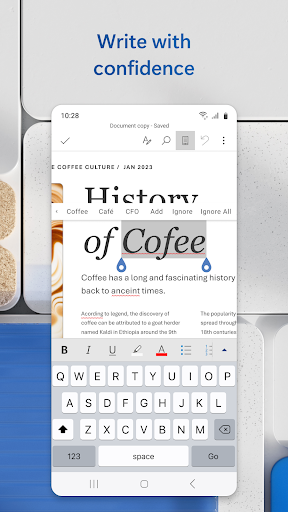
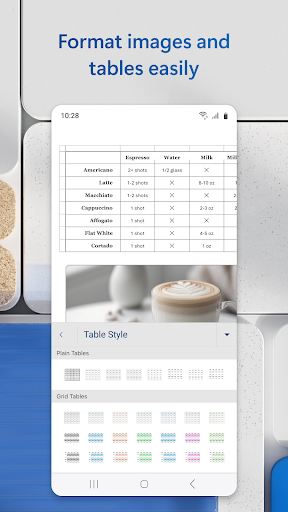
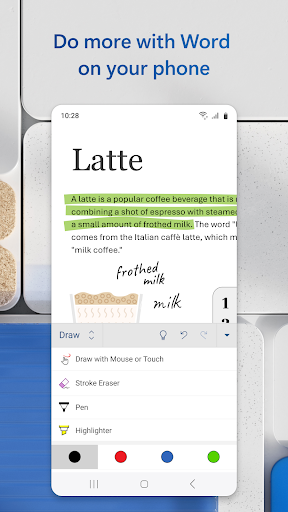
- Document Creation and Editing: Create new documents or edit existing ones with advanced formatting tools like font styles, bullet points, tables, and images.
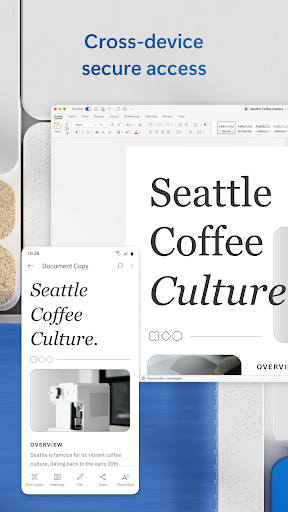
- Cloud Integration: Seamlessly sync documents across devices using OneDrive, Dropbox, or SharePoint.
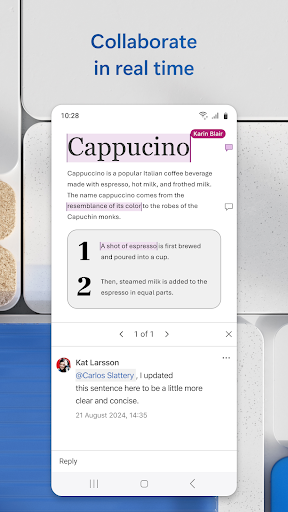
- Real-Time Collaboration: Collaborate with others in real-time, allowing multiple users to edit the same document simultaneously.
- Templates: Access a wide range of pre-designed templates for resumes, reports, letters, and more.
- Offline Mode: Work on documents without an internet connection and sync changes once online.
Pros and Cons
Advantages:
- User-friendly interface that closely resembles the desktop version.
- Robust cloud integration ensures accessibility from any device.
- Real-time collaboration enhances productivity for teams.
- Regular updates introduce new features and improve performance.
Disadvantages:
- Some advanced features require a Microsoft 365 subscription.
- The app may feel sluggish on older or low-end devices due to its feature-rich design.
- Occasional bugs or syncing issues have been reported by users.
Conclusion
Microsoft Word: Edit Documents is an essential tool for anyone who needs to manage documents on their mobile device. Its comprehensive feature set, combined with seamless cloud integration and real-time collaboration, makes it a top choice for productivity enthusiasts. While some features are locked behind a subscription, the free version still offers ample functionality for everyday use. Download it today and experience the convenience of having Word at your fingertips!
Similar to This App


Hot Apps