
LEGO® Builder: 3D Instructions





Overview
For enthusiasts of building block sets, the process of assembling intricate models can sometimes be challenging, especially with traditional paper instructions. LEGO® Builder: 3D Instructions offers a modern, interactive solution, transforming the building experience into a dynamic digital journey. This application provides detailed 3D step-by-step guides, allowing users to rotate, zoom, and inspect each part of their construction with unprecedented clarity. Designed for builders of all ages and skill levels, it aims to enhance accuracy and reduce errors, making complex builds more accessible and enjoyable. Whether you're a solo builder or prefer collaborating with friends and family, this app promises to revolutionize how you engage with your favorite sets. This review will delve into its key features, advantages, drawbacks, and practical usage tips.
Key Features
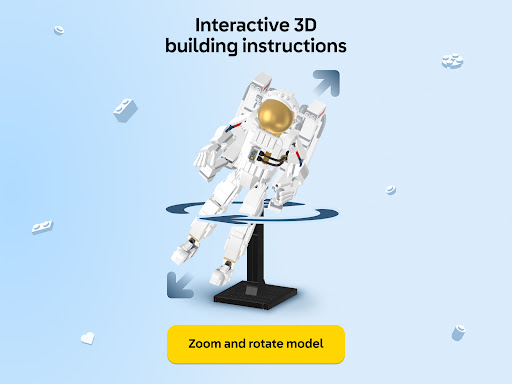
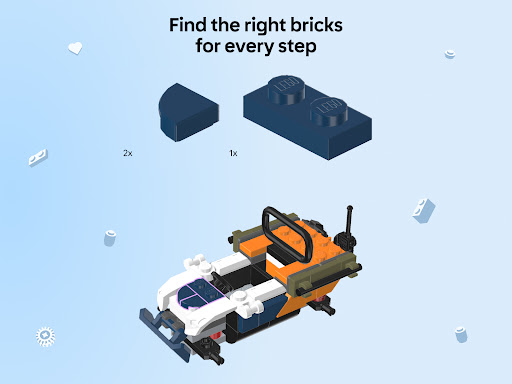
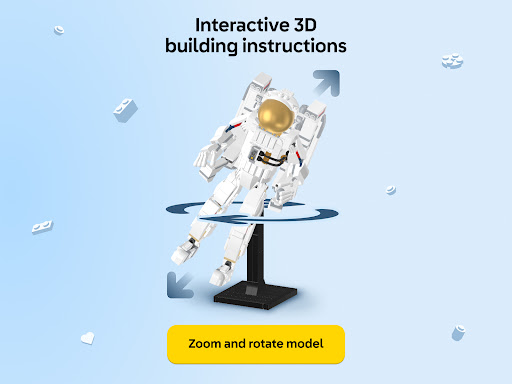
- Interactive 3D instructions with zoom and rotation capabilities for precise building.
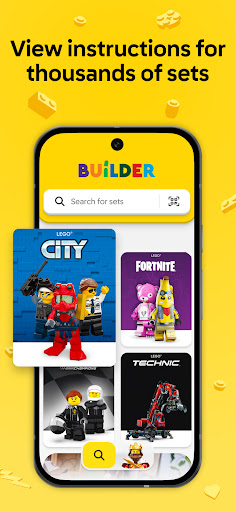
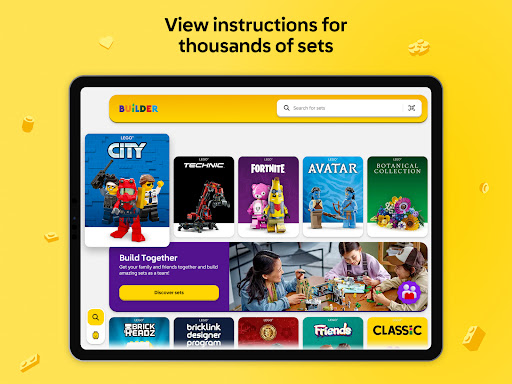
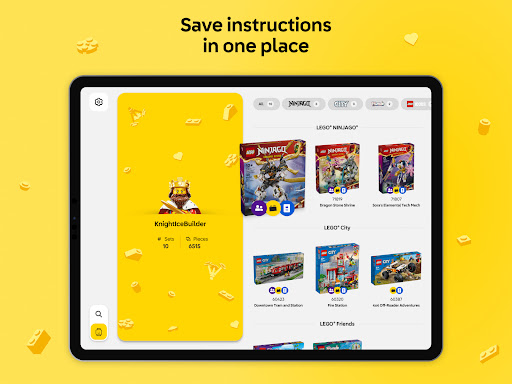
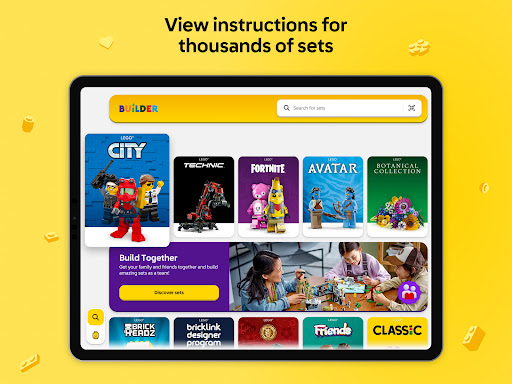
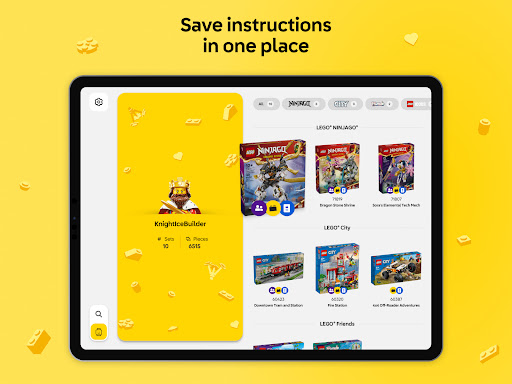
- Comprehensive digital library includes guides for LEGO sets released since 2006.
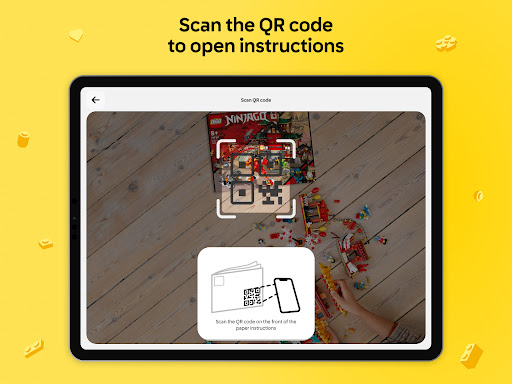
- Search functionality allows finding specific building guides by set name or number.
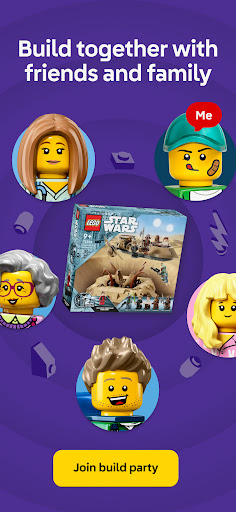
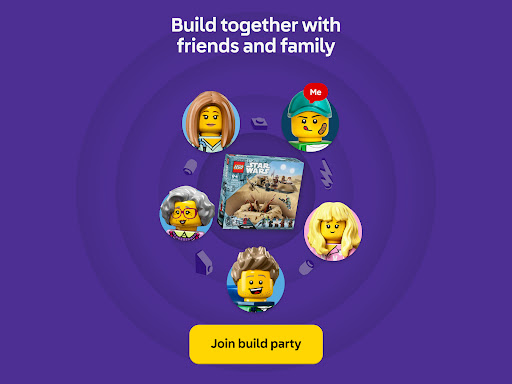
- Build Together mode enables collaborative building sessions using a shared PIN code.
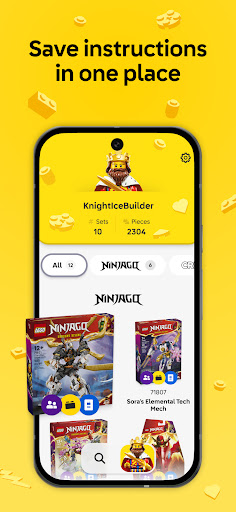
- Download instructions for offline access, ensuring uninterrupted building anywhere.
- Multilingual support makes the application accessible to a global audience of builders.
Pros & Cons
Pros
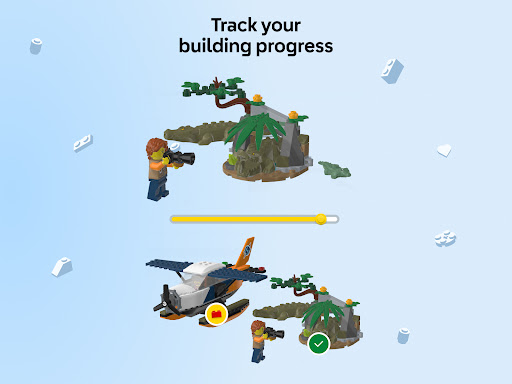
- Interactive 3D views significantly improve building accuracy and reduce mistakes.
- Intuitive interface is suitable for both children and adult LEGO fans.
- Collaborative 'Build Together' feature enhances social interaction and fun.
- Offline mode allows building without an internet connection, offering flexibility.
- Extensive library covers most modern LEGO sets, easily searchable.
Cons
- Some older LEGO sets may not have corresponding digital instructions available.
- Requires significant storage space on devices, potentially limiting for some users.
- Constant screen interaction might lead to increased battery drain during long sessions.
- Reliance on a digital device could detract from the tactile experience for some users.
How to Use LEGO® Builder: 3D Instructions
- Download and install the LEGO® Builder app from the Google Play Store onto your Android device.
- Open the app and grant any necessary permissions to access your device's storage.
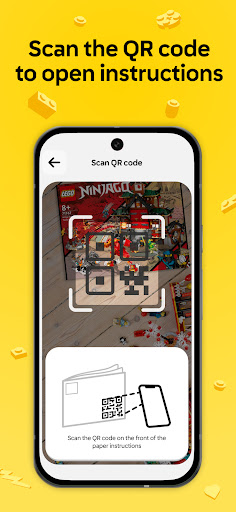
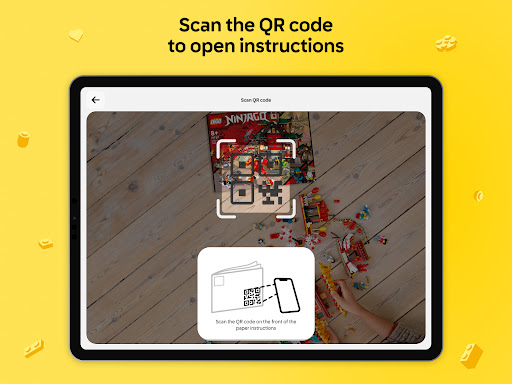
- Browse the extensive library or use the search bar to find your specific LEGO set by name or number.
- Select your desired set to begin viewing its digital instructions.
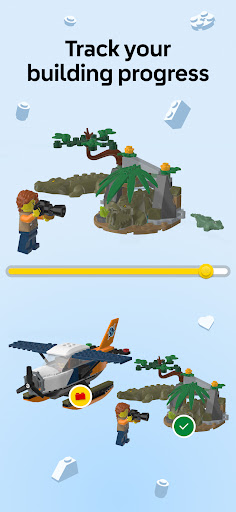
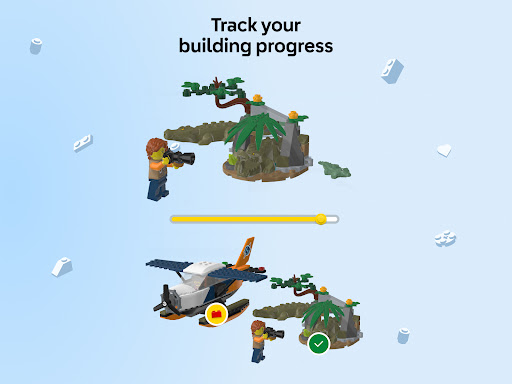
- Utilize the interactive 3D controls to zoom, rotate, and inspect each building step carefully.
- Download instructions for offline use if you plan to build without an internet connection.
- Initiate 'Build Together' mode with a shared PIN to collaborate with others on a single set.
Frequently Asked Questions
Does the app require an internet connection to use?
Are all LEGO sets supported by this app?
Is there a cost associated with using the LEGO® Builder app?
Can multiple people build a set together using the app?
What are the minimum device requirements for this app?
Similar to This App


Hot Apps