
Prime Video

Overview
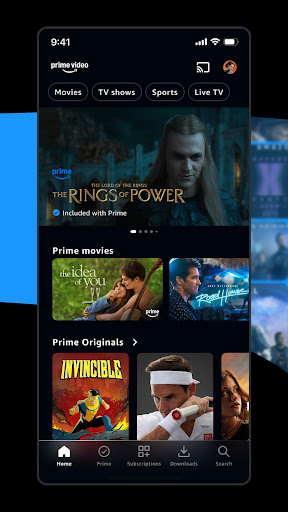
For entertainment enthusiasts looking for a comprehensive streaming solution, Amazon Mobile LLC offers a significant option. Prime Video provides a vast collection of movies, TV shows, and exclusive original series, positioning itself as a major player in the competitive video-on-demand landscape. This service caters to a wide audience, from those seeking the latest blockbusters to families needing robust parental controls. Its integration with the broader Amazon ecosystem makes it a convenient choice for existing Prime subscribers, offering a seamless viewing experience across various devices. This review will explore its key functionalities, highlight its strengths and weaknesses, and guide potential users through its setup and common queries, helping you decide if it’s the right fit for your viewing habits.
Key Features
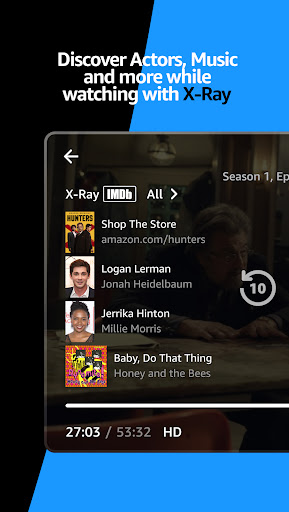
- Provides real-time actor and music details with the innovative X-Ray functionality.
- Supports high-resolution 4K streaming for compatible devices and content.
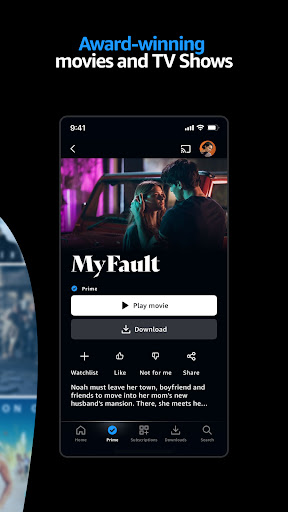
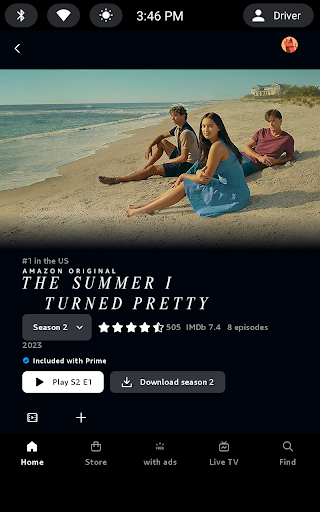
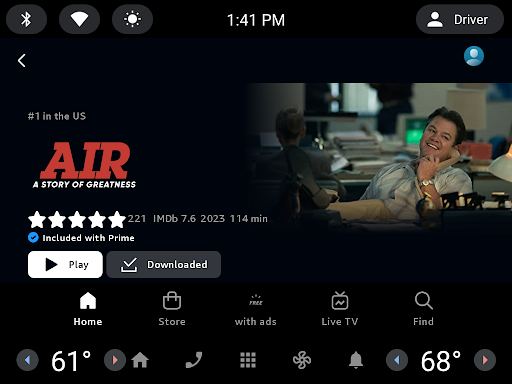
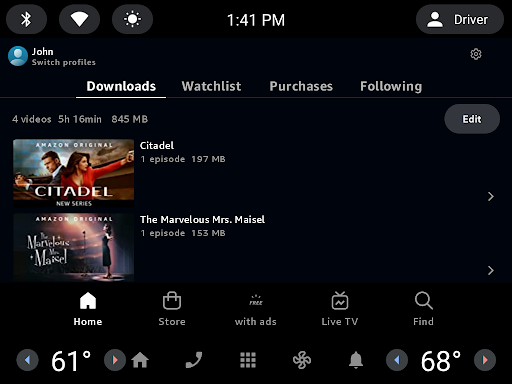
- Allows downloading of movies and shows for convenient offline viewing.
- Includes comprehensive parental controls to manage content access for children.
- Seamlessly syncs watch progress across multiple linked devices.
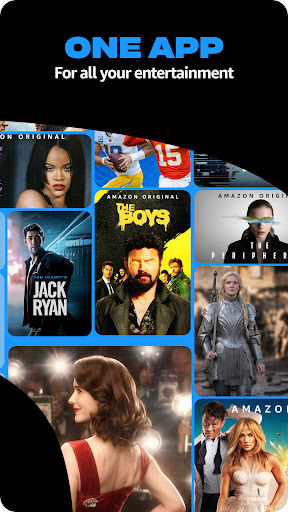
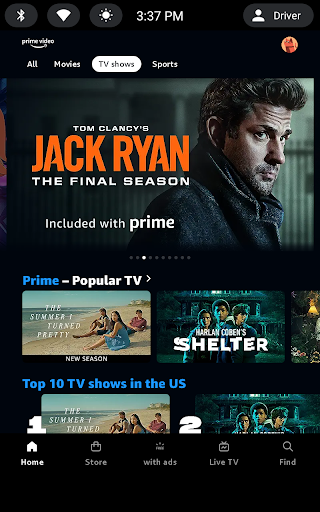
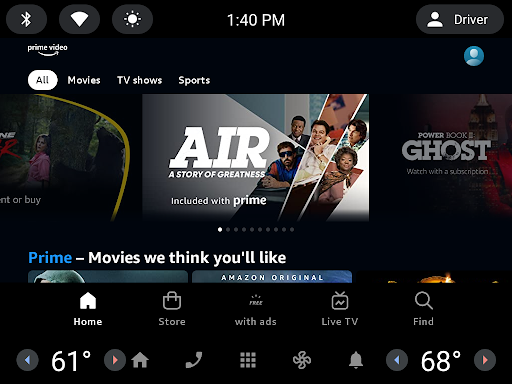
- Offers a wide array of content, including exclusive Amazon Originals.
Pros & Cons
Pros
- Extensive library with popular movies, TV shows, and exclusive Amazon Originals.
- High-definition and 4K streaming options provide enhanced visual quality.
- Offline download capability is excellent for travel or limited internet access.
- Helpful X-Ray feature offers instant information about on-screen content.
- Robust parental controls allow for effective family content management.
Cons
- Some 4K content may require additional fees beyond a standard subscription.
- Performance can vary depending on device hardware and internet connection stability.
- Content availability is subject to regional licensing restrictions.
- Requires an Amazon account and subscription, which might be a barrier for some.
How to Use Prime Video
- Install the Prime Video app from the Google Play Store onto your Android device.
- Open the application and sign in using your existing Amazon account credentials.
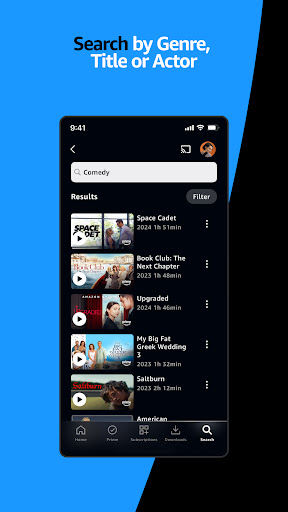
- Browse the extensive catalog of movies, TV shows, and Amazon Originals by category or search.
- Select a title you wish to watch and tap on it to view details and begin streaming.
- Utilize features like X-Ray for actor information or the download option for offline viewing.
Frequently Asked Questions
Is a subscription necessary to use Prime Video?
Can I watch content on Prime Video without an internet connection?
Are there additional costs for certain features or content?
Is the content library the same for all users globally?
What kind of devices can I watch Prime Video on?
Similar to This App


Hot Apps