
Bluey: Let's Play!











Overview
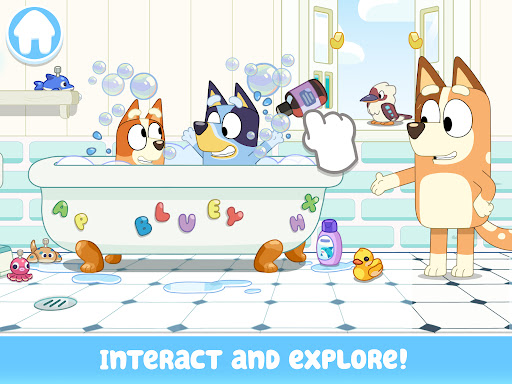
For parents seeking a digital playground that genuinely sparks imagination, an interactive game based on a beloved animated series offers a compelling option. This title invites young players into the vibrant world of the Heeler family, providing a safe and engaging environment where creativity takes center stage. It's designed to let children aged 2-9 explore, interact, and craft their own narratives within familiar settings. From discovering hidden surprises in Bluey's house to participating in playful mini-games, the app aims to extend the charm and spirit of the popular show into an interactive experience. This review will delve into its features, highlight its strengths, point out potential drawbacks, and guide you through its initial use.
Key Features
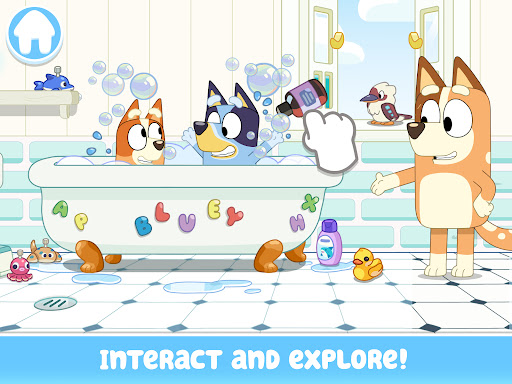
- Explore Bluey's iconic house, interacting with various objects and characters in each room.
- Engage in imaginative activities like cooking in the kitchen or building a backyard pizza oven.
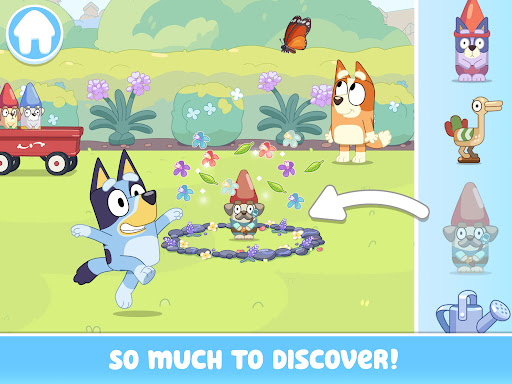
- Discover numerous hidden surprises and interactive elements scattered throughout the home.
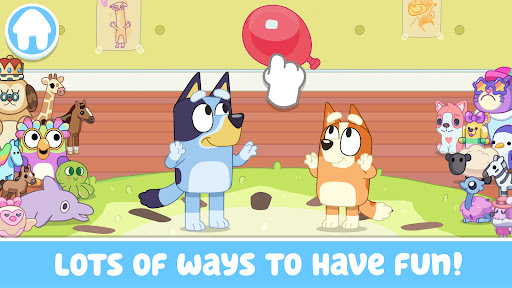
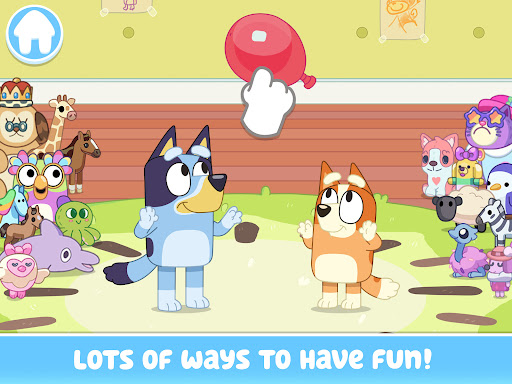
- Participate in playful mini-games, including trampoline bouncing and keeping a ball in the air.
- Create unique scenarios and stories, fostering open-ended play and creative thinking.
- Designed specifically for children aged 2-9, ensuring age-appropriate content and mechanics.
- Experience the vibrant visuals and lighthearted spirit of the beloved animated series.
Pros & Cons
Pros
- Faithfully recreates the beloved world and characters of the Bluey animated series.
- Encourages open-ended, imaginative play and storytelling in a safe environment.
- Intuitive and easy-to-navigate interface suitable for very young children.
- Offers opportunities for parents to join in, promoting family bonding and shared play.
- Features a variety of interactive elements and mini-games to maintain engagement.
Cons
- The open-ended nature might lack structured goals for children who prefer guided play.
- Gameplay could become repetitive for some users after extended periods of exploration.
- Primarily appeals to children already familiar with and fans of the Bluey television show.
- Lacks significant challenge, potentially limiting long-term engagement for older children in the target age range.
How to Use Bluey: Let's Play!
- Install the Bluey: Let's Play! app from the Google Play Store onto your Android device.
- Launch the game by tapping its icon on your home screen or app drawer.
- Tap on different areas of Bluey's house to enter and explore various rooms like the kitchen or backyard.
- Interact with objects and characters within each scene by tapping or dragging them to discover reactions and activities.
- Engage in mini-games, such as bouncing on the trampoline, by following the on-screen prompts.
- Create your own play scenarios by combining different interactive elements and characters.
- Encourage your child to experiment and tell stories based on their interactions within the game.
Frequently Asked Questions
What age group is Bluey: Let's Play! designed for?
Does the game require an internet connection to play?
Are there in-app purchases or advertisements in Bluey: Let's Play!?
Can adults play this game with their children?
What kind of activities can children do in the game?
Similar to This App
Hot Apps


