
School Party Craft




Overview
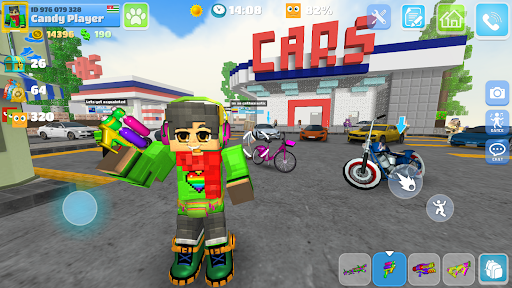
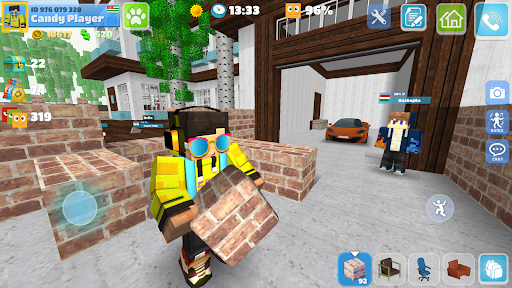
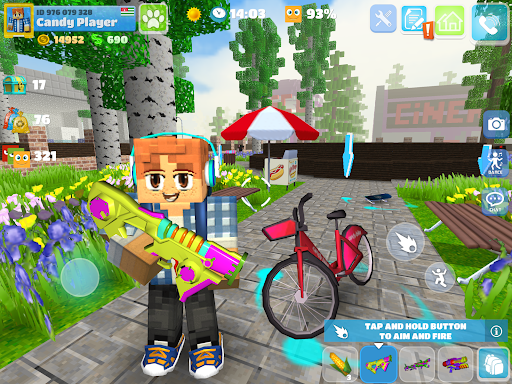
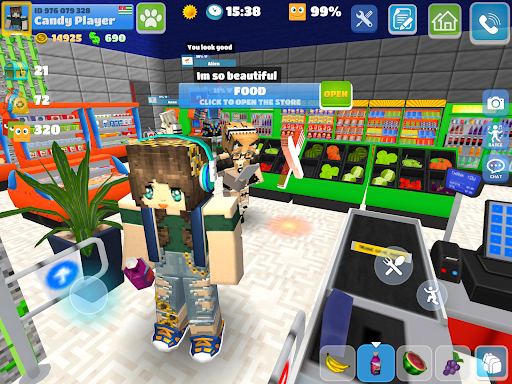
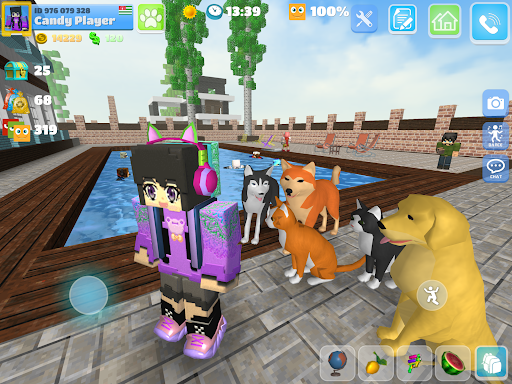
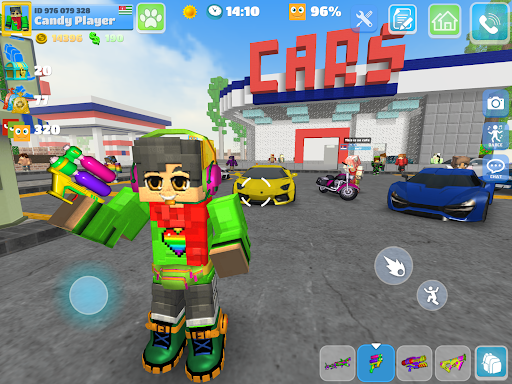
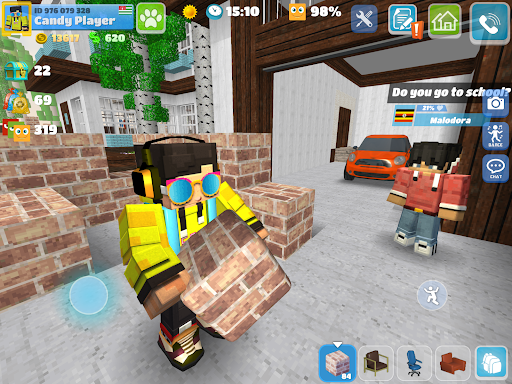
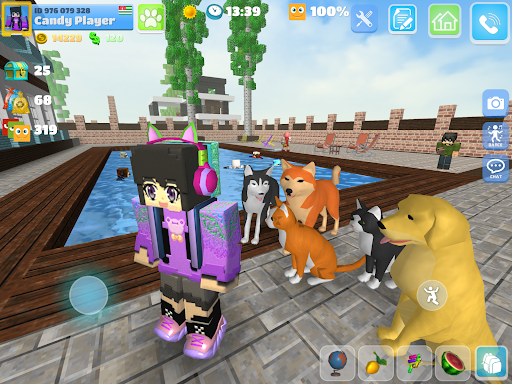
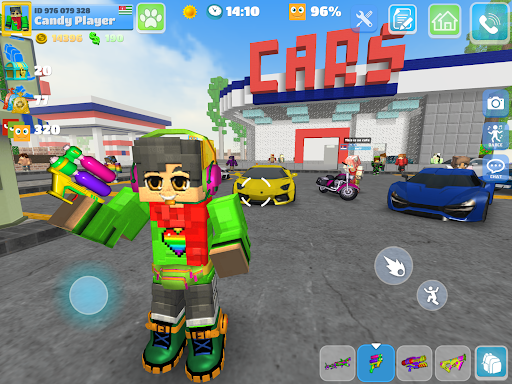
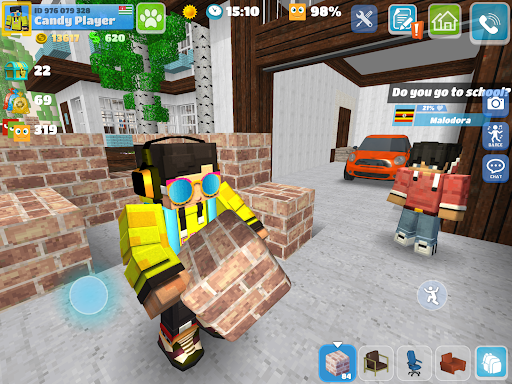
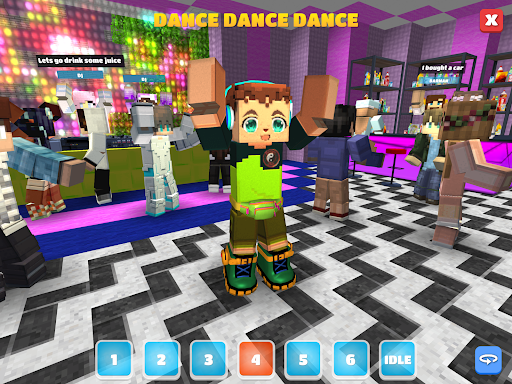
For young players seeking a creative outlet within a virtual world, this mobile game offers a blocky, open-world experience. School Party Craft, developed by Candy Room Games & RabbitCo, delivers a life simulator specifically tailored for schoolchildren and teenagers. With its distinctive cubic aesthetic, the game invites users to explore a sprawling city, build and decorate their own homes, and engage in a variety of social activities. Its blend of simulation, crafting, and social interaction aims to provide an engaging environment for personal expression and digital friendships. This review will delve into its core gameplay loops, examining how it balances exploration, creativity, and interaction within its pixelated playground. We'll also consider its strengths, potential limitations, and provide a quick guide on how to get started in this popular title, which has already attracted over 100 million downloads.
Key Features
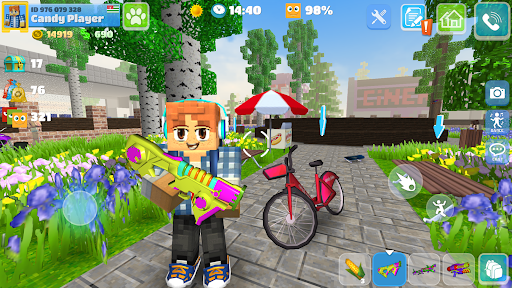
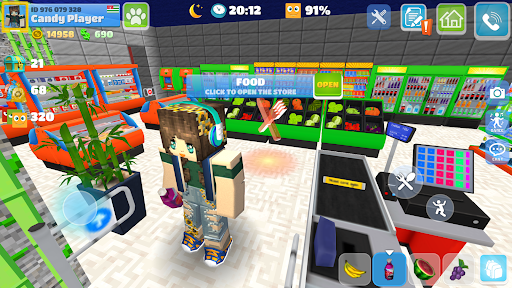
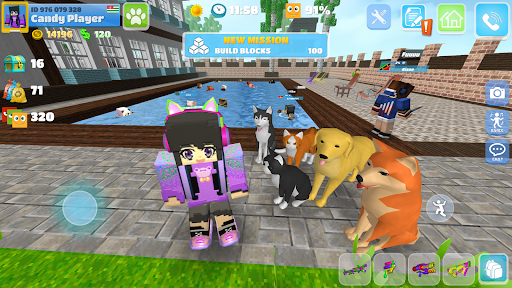
- Explore an expansive, cubic-style open-world city filled with unique characters.
- Design and decorate personalized mansions using a vast selection of blocks and furniture.
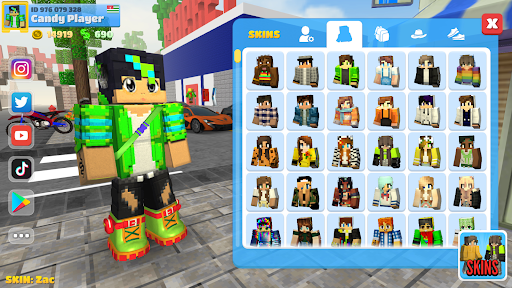
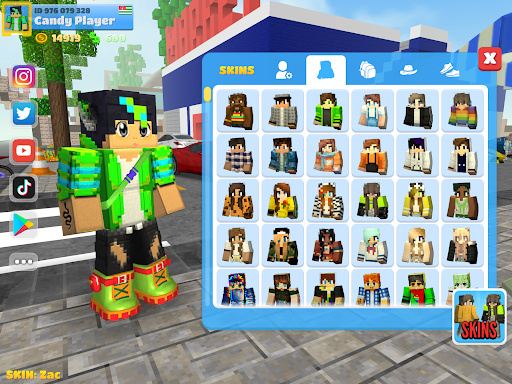
- Customize player avatars with various skins and outfits to stand out.
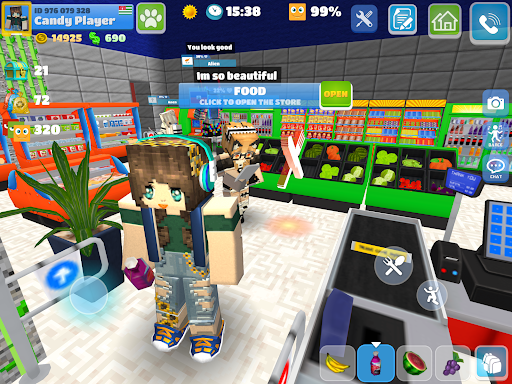
- Engage in social interactions, befriending NPCs and communicating via text messages.
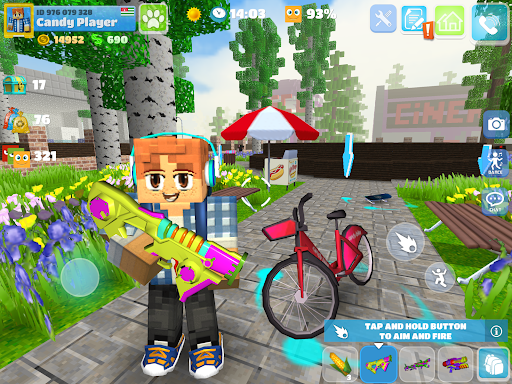
- Participate in dynamic paintball battles using a range of colorful weapons.
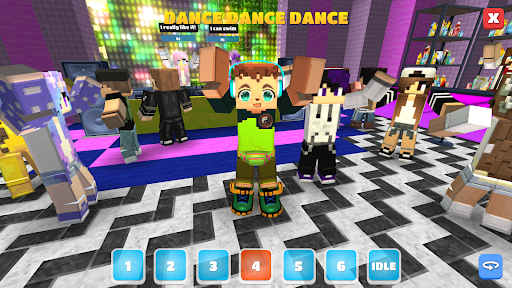
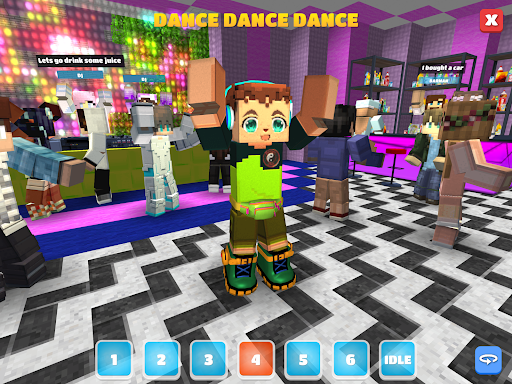
- Enjoy diverse mini-games, drive supercars, and attend virtual discos.
- Earn in-game currency through tasks and treasure chests to acquire items.
Pros & Cons
Pros
- Expansive open-world environment encourages exploration and creativity.
- High degree of avatar and home customization options.
- Combines social elements with action-oriented mini-games like paintball.
- Accessible to a wide audience due to its simple cubic graphics and Android 5.0 compatibility.
- Large player base (100M+ downloads) suggests an active community.
Cons
- Likely relies on in-app purchases for faster progression or exclusive items.
- Repetitive gameplay might emerge after extended periods without significant updates.
- Social interaction with NPCs could feel superficial or limited compared to real players.
- Potential for advertisements disrupting gameplay, common in free mobile games.
- Graphics style might not appeal to all players accustomed to more realistic visuals.
How to Use School Party Craft
- Download and install the School Party Craft app from your device's app store.
- Launch the game and complete any initial tutorial steps or character creation prompts.
- Explore the open-world city, moving your character to discover different areas and activities.
- Interact with non-player characters (NPCs) to build relationships and complete tasks for coins.
- Access the building menu to purchase and customize your own mansion with various blocks and furniture.
- Participate in mini-games or paintball battles to earn rewards and engage in combat.
- Personalize your avatar by acquiring new skins and outfits from the in-game store.
Frequently Asked Questions
Is School Party Craft a free game to play?
Does this game require an internet connection?
Can I play with my friends in School Party Craft?
What kind of in-app purchases can I expect?
Is School Party Craft suitable for all ages?
Are there alternatives to School Party Craft?
Similar to This App


Hot Apps