
Block Craft 3D:Building Game



Overview
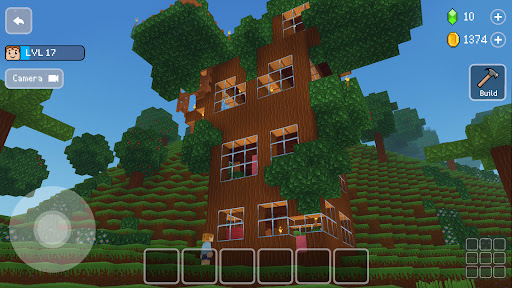
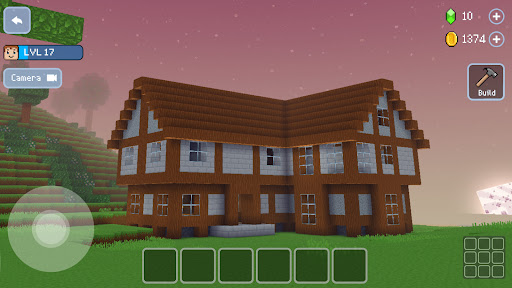
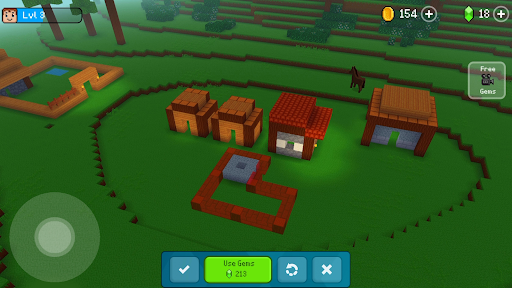
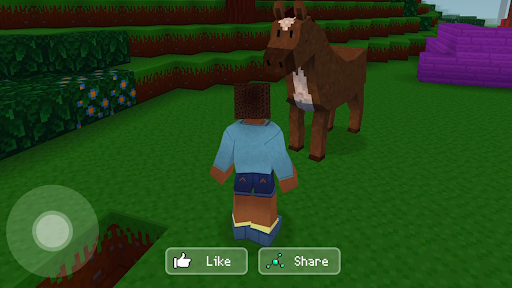
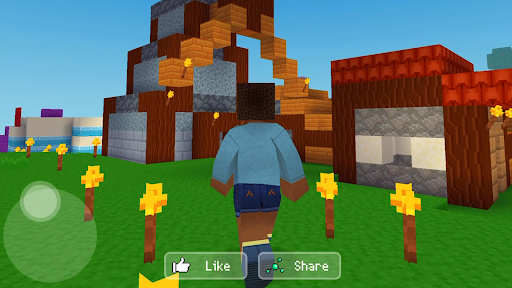
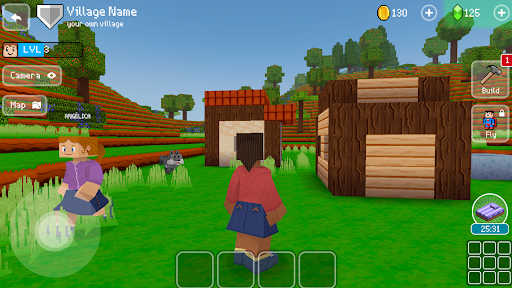
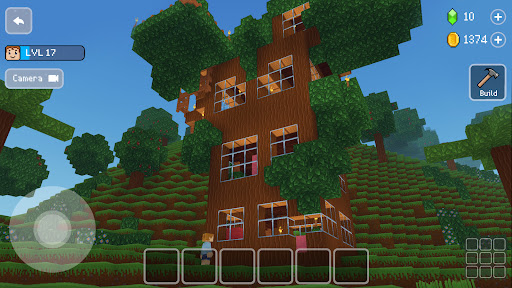
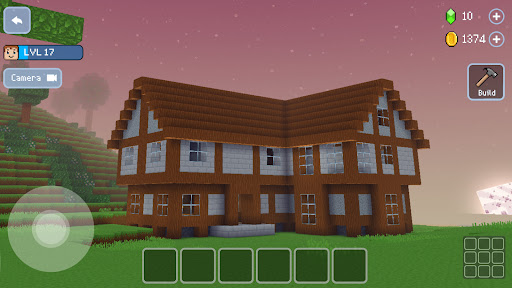
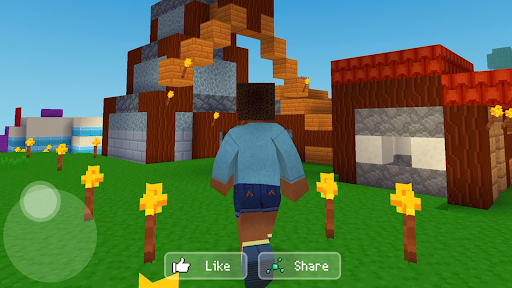
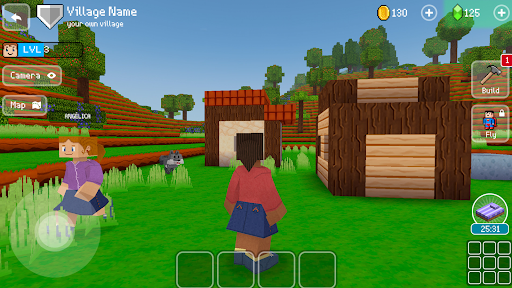
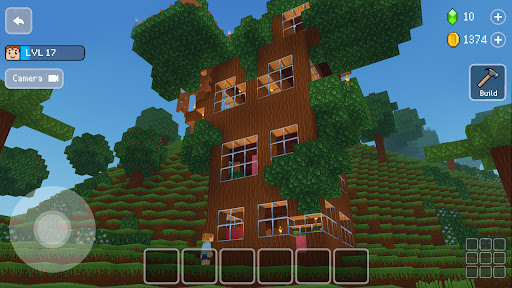
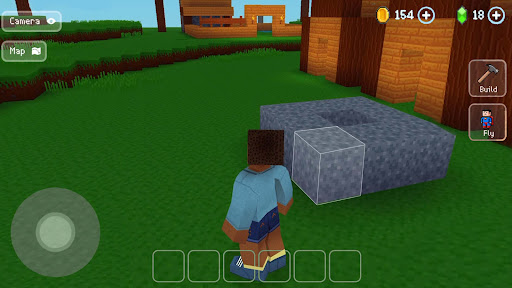
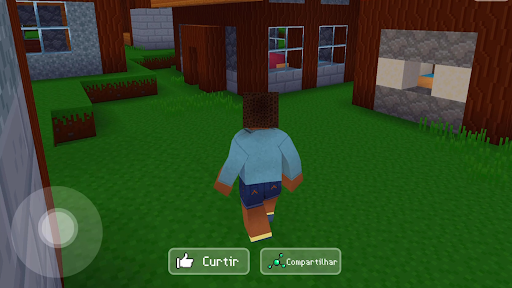
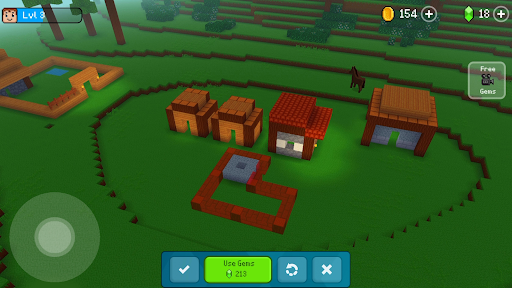
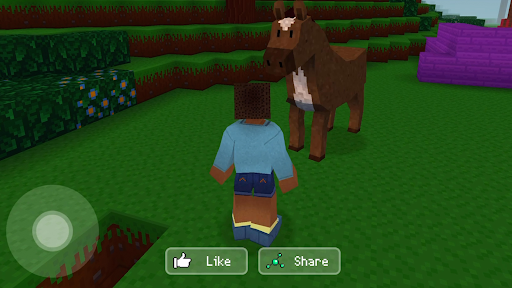
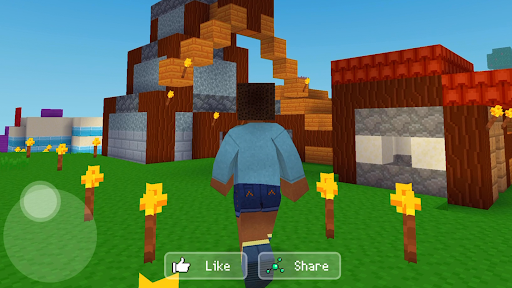
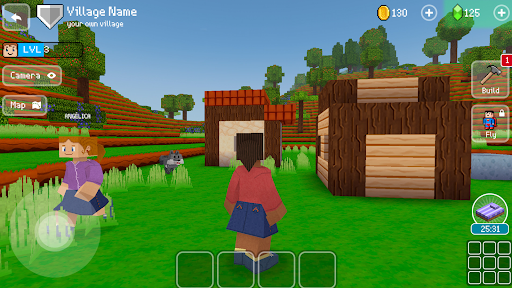
For players who enjoy the creative freedom of digital construction, the Android platform offers a variety of sandbox experiences. One such title, Block Craft 3D: Building Game, presents itself as a free-to-play option for those looking to design and construct their own virtual worlds. Developed by Wildlife Studios, this game allows users to build everything from simple dwellings to intricate cities within a blocky, vibrant environment. With over 500 pre-made blocks available, the potential for customization and imaginative design is extensive. Beyond just building, the game incorporates elements of exploration and survival, offering a more dynamic experience than pure construction. It also features a multiplayer component, inviting collaboration with friends or other global players. This review will examine its core mechanics, highlight its key features, and offer practical advice for new users, helping you decide if this building simulator is the right fit for your creative endeavors.
Key Features
- Enjoy a free-to-play sandbox experience for creative building and exploration.
- Construct diverse structures, ranging from simple homes to elaborate cities.
- Access over 500 unique pre-made blocks for extensive customization possibilities.
- Gather resources, craft essential items, and expand your creations effectively.
- Explore expansive, vibrant blocky worlds filled with various hidden treasures.
- Collaborate with friends or other global players through the integrated multiplayer mode.
- Survive challenging environments by managing resources and defending against enemies.
Pros & Cons
Pros
- Completely free to download and play, offering broad accessibility.
- Provides extensive creative freedom with hundreds of unique building blocks.
- Includes both multiplayer and survival modes for diverse gameplay experiences.
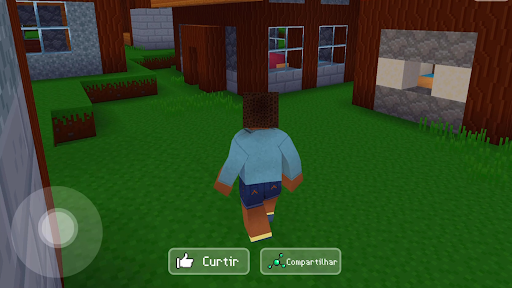
- Intuitive controls make building and exploration straightforward for all users.
- Large player community due to over 500 million downloads.
Cons
- Expect in-app purchases for premium features and to accelerate progress.
- Presence of advertising common in free-to-play mobile games.
- Survival mode involves fending off enemies, which may not appeal to all builders.
- The blocky aesthetic, while charming, might not suit every player's preference.
- Can consume significant device battery, especially during extended play sessions.
How to Use Block Craft 3D:Building Game
- Install the game from the Google Play Store on your Android device.
- Launch the app and complete any brief introductory tutorial or setup steps.
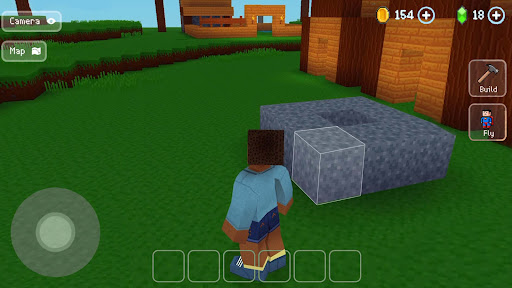
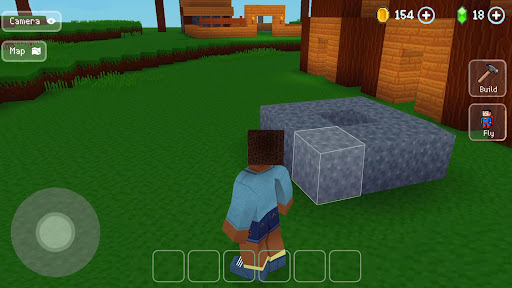
- Construct your first workshop by strategically placing blocks in your chosen area.
- Gather various resources from the surrounding environment to begin crafting new items.
- Craft basic tools and essential items to assist in further construction and exploration.
- Begin designing and building your desired structures, from simple houses to complex towns.
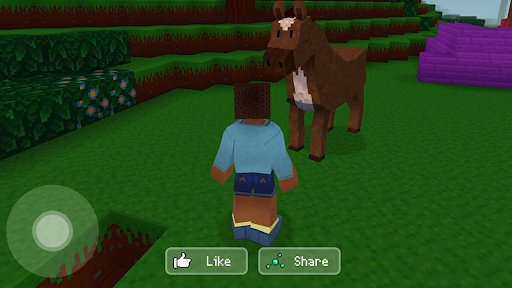
- Explore the expansive world to discover hidden chests, valuable items, and new regions.
Frequently Asked Questions
Is Block Craft 3D entirely free to play?
Can I play Block Craft 3D offline?
Do I need an account to play Block Craft 3D?
What are "gems" used for in the game?
Are there any ads in Block Craft 3D?
How does the multiplayer mode work?
Similar to This App
Hot Apps


