
Netflix

Overview
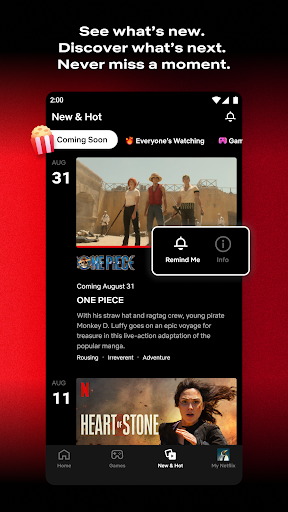
For many, accessing a vast library of entertainment on demand has become a standard expectation. This app delivers precisely that, offering a comprehensive streaming experience right on your Android device. It provides an extensive collection of movies, TV shows, documentaries, and exclusive original series from its developer, Netflix, Inc. Our review will explore its core functionalities, such as personalized recommendations and offline viewing, along with the interactive elements that distinguish some of its content. We will also delve into the practical aspects, including its user-friendly interface, potential drawbacks like regional content variations, and how easy it is for new users to get started. Whether you're a casual viewer or a dedicated cinephile, understanding what this application offers is key to maximizing your entertainment choices.
Key Features
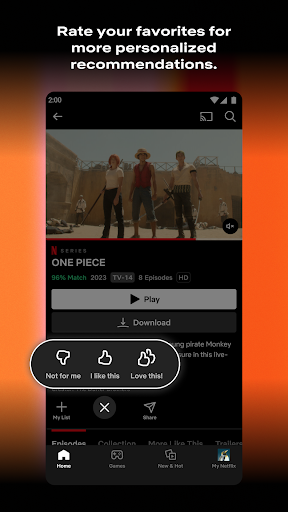
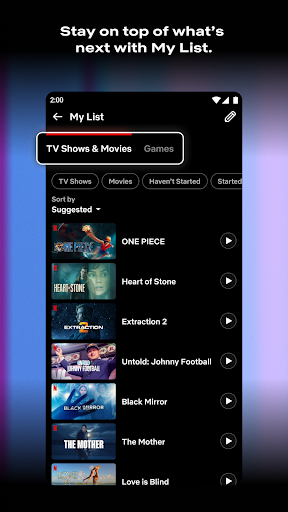
- Tailored content suggestions based on your viewing history and preferences.
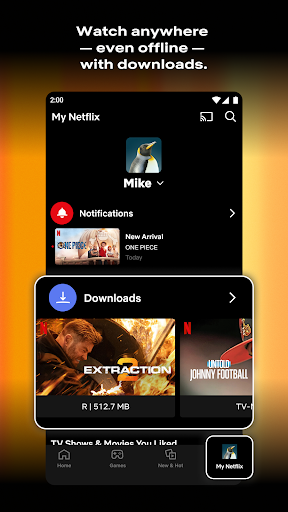
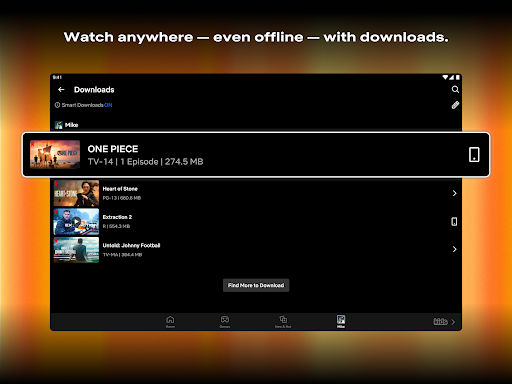
- Download select movies and TV shows for watching without an internet connection.
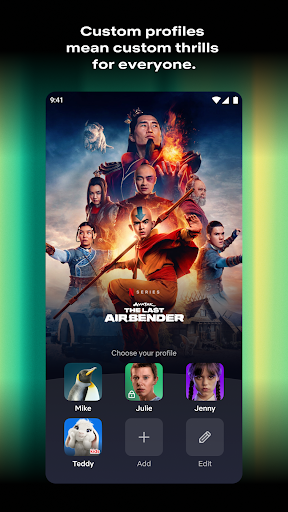
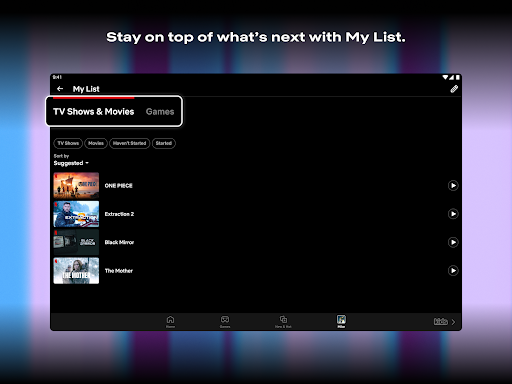
- Create separate user profiles for family members to maintain individual watch lists.
- Enjoy video content in HD, Full HD, and 4K resolutions on compatible devices.
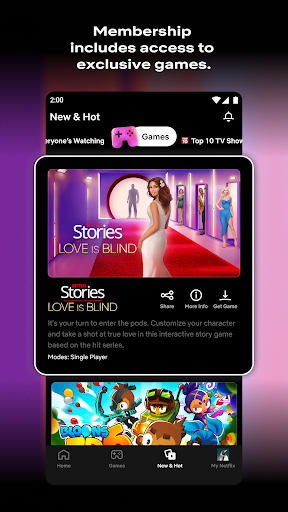
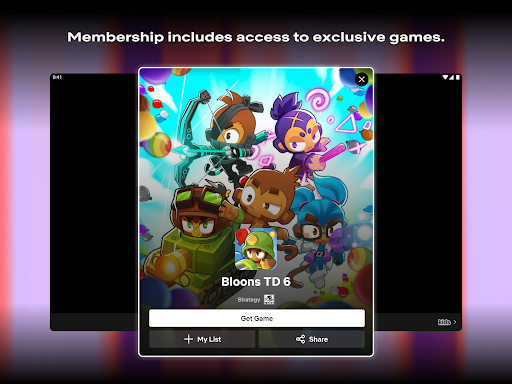
- Experience interactive storytelling in some titles, influencing plot decisions.
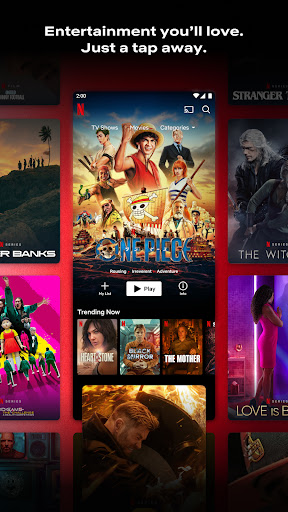
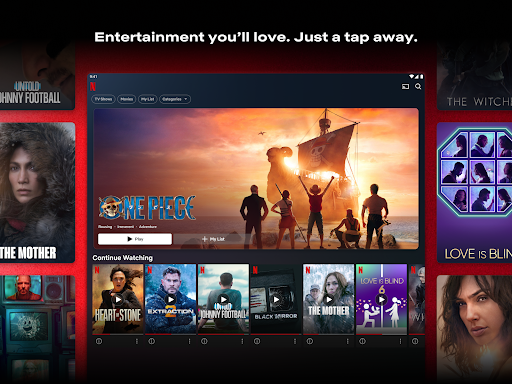
- Access a vast and diverse library of movies, TV shows, and original productions.
Pros & Cons
Pros
- Extensive library of award-winning original and licensed content.
- User-friendly interface with smooth navigation and intuitive controls.
- Offline viewing capability for downloaded titles enhances portability.
- Supports multiple user profiles, allowing personalized experiences for each family member.
- High-quality streaming options up to 4K resolution on supported devices.
Cons
- Requires a paid subscription, which can be expensive for some budgets.
- Content availability varies significantly by region due to licensing agreements.
- A stable and relatively fast internet connection is necessary for optimal streaming.
- The app can consume considerable battery life during extended streaming sessions.
- An average rating of 3.95 suggests some users encounter issues or frustrations.
How to Use Netflix
- Download and install the application directly from the Google Play Store.
- Open the app on your device and sign up for a new account or log in with existing credentials.
- Create individual user profiles for family members or different viewing moods.
- Browse the extensive content library using categories, search functions, or personalized recommendations.
- Select a movie or show you wish to watch and tap on it to begin streaming.
- Utilize the download icon to save specific titles for offline viewing at your convenience.
Frequently Asked Questions
Is a subscription required to use this service?
Can I watch content offline?
Does the available content vary by location?
How much does a subscription typically cost?
Are there any ads during playback?
Similar to This App


Hot Apps