
Melon Sandbox








Overview
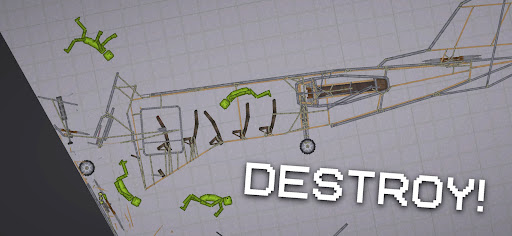
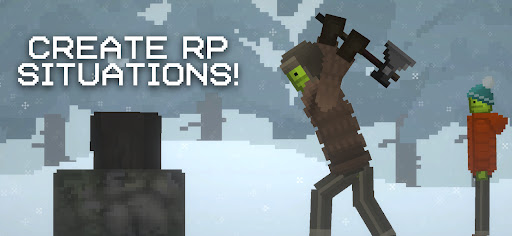
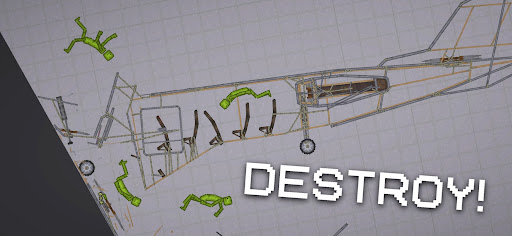
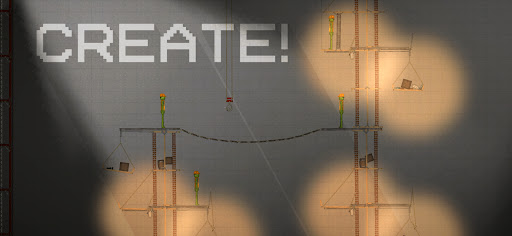
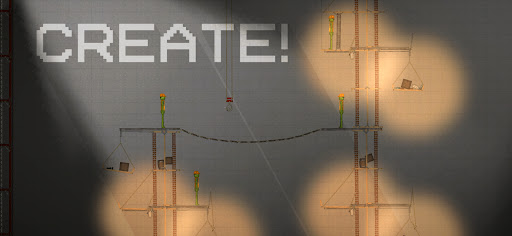
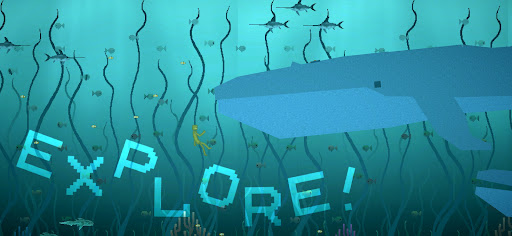
For players who enjoy unrestricted creativity and physics-based experimentation, sandbox games offer a unique digital playground. This genre thrives on giving users the tools to build, destroy, and interact with virtual worlds without predefined objectives. Melon Sandbox, a popular title from playducky.com, embraces this philosophy, providing an open-ended 2D environment where imagination is the primary guide. With its pixel-art aesthetic and dynamic physics, the game invites both casual and dedicated creators to craft intricate scenarios, test out various tools, and manipulate characters in countless ways. This review will explore what makes this simulation game a hit, detailing its core features, usability, and what prospective users can expect from its free-form gameplay.
Key Features
- Physics-based 2D environment for interactive object and character manipulation.
- Extensive toolkit including weapons, explosives, potions, and mechanical devices.
- Pixel-art graphics offering a distinct visual style for creative projects.
- Built-in Mod Editor allows for custom item creation and behavior scripting.
- A cast of distinct characters like Melon, Pumpkin, and Corn with unique traits.
- Open-ended gameplay encouraging endless experimentation and scenario building.
- Diverse maps providing varied backdrops for user-generated content.
Pros & Cons
Pros
- High degree of creative freedom for building and experimenting.
- Intuitive controls make it accessible for many players.
- Physics engine allows for realistic and engaging interactions.
- Modding capabilities extend gameplay and customization options significantly.
- Vibrant pixel graphics provide a unique and appealing aesthetic.
Cons
- Lack of structured objectives might bore players seeking guided progression.
- Advanced features like the Mod Editor can have a learning curve.
- Potential for in-app advertisements typical of free-to-play mobile games.
- Reliance on player imagination; without it, gameplay could feel repetitive.
How to Use Melon Sandbox
- Install the Melon Sandbox app from the Google Play Store on your Android device.
- Launch the game and select a map from the available options to begin your creative session.
- Tap the menu icons located at the top or side of the screen to browse characters, weapons, and tools.
- Drag and drop desired items onto the map to place them in your scene.
- Manipulate objects and characters by dragging them or using context menus to adjust properties.
- Experiment with different items and physics interactions to create unique scenarios and watch the results.
- Save your progress regularly to preserve your custom creations and scenarios.
Frequently Asked Questions
Is Melon Sandbox free to play?
Does Melon Sandbox require an internet connection?
Can I create my own items in the game?
What kind of devices can run this game?
Are there any structured goals or missions in Melon Sandbox?
Similar to This App


Hot Apps