
Word Search Explorer
















Overview
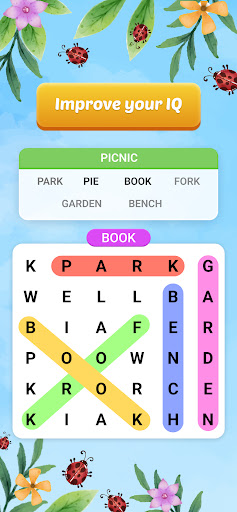
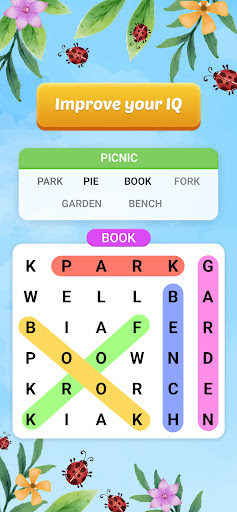
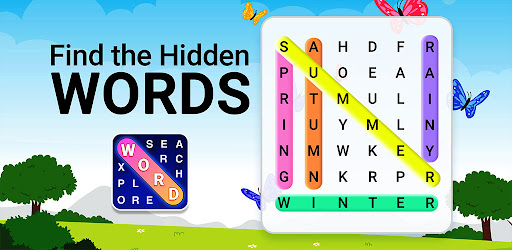
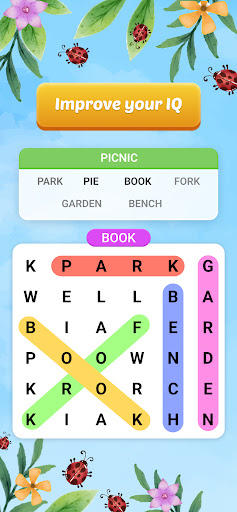
Word puzzles are a classic and often relaxing way to keep the mind sharp and pass the time. This popular mobile game, Word Search Explorer, offers a visually appealing take on the familiar hidden word format, inviting players to embark on a vocabulary-building journey through scenic backdrops. While specifically highlighted as suitable for seniors looking for an engaging mental exercise, its approachable mechanics and varied difficulty levels make it a solid choice for anyone who enjoys a good word challenge. With over 50 million downloads and a stellar 4.91 average rating, it clearly resonates with a broad audience. In this review, we'll examine its core features, identify its strengths and potential drawbacks, and guide you through getting started, so you can decide if this well-regarded title from PlaySimple Games is the right fit for your Android device.
Key Features
- Hundreds of unique word search levels with gradually increasing difficulty.
- Visually appealing design featuring stunning landscape backgrounds for exploration.
- Offline play capability, allowing puzzles to be solved without an internet connection.
- Intuitive swipe controls for easily connecting letters to form words.
- A helpful hint system is available to assist players when they encounter a difficult puzzle.
- Words can be hidden in multiple directions, including horizontal, vertical, diagonal, and backward.
- The game offers a free-to-play model, providing extensive content without an upfront cost.
Pros & Cons
Pros
- Highly accessible gameplay suitable for all ages and skill levels.
- Visually attractive interface and relaxing themes enhance the overall experience.
- Offers a vast number of levels, ensuring long-term engagement and replayability.
- Offline mode allows for convenient play without an internet connection.
- Effectively helps improve vocabulary and cognitive pattern recognition skills.
Cons
- Difficulty progression might feel slow for experienced word puzzle solvers.
- The core gameplay loop is inherently repetitive, common in word search games.
- As a free-to-play title, it likely contains advertisements or offers in-app purchases.
How to Use Word Search Explorer
- Install Word Search Explorer from the Google Play Store on your Android device.
- Launch the application from your app drawer or home screen to begin.
- Select a puzzle level from the available options to start your word-finding adventure.
- Swipe your finger across the grid of letters to connect them and form hidden words related to the theme.
- Complete the level by successfully identifying all the words within the puzzle.
- Utilize the in-game hint system if you find yourself stuck on a particularly challenging word.
Frequently Asked Questions
Is Word Search Explorer truly free to play?
Can I play this game without an internet connection?
Is this game suitable for children?
How does the game assist players when they get stuck?
Are there many levels to keep me engaged?
Similar to This App


Hot Apps