
PBS KIDS Games App

Overview
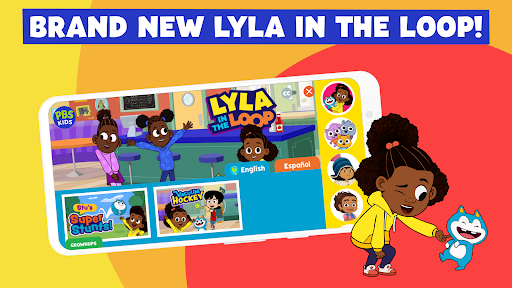
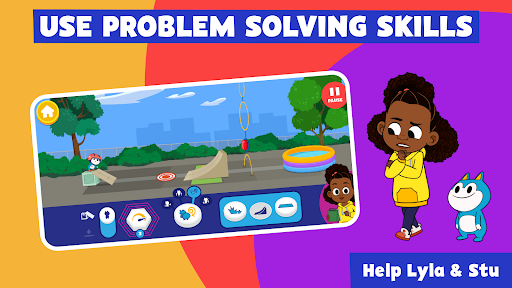
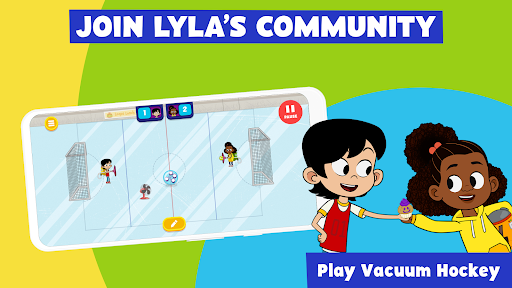
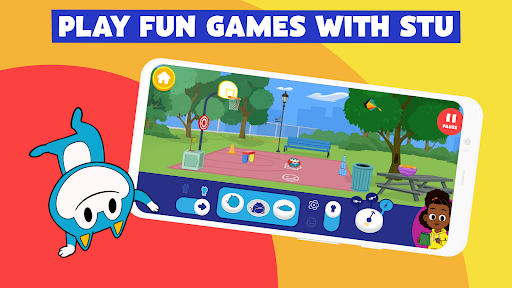
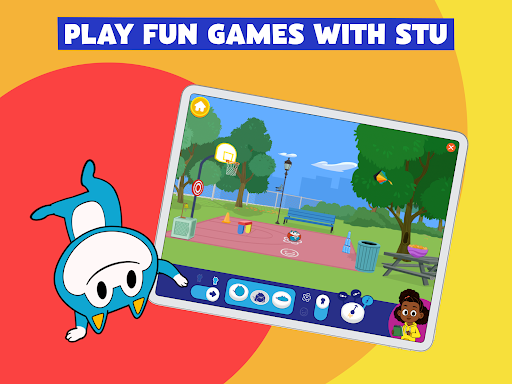
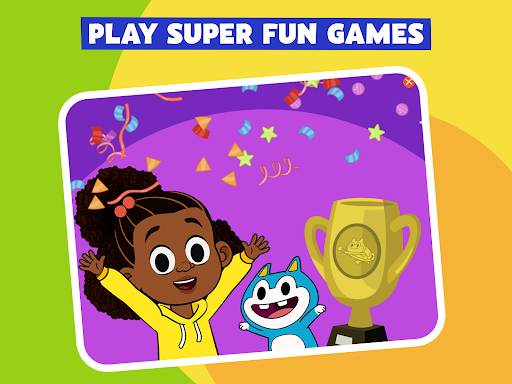
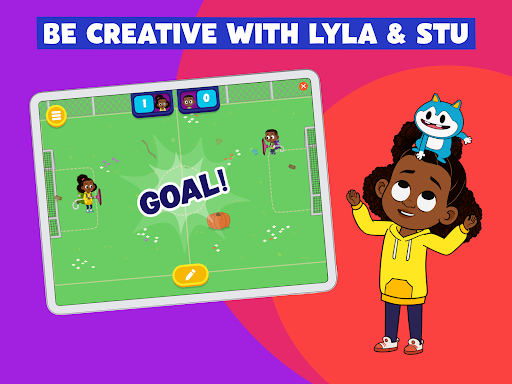
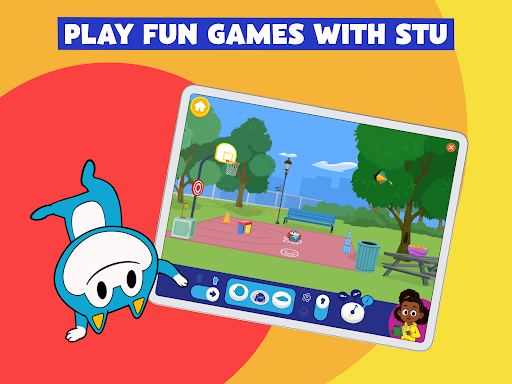
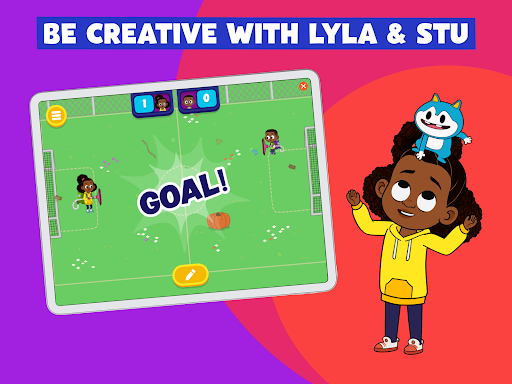
For parents and educators seeking engaging, age-appropriate digital content, a dedicated platform of educational games can be a valuable resource. This particular offering from a well-known public broadcasting institution provides a curated collection of activities designed for children aged 2-8. Featuring familiar characters from popular children's shows, the app aims to blend entertainment with learning, focusing on fundamental skills such as science, mathematics, creativity, and problem-solving. Our review will explore its features, assess its benefits and potential drawbacks, and guide prospective users through its initial setup and usage, addressing common questions along the way. The goal is to determine if this app effectively delivers on its promise of safe, curriculum-based fun for young learners.
Key Features
- Over 90 free educational games designed for children aged 2-8.
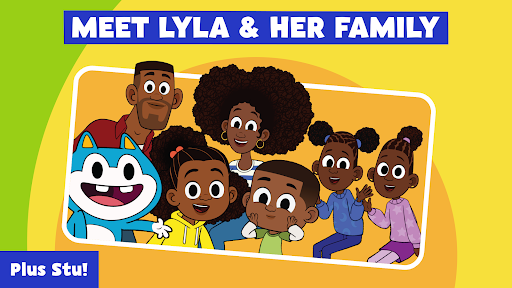
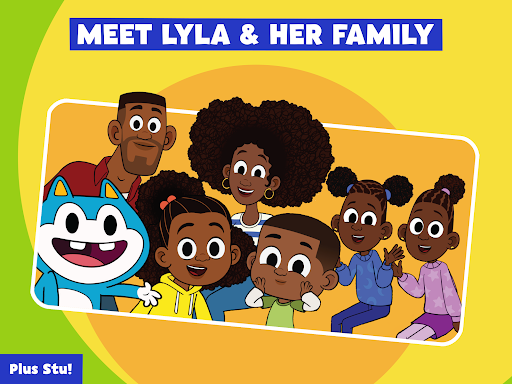
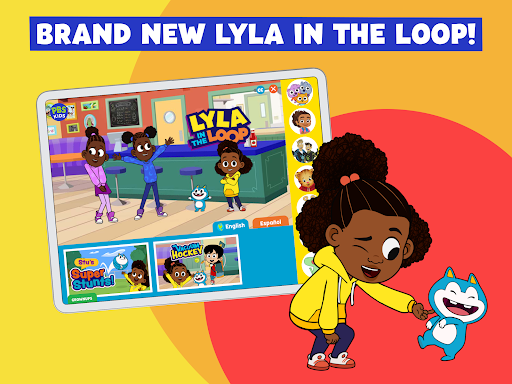
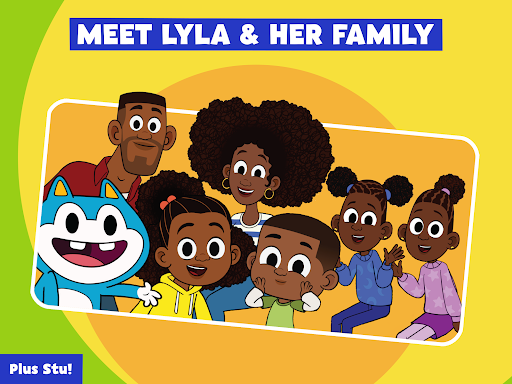
- Features beloved characters from popular PBS KIDS television programs.
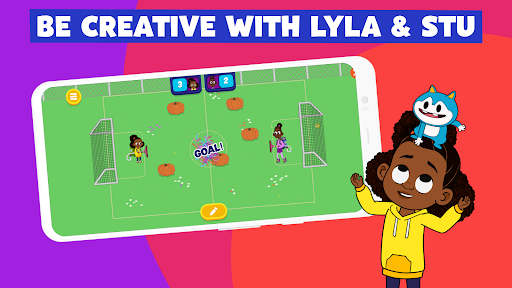
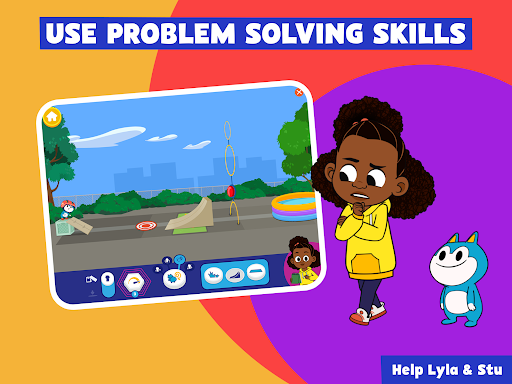
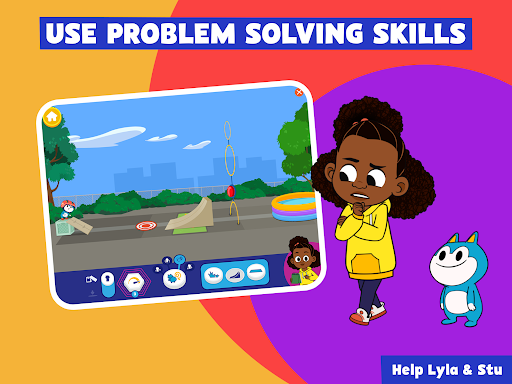
- Curriculum-based content fostering skills in science, math, and creativity.
- Provides a safe, child-friendly environment for independent play.
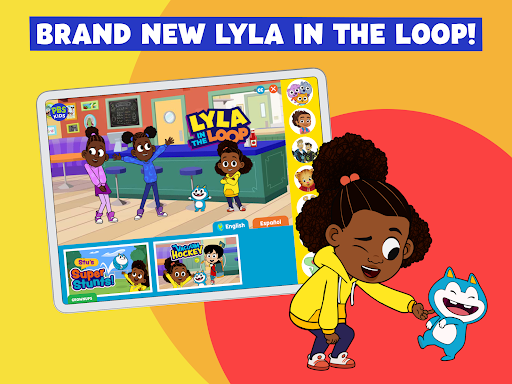
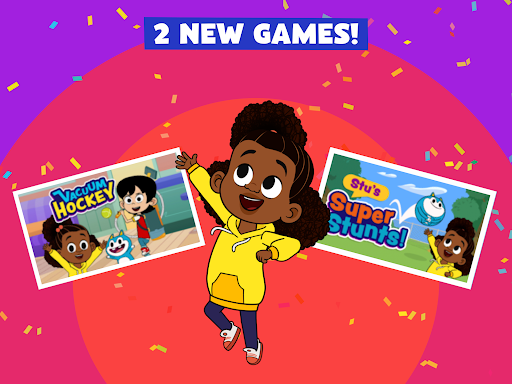
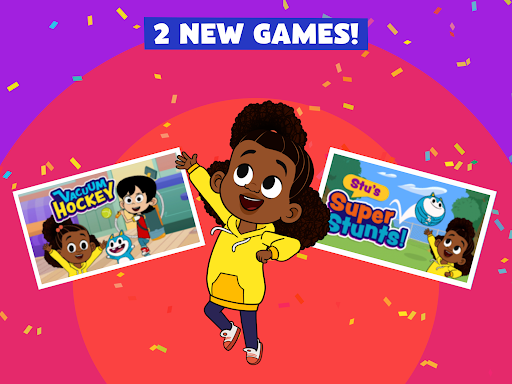
- Regularly updated with new games to ensure fresh and engaging content.
- Intuitive interface allows young children to easily browse and select games.
Pros & Cons
Pros
- Engaging content featuring popular, trusted children's characters.
- Completely free to use with no in-app purchases or subscriptions.
- Strong focus on educational outcomes across multiple subject areas.
- Designed as a safe and ad-free experience for young users.
- Games can be downloaded for offline play, offering flexibility.
Cons
- Requires a significant amount of device storage for all games.
- Potential for excessive screen time if not monitored by parents.
- Some games may offer repetitive gameplay over time.
- Internet connection needed for initial downloads and new content updates.
How to Use PBS KIDS Games App
- Download the PBS KIDS Games App from your device's app store.
- Open the application once installation is complete.
- Browse the extensive library of games, organized by popular PBS KIDS characters.
- Tap on a game icon to view its description and learning objectives.
- Select a game to initiate its download and begin playing.
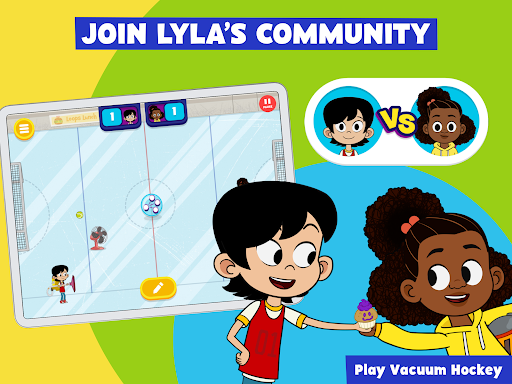
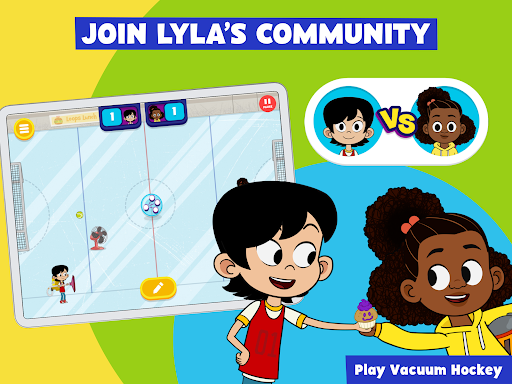
- Engage with the various activities, puzzles, and challenges presented.
- Explore different characters and game types to discover new learning experiences.
Frequently Asked Questions
Is the PBS KIDS Games App free to use?
Is the content suitable and safe for young children?
Can games be played offline?
Are new games added to the app regularly?
What educational skills does the app aim to develop?
Similar to This App


Hot Apps