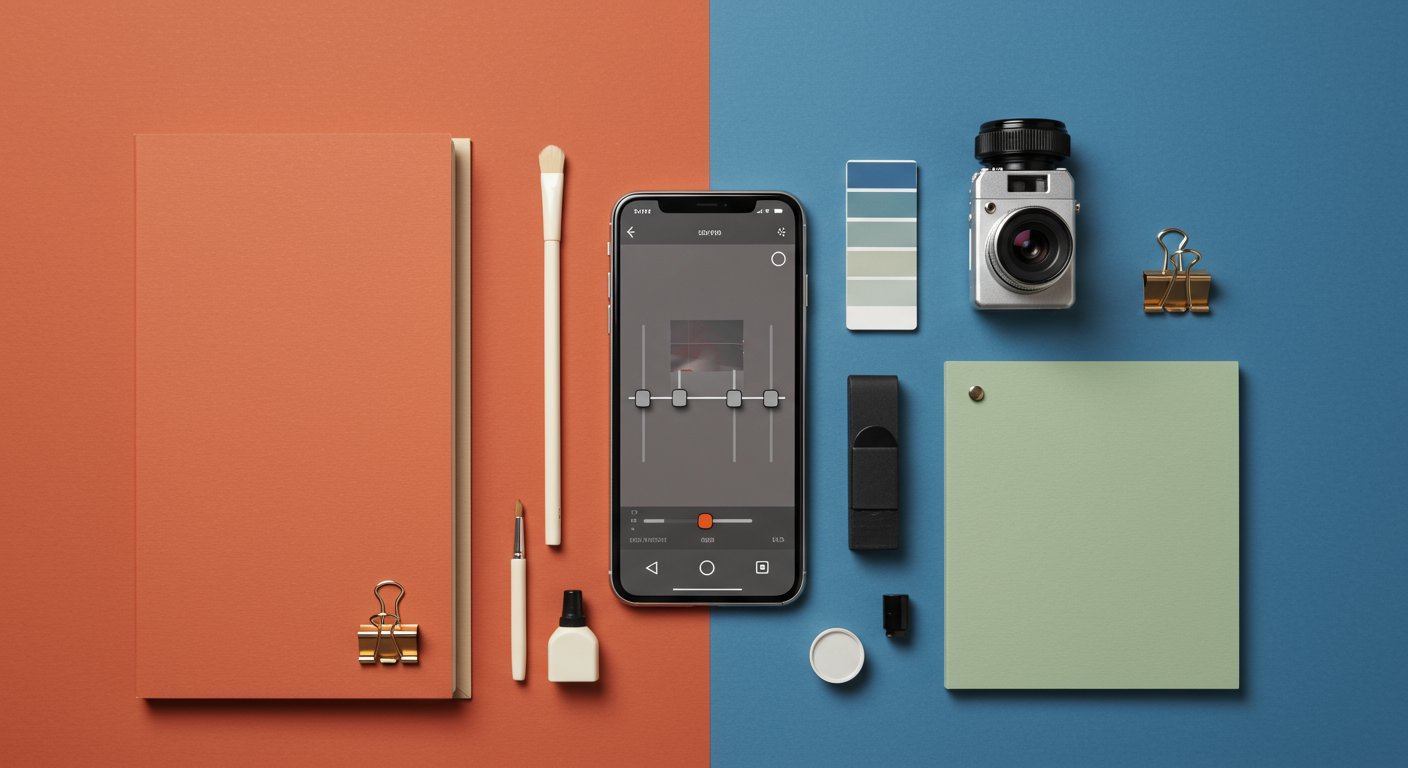
Your phone's camera is probably fantastic, but let's be honest: the shot you take is rarely the shot you share. The step in between, photo editing, is where a good picture becomes a great one. The Google Play Store is a minefield of options, from one-tap filter apps loaded with ads to bafflingly complex professional suites. We're cutting through the noise to look at four of the most significant photo editing apps on Android. We'll examine the free, powerhouse Snapseed; the aesthetic-focused VSCO; the industry-standard Adobe Lightroom; and the all-in-one design tool, Adobe Express. This is not a contest to find a single winner, but a guide to help you find the right tool for the job.
The Free and Powerful All-Rounder: Snapseed
For years, the default recommendation for a free, full-featured photo editor has been Snapseed. And for good reason. Originally an independent app, it was acquired by Google over a decade ago and remains one of the best pieces of mobile software the company offers. Its biggest selling point is its price tag: it is completely, unequivocally free. There are no ads, no premium unlocks, and no subscriptions. Everything is available from the moment you install it.
What you get for that price of zero is an astonishingly deep toolkit. It covers all the basics, like tuning brightness, contrast, saturation, and cropping. But it goes so much further. You get a proper Curves tool for precise tonal adjustments, a powerful Healing brush for removing unwanted objects, and a White Balance tool that can save photos taken under tricky lighting. For portrait photographers, the Head Pose and Portrait tools offer subtle but effective ways to tweak facial features and lighting.
The Pro Tools Hiding in Plain Sight
Where Snapseed truly shines is in features that are often locked behind paywalls in other apps. It supports non-destructive editing for both JPG and RAW files, meaning you can always go back and change your mind. The 'Stacks' feature lets you view, edit, or delete any adjustment you've made, and you can even save a combination of edits as a custom preset (called a 'Look') to apply to other photos. Advanced tools like Double Exposure, for blending two images, and Lens Blur, for creating a convincing shallow depth-of-field effect, are easy to use but offer a high degree of control.
So, what's the catch? The main concern with Snapseed is its development status. The app hasn't received a significant feature update in years. While it remains stable and functional on modern Android versions, the user interface feels a bit dated compared to its contemporaries. There's also the perennial fear that Google, known for discontinuing beloved products, might one day abandon it entirely. For now, though, it remains the most powerful and respectful free photo editor on the platform. It's the perfect place for anyone to start.
For the Film Look and Social Vibe: VSCO
If Snapseed is a utilitarian workshop, VSCO is a curated art gallery. The app is built around its presets—filters designed to emulate the look of classic analog film stocks. While many apps offer filters, VSCO's have long been praised for their subtlety and quality. They tend to be less about dramatic, over-the-top effects and more about creating a specific mood or aesthetic. This has made the app a favorite among influencers and users who want a consistent, recognizable style for their social media feeds.
The free version of VSCO provides a handful of these presets and standard editing tools like exposure, contrast, and sharpening. It's enough to get a feel for the app's philosophy. However, the core experience is gated behind the VSCO Membership subscription. This unlocks the entire library of over 200 presets, advanced editing tools like HSL (Hue, Saturation, Lightness) and Split Tone, and video editing capabilities. The subscription is a significant commitment, and whether it's worth it depends entirely on how much you value the specific look of VSCO's presets.
More Than Just Filters
VSCO also incorporates a social platform. You can create a profile, publish your edited photos to your feed, and explore content from other creators in the community. Unlike Instagram, there are no public follower counts or likes, a conscious decision to foster a less competitive environment. For some, this is a refreshing focus on the art itself. For others, who just want an editing tool, it's an unnecessary extra layer. The app's minimalist interface, full of icons and gestures, can also present a steep learning curve for new users. It's a powerful tool for cultivating a specific aesthetic, but you have to be willing to buy into its ecosystem, both financially and conceptually.
The Professional's Choice on Mobile: Adobe Lightroom
Adobe Lightroom is the industry standard for photo management and editing on the desktop, and its mobile counterpart brings much of that power to your phone. If you're a serious hobbyist or a professional photographer, this is likely the app for you. Its main strength lies in its seamless integration with the wider Adobe Creative Cloud ecosystem. Photos and edits can sync automatically between your phone, tablet, and computer, creating a unified workflow.
Lightroom Mobile boasts best-in-class RAW file processing, giving you maximum flexibility to recover details from highlights and shadows. The free version is surprisingly capable, offering robust control over light, color, and effects, as well as presets and a decent cropping tool. It’s a great editor in its own right. However, the true power of Lightroom is unlocked with a Creative Cloud Photography Plan subscription. This paywall hides some of the most essential features: the Healing brush for removing objects, powerful Masking tools for making selective adjustments to specific parts of your image, geometry tools for correcting perspective distortion, and, crucially, the cloud storage and syncing.
The learning curve is steeper than with Snapseed or VSCO, but the level of control is unparalleled. The color grading tools, for instance, allow for precise adjustments to the hue, saturation, and luminance of individual color ranges. For anyone already invested in Adobe's world, Lightroom Mobile is an essential, non-negotiable tool. For newcomers, it's a more serious proposition. It’s overkill for quick social media snaps, but for photos you truly care about, it offers the most sophisticated editing experience on Android.
Beyond Editing: The All-in-One Design Tool
Sometimes you need to do more than just edit a photo. You need to add text, create a collage, or design a graphic for a social media post. That's where Adobe Express comes in. Formerly known as Adobe Spark, this app is less of a pure photo editor and more of a versatile content creation studio. It competes more with services like Canva than with Lightroom or Snapseed.
You can still perform basic photo edits inside Express—adjusting brightness, applying filters, and even using an impressive one-tap AI tool to remove backgrounds. But the app's real purpose is to combine those photos with other elements. It's built around a massive library of templates for everything from Instagram stories and YouTube thumbnails to event flyers and business cards. You can easily add and style text, insert graphics and design assets, and build multi-page documents.
Like other Adobe products, Express operates on a freemium model. The free plan is generous, offering thousands of templates and design assets. The Premium subscription unlocks the entire library, gives you more cloud storage, and adds key features like the ability to apply your brand's logos, colors, and fonts with a single tap. For individuals or small businesses needing to create polished visual content quickly, Adobe Express is an incredibly efficient tool. It's not the app you'd use to painstakingly edit a landscape photo, but it might be the app you use to put that photo on a promotional poster.
Which Photo Editor Is Right for You?
The best app is the one that fits your workflow. There's no single right answer, so here's a simple breakdown:
- For almost everyone: Start with Snapseed. It's free, powerful, and has no ads. It will handle 95% of what most people need and is the perfect benchmark against which to judge other apps.
- For the aesthetic-conscious: If you're chasing a specific, filmic look and want a curated social experience, try VSCO. Just be aware that its full potential requires a subscription.
- For the serious photographer: If you shoot in RAW, need precise control, or already use Adobe software on your desktop, Adobe Lightroom Mobile is the undisputed champion. The investment provides a professional-grade, cross-device workflow.
- For the social media creator or small business owner: If your photos are just one part of a larger design, Adobe Express is your best bet. It prioritizes speed and template-based design over granular photo editing. Other apps like Picsart AI Photo Editor, Video and Canva: AI Photo & Video Editor fill a similar niche, with Picsart leaning more into heavy effects and collages while Canva focuses on broader graphic design.
Ultimately, a great photo starts with a good eye, not a good app. But having the right tool makes it much easier to bring your creative vision to life. Don't be afraid to try a few and see which one clicks for you.