
Aetna Health
Overview
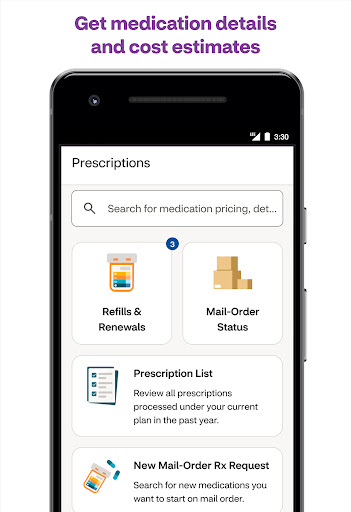
Keeping track of healthcare benefits, expenses, and appointments can often feel overwhelming, even for the most organized individuals. For those enrolled with Aetna, a dedicated mobile application aims to streamline these complex processes. The Aetna Health app positions itself as a central hub where members can oversee various aspects of their health coverage directly from their Android device. This tool is specifically designed to simplify how users interact with their insurance plan, offering a more convenient way to manage health-related tasks. In this review, we will explore how the application helps users monitor their spending, find care providers, manage claims, and access policy details with greater ease. We’ll delve into its core functionalities, highlight its practical benefits, and also point out any potential drawbacks, offering a balanced perspective on whether it truly simplifies healthcare management for its target audience.
Key Features
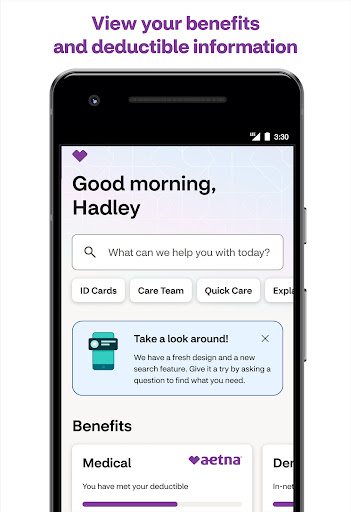
- Monitor healthcare expenses and track progress toward meeting your plan's deductibles.
- Locate nearby MinuteClinic services available within select CVS Pharmacy and Target stores.
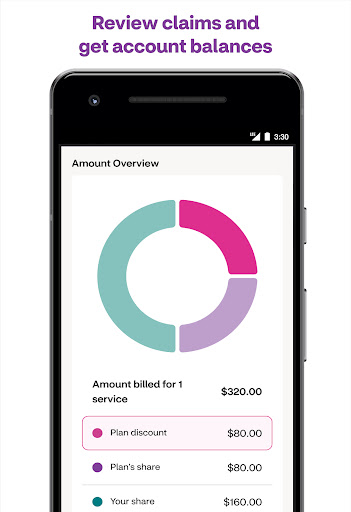
- Submit and track the status of insurance claims digitally, reducing the need for paper forms.
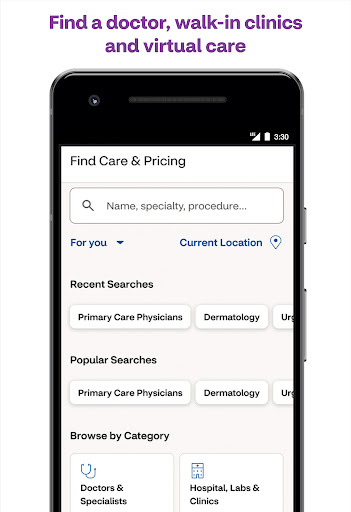
- Search for in-network care providers and facilities based on your current location.
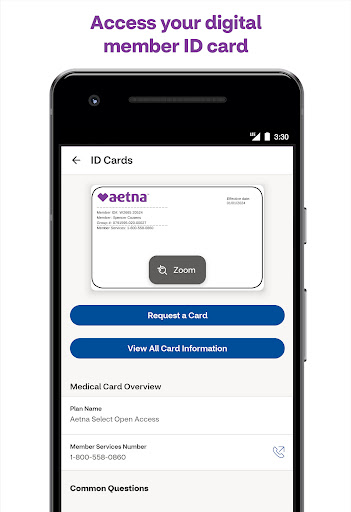
- Access comprehensive details of your insurance policy and plan specifics at any time.
Pros & Cons
Pros
- Consolidates multiple healthcare management tasks into one convenient application.
- Offers a clear, intuitive interface for straightforward navigation and ease of use.
- Provides convenient digital access to care options and detailed policy information.
- Securely links to existing Aetna member credentials for personalized and protected access.
Cons
- Functionality is largely dependent on having an active Aetna insurance plan.
- Specific features and their availability can vary based on individual health plan details.
- May not fully replace the need for direct communication with Aetna representatives for complex issues.
- Requires Android 10 or newer, potentially excluding users with older mobile devices.
How to Use Aetna Health
- Download the Aetna Health app from the Google Play Store onto your compatible Android device.
- Open the application and log in using your existing Aetna member credentials.
- Explore the dashboard to view an overview of your benefits and recent account activity.
- Track your healthcare spending and deductible progress through the dedicated financial section.
- Search for in-network providers or nearby MinuteClinic locations using the 'Connect to Care' feature.
- Manage your claims by submitting new ones or checking the status of existing submissions digitally.


