
Audible: Audio Entertainment














Overview
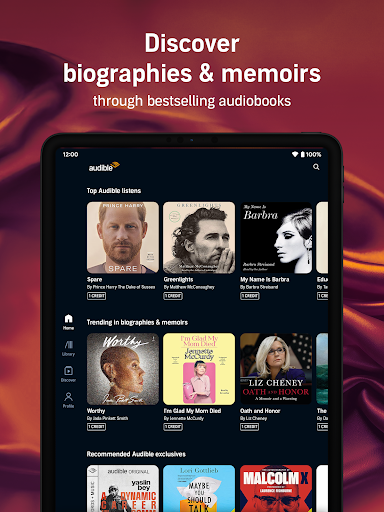
For many, the opportunity to consume literature and other spoken-word content while commuting, exercising, or performing household chores has become invaluable. This convenience is largely thanks to platforms like Audible: Audio Entertainment, a long-standing leader in the digital audiobook and podcast space. Developed by Audible, Inc., this Android app positions itself as a comprehensive solution for anyone seeking immersive audio experiences. With a library boasting over 100,000 titles, from best-selling novels to insightful podcasts, it aims to cater to a broad spectrum of interests. This review will explore the app's core functionalities, examine its benefits for avid listeners, and highlight any potential drawbacks to help you decide if it’s the right fit for your audio entertainment needs.
Key Features
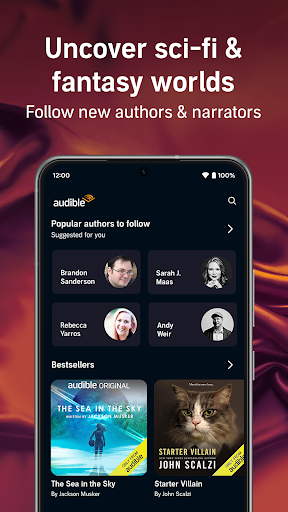
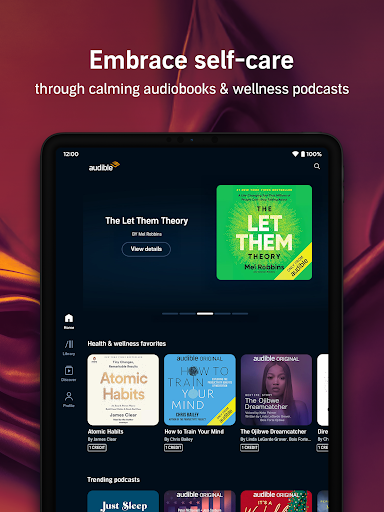
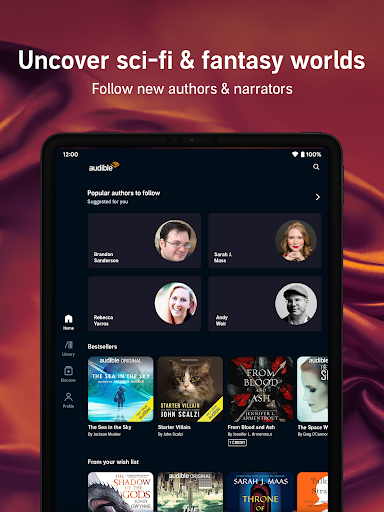
- Access an extensive library of over 100,000 audiobooks and exclusive podcasts across diverse genres.
- Adjust listening speed from 0.75x to 3x for a personalized and comfortable playback experience.
- Utilize a convenient sleep timer to automatically pause audio playback after a set duration.
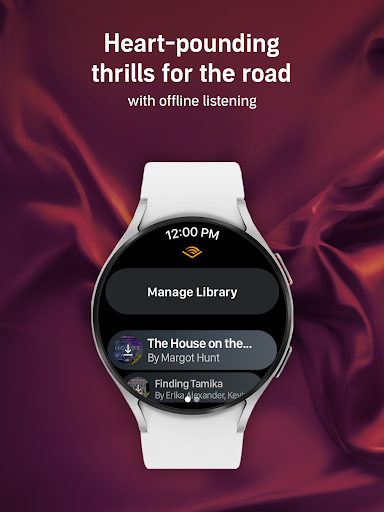
- Download titles directly to your device for offline listening without an internet connection.
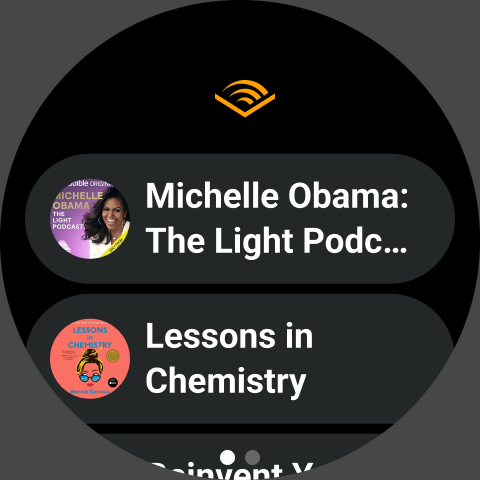
- Sync your listening progress effortlessly across multiple devices, picking up exactly where you left off.
- Enjoy high-quality narration from professional voice actors and even the authors themselves.
Pros & Cons
Pros
- Access to an enormous catalog of audiobooks and podcasts.
- High-quality, professional narration for an engaging listening experience.
- Intuitive and easy-to-navigate user interface.
- Seamless progress syncing across all your devices.
- Offline download capability for listening anywhere.
Cons
- Requires a paid subscription after the initial free trial period.
- Specific titles may not be available in all geographical regions.
- Some users might find the monthly subscription cost relatively high.
- Can consume significant storage space for downloaded content.
How to Use Audible: Audio Entertainment
- Download the Audible: Audio Entertainment app from the Google Play Store and install it on your Android device.
- Sign up for an Audible account or log in with your existing Amazon credentials to get started.
- Explore the vast library of audiobooks and podcasts using the search bar or by browsing categories.
- Select a title you wish to listen to and either stream it immediately or download it for offline access.
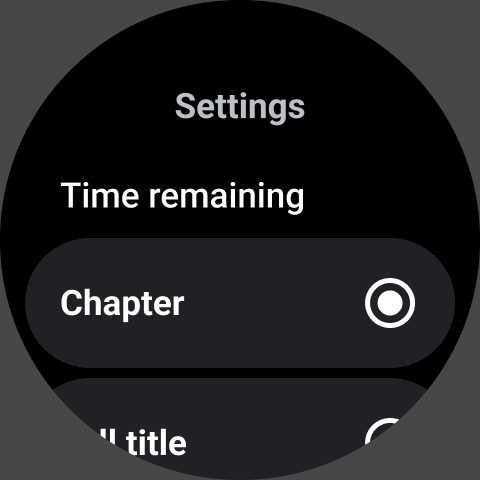
- Adjust playback settings like speed or set a sleep timer according to your preferences while listening.
- Continue listening across devices, as your progress automatically syncs, allowing a seamless experience.
Frequently Asked Questions
Is Audible: Audio Entertainment free to use?
Can I listen to content offline?
Do I need an Amazon account to use Audible?
What types of content can I find on Audible?
Will my listening progress sync across different devices?
Similar to This App


Hot Apps