
GPS, Maps, Driving Directions









Overview
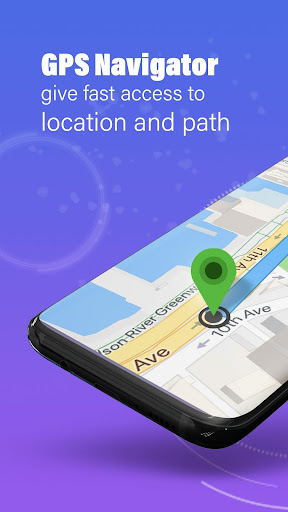
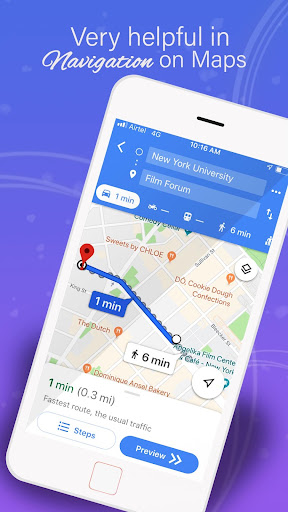
Finding your way through unfamiliar streets or simply trying to beat the daily commute can often be a source of stress. For drivers seeking a reliable companion to simplify their journeys, GPS, Maps, Driving Directions offers a comprehensive suite of tools. This application aims to provide efficient navigation, whether you're a daily commuter looking for the fastest route or an explorer discovering new cities. It combines essential features like real-time traffic updates and voice guidance with some unique additions like a built-in speedometer and a GPS location camera. This review will delve into its core functionalities, highlight its benefits, point out potential drawbacks, and guide you through its usage, helping you decide if this app is the right fit for your mobile navigation needs.
Key Features
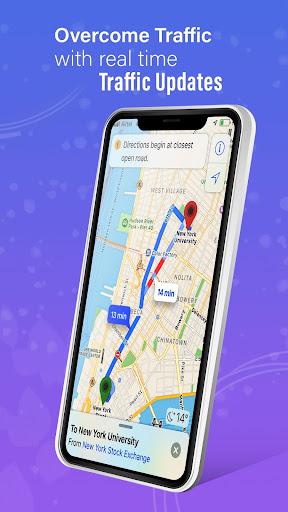
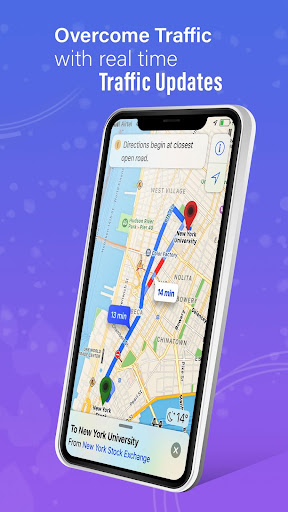
- Navigate routes with real-time traffic information to avoid congestion.
- Access maps and navigation instructions even without an internet connection.
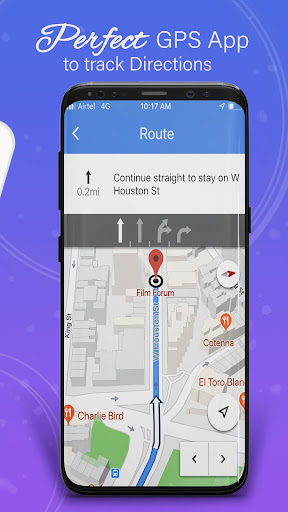
- Receive clear, spoken turn-by-turn directions for easy guidance.
- Monitor your current speed with an integrated digital speedometer.
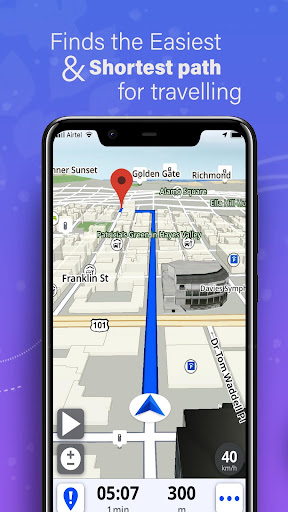
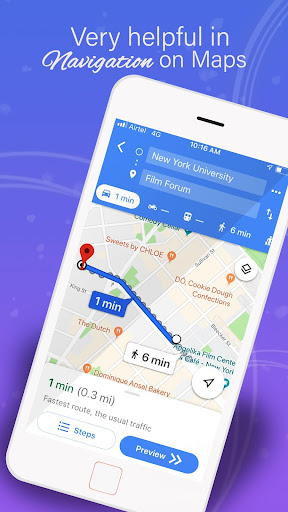
- Choose from multiple alternative routes to suit your travel preferences.
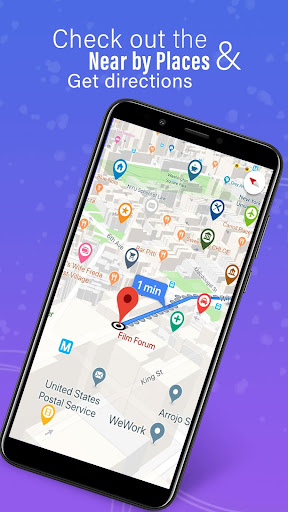
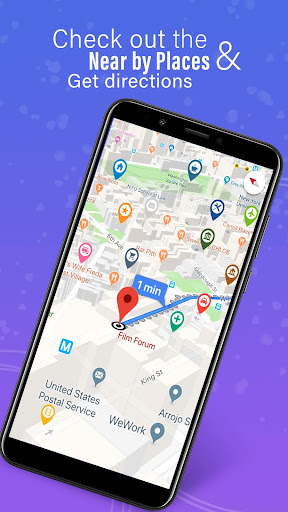
- Discover nearby points of interest, including restaurants and gas stations.
- Tag photos with precise location data using the built-in GPS camera.
Pros & Cons
Pros
- User-friendly interface makes it accessible for all skill levels.
- Real-time traffic updates significantly improve route planning efficiency.
- Offline map functionality ensures navigation without a data connection.
- Offers various route options, allowing users to select their best path.
- Includes a speedometer to help drivers maintain legal speeds.
Cons
- Some advanced features or content may require in-app purchases.
- Estimated arrival times can occasionally be inaccurate during heavy traffic.
- Like many free applications, it likely incorporates advertisements.
- Continuous GPS usage can lead to noticeable battery drain on your device.
How to Use GPS, Maps, Driving Directions
- Install the "GPS, Maps, Driving Directions" app from the Google Play Store.
- Grant the necessary location and storage permissions when prompted upon first launch.
- Enter your desired destination in the search bar at the top of the screen.
- Review the suggested routes and select the one that best fits your needs.
- Follow the voice-guided, turn-by-turn directions as you drive to your destination.
- Download region-specific maps in advance for seamless offline navigation.
Frequently Asked Questions
Is this navigation app completely free to use?
Can I use GPS, Maps, Driving Directions without an internet connection?
Does the app provide real-time traffic information?
Is an account or registration required to use the app?
How accurate are the estimated arrival times?
Will using this app significantly drain my phone's battery?
Similar to This App


Hot Apps