
Beat Maker Pro - DJ Drum Pad




Overview
For aspiring producers and seasoned musicians alike, mobile beat-making applications offer a convenient way to sketch out ideas or create full tracks on the go. Beat Maker Pro - DJ Drum Pad stands out as a popular option, boasting millions of downloads and a strong user rating. This application aims to democratize music production, providing tools that cater to both complete beginners and those with more experience in crafting electronic music, hip-hop, and other contemporary genres. With an emphasis on an intuitive interface and a rich library of sounds, it promises to transform your Android device into a portable music studio. Our review will explore its core features, highlight its advantages and disadvantages, guide you through its basic usage, and answer common questions to help you decide if it's the right rhythm companion for your creative endeavors.
Key Features
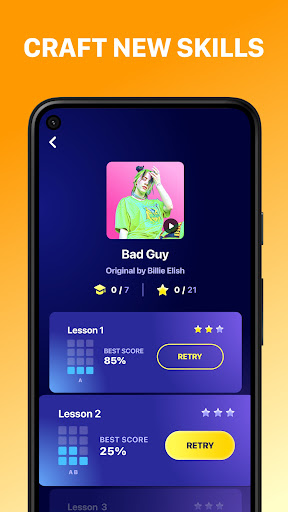
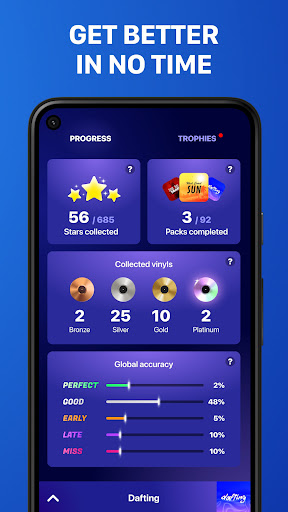
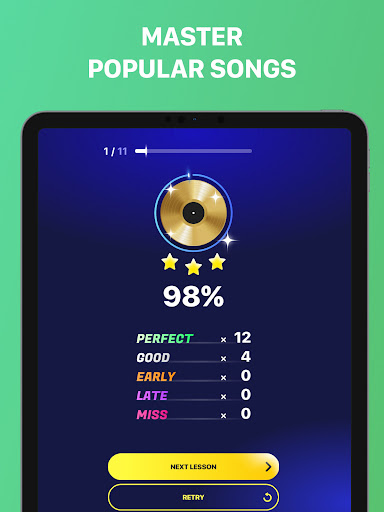
- Over 1,000 guided lessons to develop rhythm and beat-making skills.
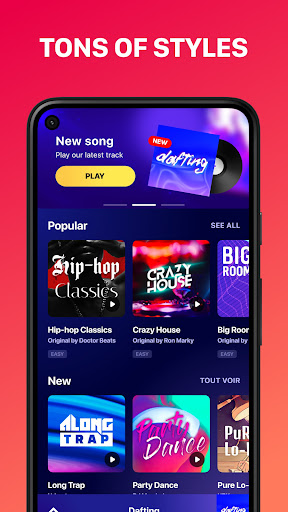
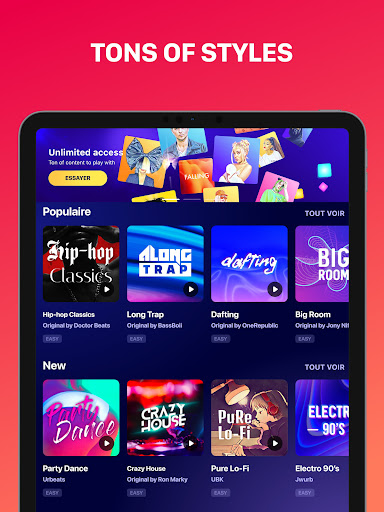
- Access diverse sound packs and instruments for various musical genres.
- Intuitive "Tap and Learn" interface simplifies beat creation for new users.
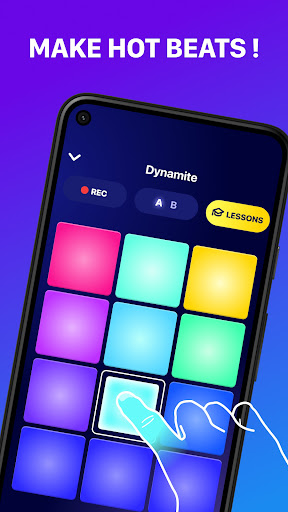
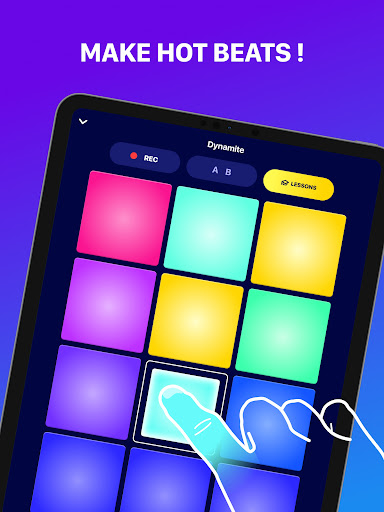
- Experiment with drum pads, piano keys, and integrated audio effects.
- Craft original compositions using creative finger drumming techniques.
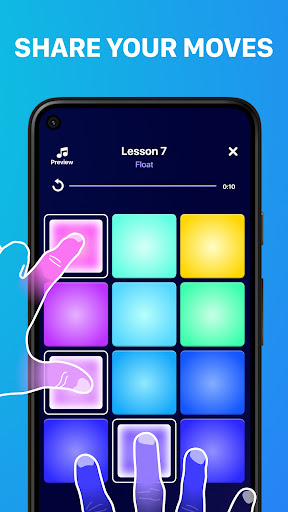
- Share your unique musical creations with a worldwide audience.
- Regular content updates introduce new sounds and functionalities.
Pros & Cons
Pros
- Accessible design caters to both novice and advanced users.
- Extensive library of sounds and genre-specific content.
- Guided lessons effectively teach rhythm and beat-making.
- Supports creative expression through flexible composition tools.
- Frequent updates ensure fresh content and improved features.
Cons
- A subscription is necessary to unlock all exclusive sounds and features.
- Advertisements are present in the free version of the application.
- Mastering advanced functions may require a significant time investment.
- Intensive use can drain device battery quickly.
How to Use Beat Maker Pro - DJ Drum Pad
- Install Beat Maker Pro - DJ Drum Pad from the Google Play Store.
- Launch the app and explore the available sound packs and lessons.
- Select a genre or a specific lesson to begin your beat-making journey.
- Tap on the drum pads or piano keys to experiment with sounds and rhythms.
- Record your performance to capture your original musical ideas.
- Apply various effects to refine and enhance your created track.
- Share your finished beat directly from the app with others.
Frequently Asked Questions
Is Beat Maker Pro - DJ Drum Pad free to use?
Can I use this app offline?
Do I need an account to use the app?
What kind of music can I create with this app?
Are there alternatives to Beat Maker Pro?
What are the subscription benefits?
Similar to This App


Hot Apps