
PixVerse: AI Video Generator









Overview
For anyone looking to bring their creative visions to life through video, the advent of artificial intelligence has dramatically lowered the barrier to entry. Gone are the days of needing complex software or extensive editing skills to produce captivating visual content. This new wave of tools empowers individuals, from seasoned content creators to casual enthusiasts, to transform simple ideas or static images into dynamic narratives. PixVerse: AI Video Generator promises to be one such innovative solution, offering a streamlined approach to video production directly from your Android device. This review will explore its core functionalities, ease of use, and overall value proposition, helping you decide if it’s the right fit for your creative toolkit. We'll look at how it leverages AI to simplify complex tasks and what users can expect in terms of output quality and accessibility.
Key Features
- Generate dynamic video clips simply by inputting a text description.
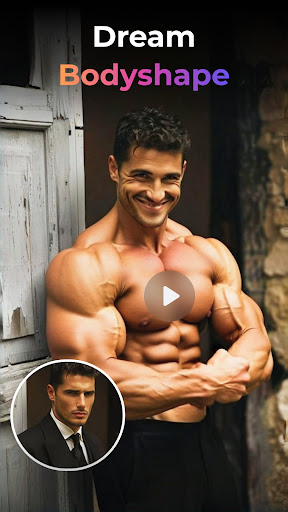
- Transform static images into engaging animations with various cinematic effects.
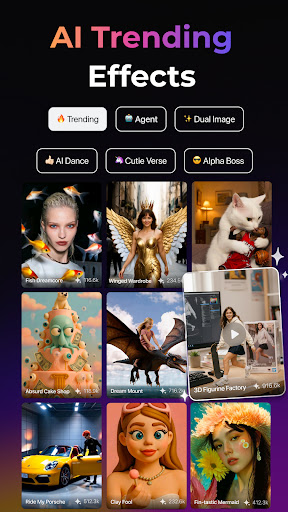
- Access a diverse library of customizable templates tailored for different themes and styles.
- Apply over 20 professional-grade camera movements like zooming, panning, and tilting.
- Experiment with multiple visual aesthetics, including realistic, anime, sci-fi, and vintage looks.
Pros & Cons
Pros
- Highly intuitive interface accommodates both novices and experienced users.
- Rapid video generation delivers high-quality visual results efficiently.
- Offers extensive customization for creative control over the final output.
- Supports a wide array of visual aesthetics and cinematic effects for diverse projects.
- Strong average rating of 4.53 and over 10 million downloads suggest reliability.
Cons
- Mastering some advanced features might require a dedicated learning curve for beginners.
- The free version functionality is limited, with many desirable features paywalled behind a subscription.
- AI-generated content can occasionally lack human nuance or specific artistic direction.
- Consistent use of video generation may consume significant device battery and mobile data.
How to Use PixVerse: AI Video Generator
- Install PixVerse: AI Video Generator from the Google Play Store on your Android device.
- Launch the application and explore the available creation modes, such as "Text-to-Video" or "Image-to-Video."
- Select your preferred creation method and then input your text description or upload the image you wish to animate.
- Choose from a variety of templates, visual styles, or apply advanced camera movements to customize your video.
- Generate the video, allowing the AI to process your input, and then preview the result within the app.
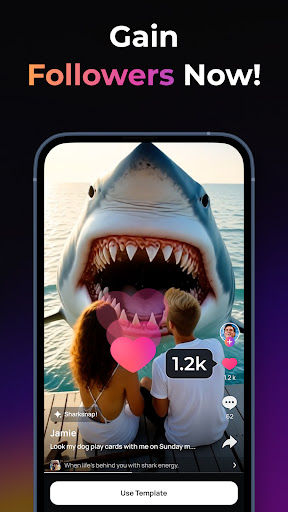
- Export your finished video to your device's gallery or share it directly to other platforms.
Frequently Asked Questions
Is PixVerse free to use?
What kind of videos can I create with this app?
Do I need an internet connection to use PixVerse?
Is PixVerse suitable for beginners?
Are there privacy concerns with my uploaded data?
Similar to This App


Hot Apps