
Hypic - Photo Editor & AI Art
Overview
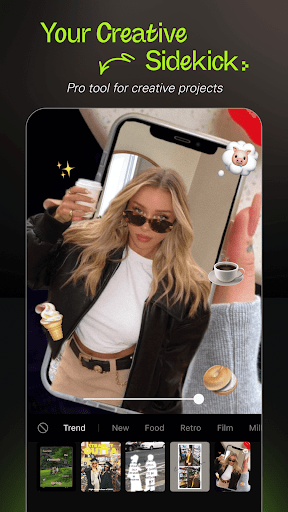
For anyone looking to elevate their mobile photography with minimal fuss, a powerful editor that leverages artificial intelligence can be a game-changer. Hypic - Photo Editor & AI Art positions itself as a comprehensive tool for both casual users and social media enthusiasts, offering a suite of features designed to enhance images quickly and creatively. From sophisticated AI effects like background removal and avatar generation to a wide array of filters and retouching options, this application aims to simplify complex editing tasks. This review will delve into its core functionalities, examine its benefits and drawbacks, guide you through its usage, and address common questions to help you determine if it's the right creative companion for your Android device.
Key Features
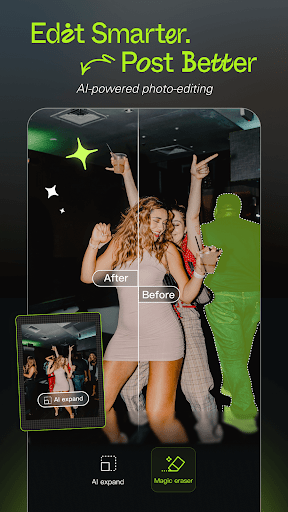
- AI-powered tools for effortless background removal and object manipulation.
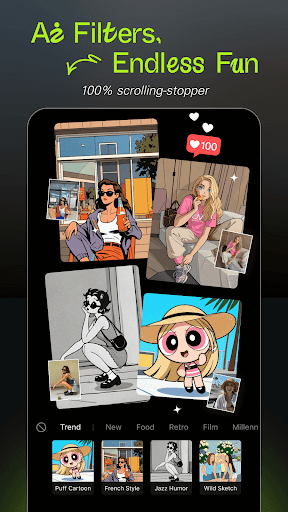
- Generate personalized AI avatars and cartoonify yourself with creative styles.
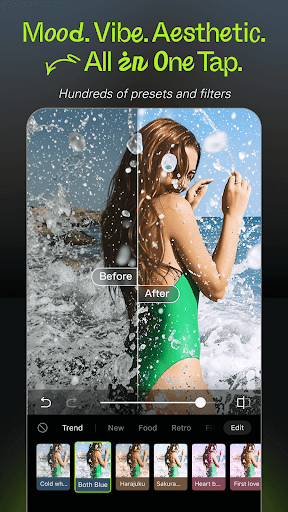
- Apply a diverse range of stylish filters, including retro and soft glow effects.
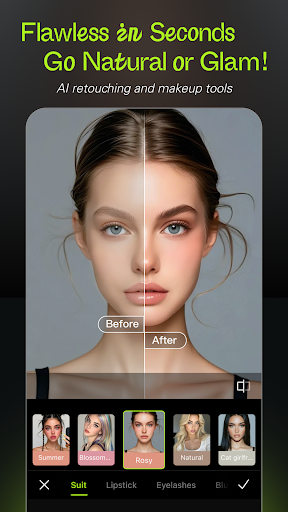
- Smart retouching capabilities to naturally enhance facial features and portraits.
- Streamline your workflow with convenient batch editing and collage creation options.
- Instantly brighten dark or underexposed photos using the AI Flash feature.
- Create unique AI-generated polaroid shots from your chosen reference photos.
Pros & Cons
Pros
- Intuitive interface makes photo editing accessible for all skill levels.
- AI-driven tools significantly simplify complex and time-consuming adjustments.
- Offers a wide variety of trendy filters and aesthetic presets for diverse looks.
- Efficiently enhances photos for social media with tailored features like batch editing.
Cons
- Some advanced AI-powered features may require a learning curve for new users.
- Access to certain premium tools and effects is restricted by a subscription model.
- Intensive AI processing can potentially lead to higher battery consumption.
- Overuse of AI enhancements might result in an unnatural or overly processed look.
How to Use Hypic - Photo Editor & AI Art
- Install Hypic - Photo Editor & AI Art from the Google Play Store onto your Android device.
- Grant the necessary permissions, primarily access to your device's photo gallery, when prompted upon first launch.
- Select an image from your gallery that you wish to edit, or capture a new one directly within the app.
- Explore the various AI tools, such as background removal, avatar generation, or smart retouching, by tapping their respective icons.
- Apply filters, adjust tones, or utilize the AI Flash to refine your photo's aesthetic and mood.
- Save your finished image to your device's gallery or directly share it to your preferred social media platforms.
Frequently Asked Questions
Is Hypic - Photo Editor & AI Art free to use?
Does Hypic require an internet connection to function?
Is Hypic suitable for professional photo editing?
Can I edit multiple photos at once with Hypic?
What is the minimum Android version required for Hypic?
Similar to This App


Hot Apps