
Solitaire - Classic Card Game



Overview
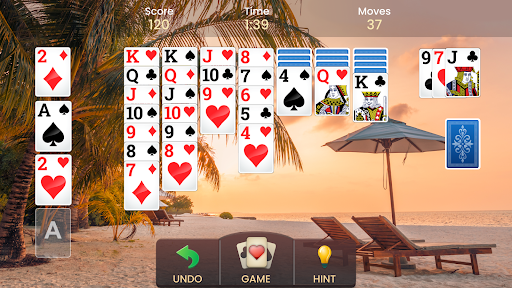
For those who appreciate the quiet challenge of a classic card game, a digital rendition of Klondike Solitaire offers a familiar yet polished experience. Solitaire - Classic Card Game, developed by Playvalve, aims to bring the enduring appeal of this beloved pastime to mobile devices. With over ten million downloads and an impressive user rating, it clearly resonates with players seeking a straightforward and engaging way to unwind. This app positions itself as a comprehensive take on the traditional game, designed for both casual players looking for a quick diversion and enthusiasts seeking a more strategic session. This review will explore the game's core features, highlight its advantages for a modern audience, point out any potential drawbacks, and guide new users through its initial setup and gameplay, helping you decide if this particular version earns a spot on your device.
Key Features
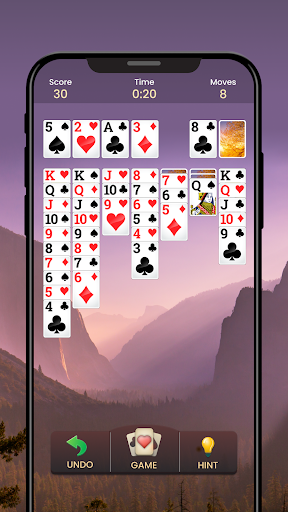
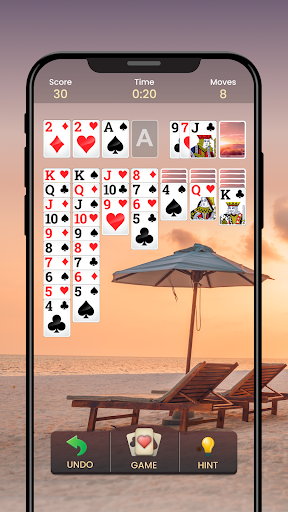
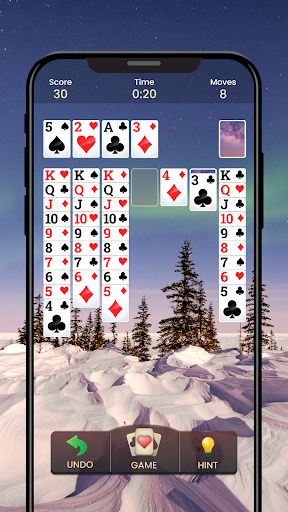
- Classic Klondike Solitaire gameplay faithfully adapted for mobile devices.
- Intuitive touch controls enable seamless and natural card manipulation.
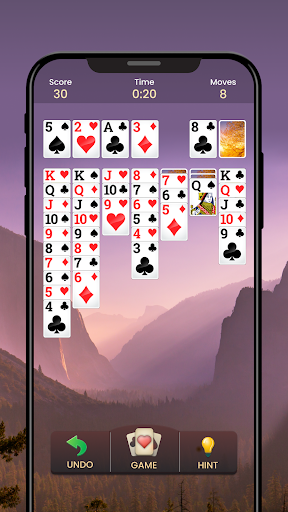
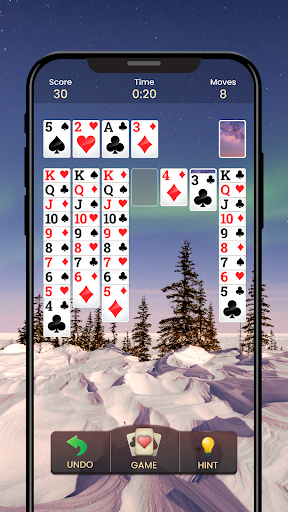
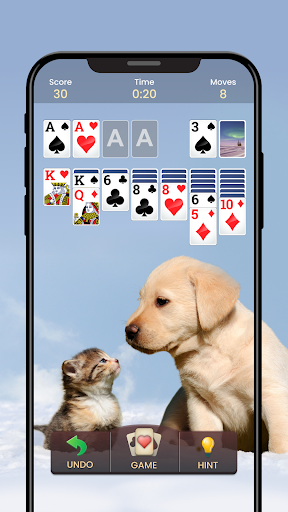
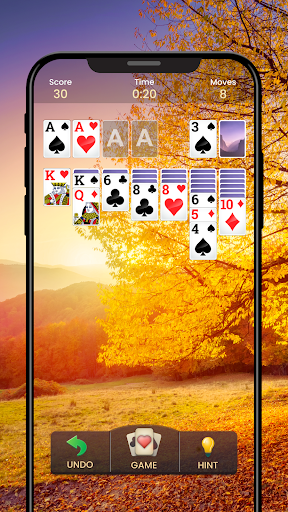
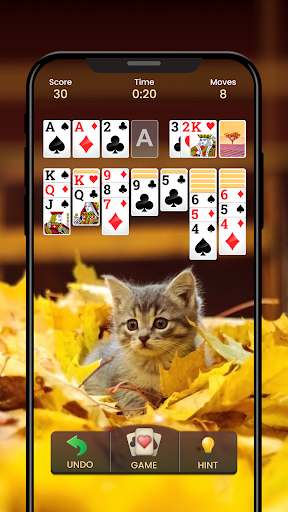
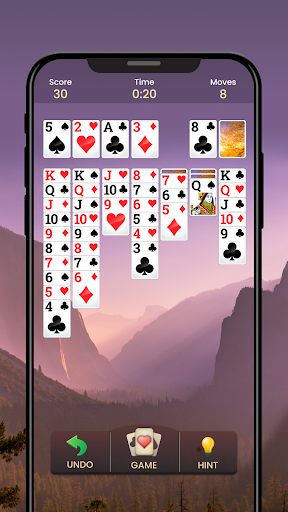
- Smooth animations and visually appealing graphics enhance the playing experience.
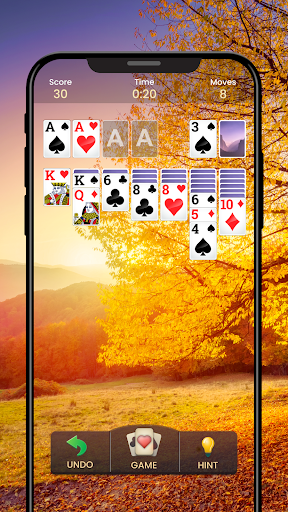
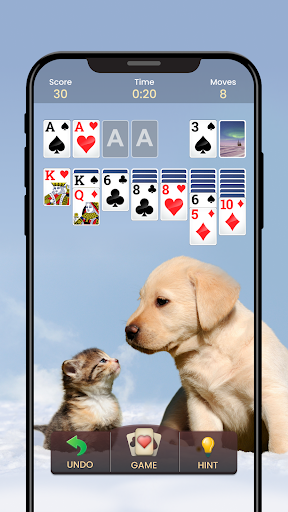
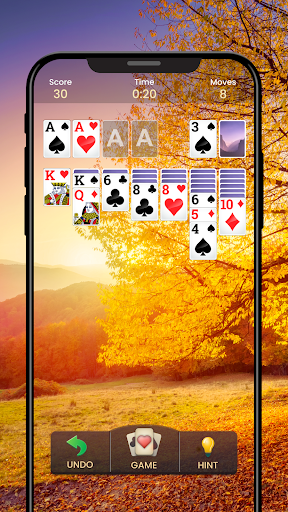
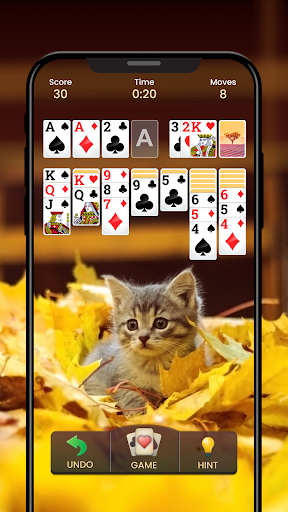
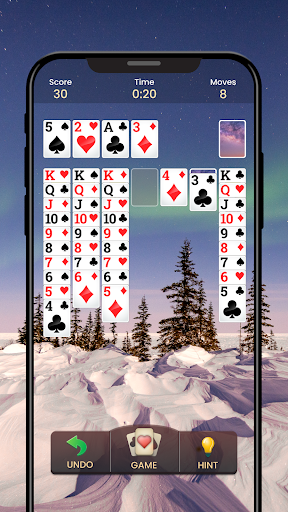
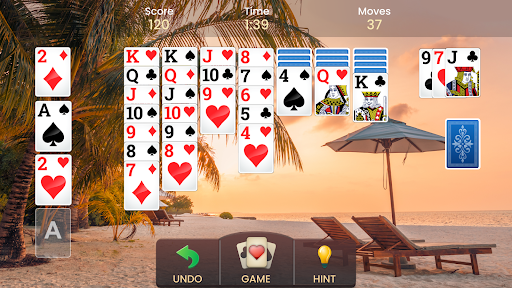
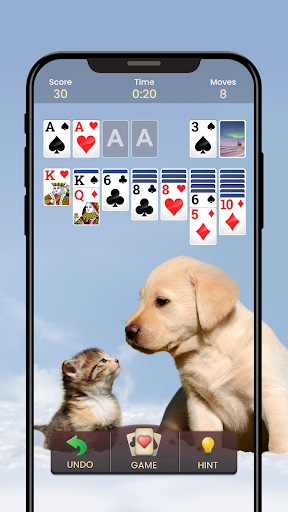
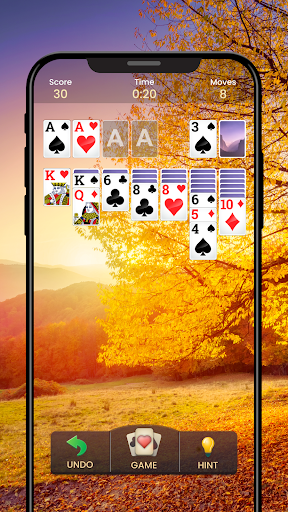
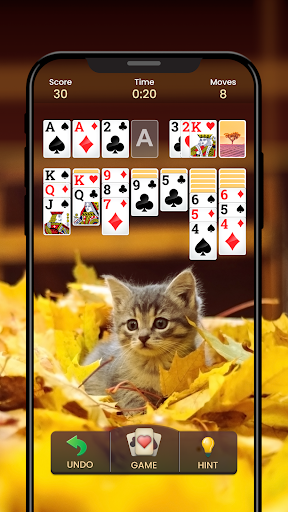
- Customizable options allow personalization of the game's interface and appearance.
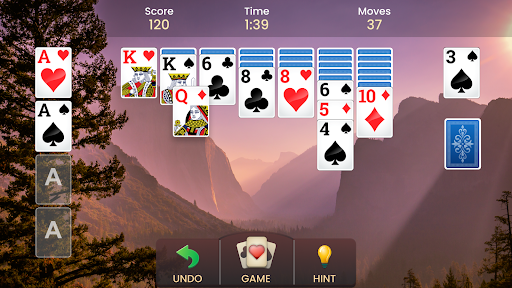
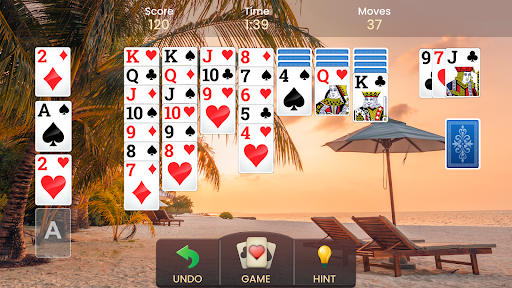
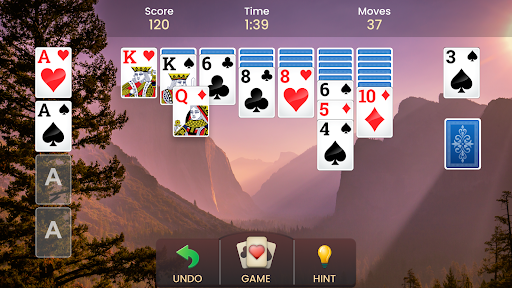
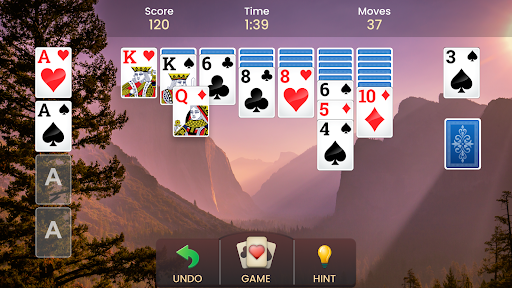
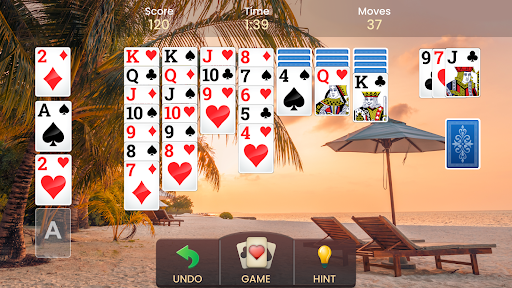
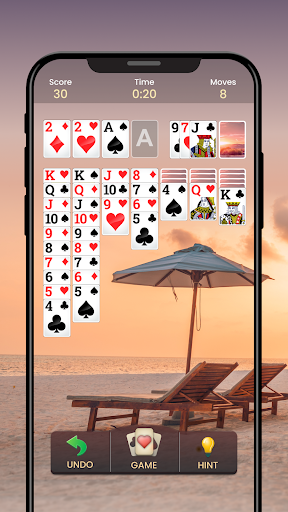
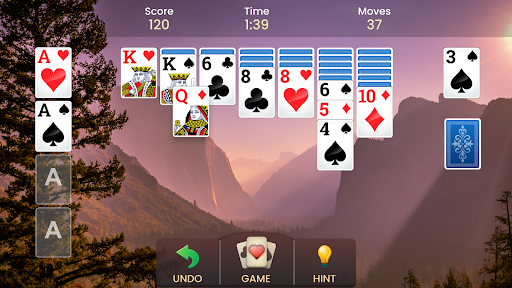
- Seamlessly adapts to both portrait and landscape screen orientations on your device.
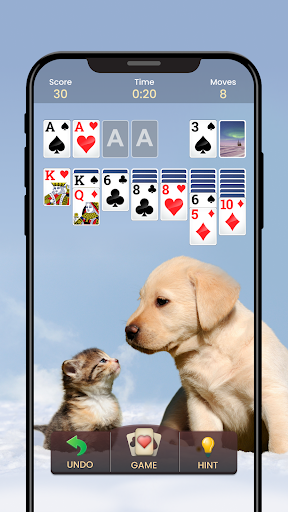
- Includes helpful undo and hint features to assist with strategic decision-making.
- Offers both 1-card and 3-card draw modes for varied difficulty levels.
Pros & Cons
Pros
- Authentic Klondike Solitaire rules and objectives for traditional play.
- High user rating suggests a well-received and stable application.
- Flexible display across portrait and landscape modes for comfort.
- Helpful in-game tools like undo and hints assist players.
- Accessible for both new players and seasoned Solitaire enthusiasts.
Cons
- Expect occasional advertisements, typical for free mobile games.
- Limited to the Klondike Solitaire variant, lacking other card games.
- Absence of online multiplayer or social interaction features.
- Gameplay can become repetitive without new challenges or modes.
How to Use Solitaire - Classic Card Game
- Install the "Solitaire - Classic Card Game" app from the Google Play Store on your Android device.
- Launch the application by tapping its icon on your device's home screen or app drawer.
- Select your preferred draw mode, choosing between 1-card for a relaxed game or 3-card for more challenge.
- Tap and drag cards to move them between the tableau, foundation, and waste piles according to Solitaire rules.
- Utilize the undo button if you make a mistake or the hint button for strategic suggestions.
- Continue playing until all cards are moved to the foundation piles or no more valid moves are possible.
Frequently Asked Questions
Is Solitaire - Classic Card Game free to play?
Can I play this game offline?
Does it require an account to play?
Are there other Solitaire variants included?
Can I customize the game's appearance?
Similar to This App


Hot Apps