
Daily Classic Solitaire




Overview
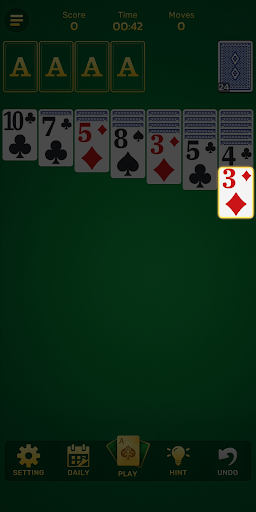
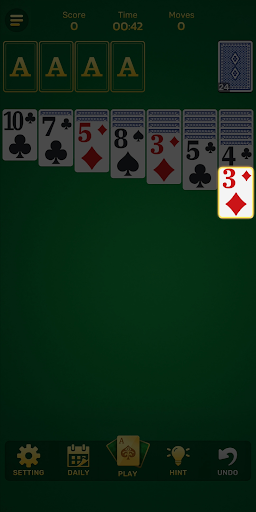
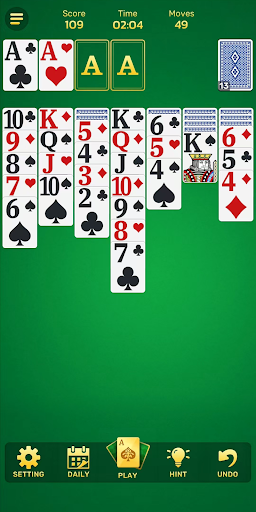
For many, a classic card game offers a perfect blend of relaxation and mental engagement. This digital adaptation brings the familiar Klondike Solitaire experience to Android devices, aiming to satisfy both casual players and those looking for a more strategic challenge. Developed by A&E Game Innovations, Daily Classic Solitaire promises a clean, intuitive interface alongside features designed to enhance the traditional gameplay. Our review will explore how well it delivers on these promises, examining its customization options, various play modes, and helpful tools to determine if it truly stands out as a go-to mobile Solitaire game. We'll consider its overall usability, the range of challenges it provides, and whether it effectively captures the timeless appeal of the original.
Key Features
- Clean, intuitive interface suitable for players of all skill levels.
- Customizable themes, vibrant card designs, and smooth animations for personalized play.
- Engage with daily challenges and explore multiple distinct play modes.
- Choose between Draw 1 or Draw 3 card options to adjust game difficulty.
- Access helpful features including unlimited undos, strategic hints, and auto-complete.
- Test your skills with the specialized Vegas scoring mode for added pressure.
- Enjoy the full game experience without needing an internet connection.
Pros & Cons
Pros
- Faithful digital recreation of the classic Solitaire game.
- Offers helpful features like undo and hints for new players.
- Customization options for themes and card designs enhance visual appeal.
- Daily challenges and multiple modes provide ongoing variety.
- Offline play capability makes it suitable for travel or limited connectivity.
Cons
- Likely includes advertisements, which can interrupt gameplay flow.
- May offer in-app purchases, potentially for removing ads or unlocking themes.
- While customizable, the core gameplay remains largely unchanged from other Solitaire apps.
- No explicit mention of social features or leaderboards for competitive play.
- Battery consumption might be noticeable during extended play sessions.
How to Use Daily Classic Solitaire
- Install Daily Classic Solitaire from the Google Play Store.
- Launch the application from your device's home screen or app drawer.
- Choose your preferred game mode, such as Draw 1 or Draw 3, from the main menu.
- Begin playing by tapping and dragging cards to build the foundation piles.
- Utilize the undo button or hint feature if you encounter a difficult spot.
- Complete the game by sorting all cards, or start a new daily challenge for fresh puzzles.
Frequently Asked Questions
Is Daily Classic Solitaire a free app?
Can I play this game without an internet connection?
Are there different difficulty levels or game modes?
Does the app require an account or registration to play?
What Android version is required to run Daily Classic Solitaire?
Similar to This App


Hot Apps