




Overview
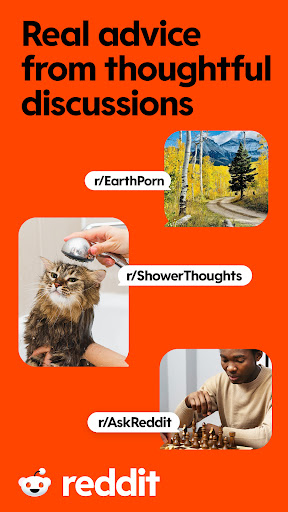
For anyone seeking a diverse and engaging online community, the Reddit app offers a direct portal to millions of user-generated discussions. This social platform serves as a hub for virtually every imaginable topic, from niche hobbies to global news, all curated and moderated by its active user base. Whether you're a casual browser looking for entertainment or a power user keen to contribute, the official mobile application aims to deliver a seamless and intuitive experience. Its design accommodates both new and experienced users, promising a highly personalized feed and ample opportunities for real-time interaction with like-minded individuals worldwide. This review will explore its core functionalities, highlight its strengths and weaknesses, and guide you through the process of getting started with this popular and often influential social network.
Key Features
- Tailor your homepage by subscribing to communities matching your specific interests.
- Participate in live conversations with a global audience on various subjects.
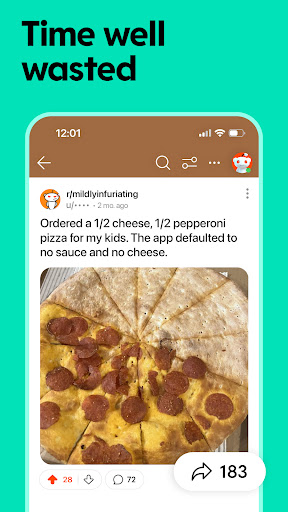
- Influence content visibility through an intuitive upvote and downvote system.
- Share images, videos, and external links directly within community posts.
- Access saved posts and content for later viewing without an internet connection.
- Receive alerts for new replies, mentions, and activity within your subscribed subreddits.
Pros & Cons
Pros
- Access to a vast array of niche communities and diverse content.
- Intuitive interface simplifies navigation for new users.
- Real-time discussions foster strong community engagement.
- Offline mode allows content consumption without internet access.
Cons
- Initial experience can feel overwhelming due to content volume.
- Occasional reports of bugs like slow loading or notification delays.
- Content quality varies significantly across different communities.
- Potential for echo chambers and exposure to unfiltered content.
How to Use Reddit
- Install the Reddit app from the Google Play Store onto your Android device.
- Launch the application and either create a new account or log in with existing credentials.
- Browse the front page or use the search function to discover subreddits related to your interests.
- Subscribe to communities you enjoy to personalize your home feed.
- Interact with posts and comments by upvoting, downvoting, or leaving your own replies.
- Post your own content, questions, or discussions within relevant subreddits.


