
Ring - Always Home
Category
Lifestyle
Downloads
10M+
Developer
Ring.com
Available on
Android, iOS
OS
9
Overview
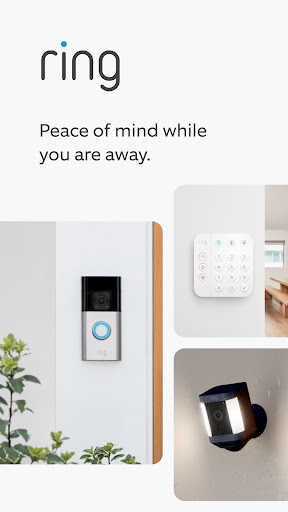
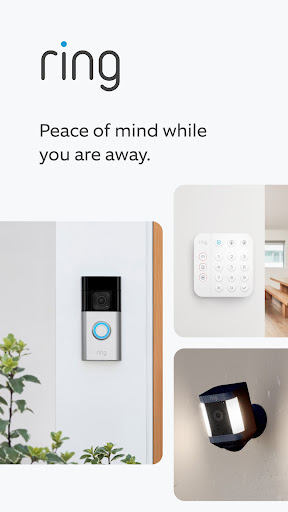
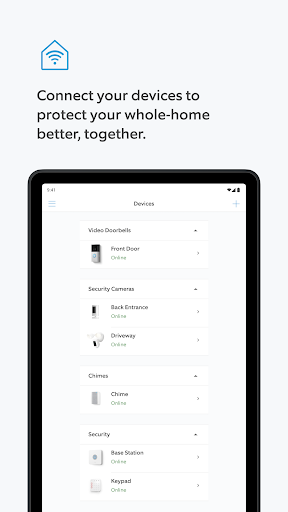
Keeping an eye on your home, whether you're at work or on vacation, has become a standard expectation for many homeowners. This level of remote oversight is precisely what Ring - Always Home aims to deliver. Developed by Ring.com, this app serves as a central hub for managing an ecosystem of smart security devices, from video doorbells to alarm systems. It promises comprehensive monitoring and control, offering users the ability to see and interact with their property from virtually anywhere. Our review will explore how well this application integrates various hardware, its core functionalities for daily use, and any potential trade-offs users might encounter in its pursuit of peace of mind.
Key Features
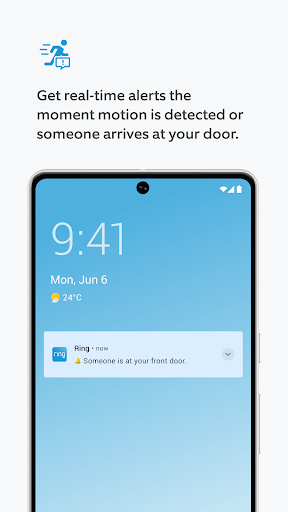
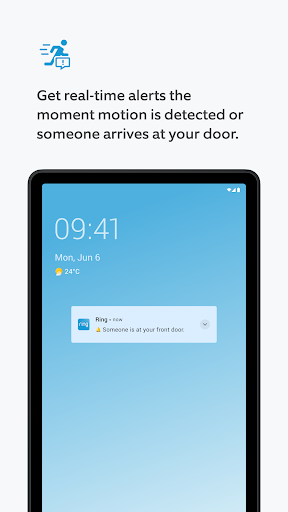
- Receive instant notifications for doorbell rings and detected motion events.
- Access live high-definition video streams from connected cameras and doorbells.
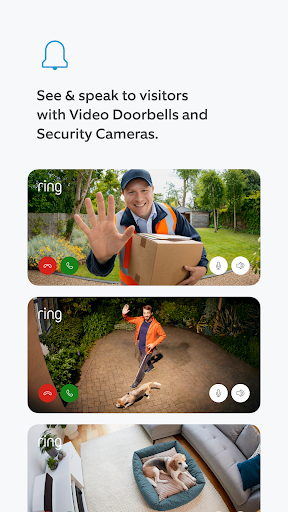
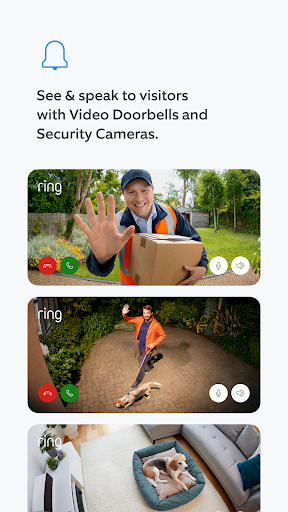
- Engage in two-way communication with visitors through compatible Ring devices.
- Review, save, and share recorded video clips with an active Ring Home Plan.
- Control and schedule Ring Smart Lights, receiving motion alerts for them.
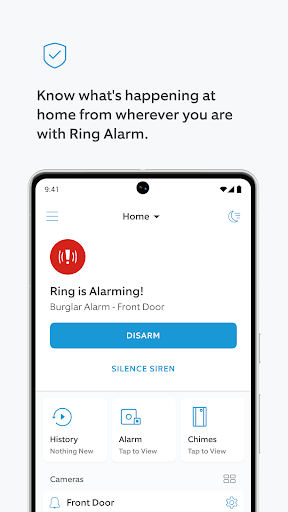
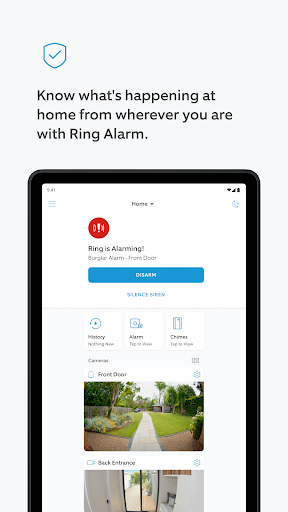
- Monitor Ring Alarm systems for potential hazards and entrance breaches.
Pros & Cons
Pros
- Integrates multiple smart home security devices into one unified platform.
- Provides high-definition video quality for clear surveillance and monitoring.
- Offers customizable alerts, allowing users to tailor notifications to their needs.
- Enables convenient remote interaction with visitors at your doorstep.
- Optional professional monitoring services enhance overall security.
Cons
- A subscription is required to access full functionality, including video recording.
- Setting up multiple devices can be time-consuming for new users.
- Some users have raised privacy concerns regarding data handling practices.
- Dependence on a strong internet connection for consistent performance.
How to Use Ring - Always Home
- Install the Ring - Always Home application from the Google Play Store onto your Android device.
- Create a new Ring account or log in with existing credentials to access the app's features.
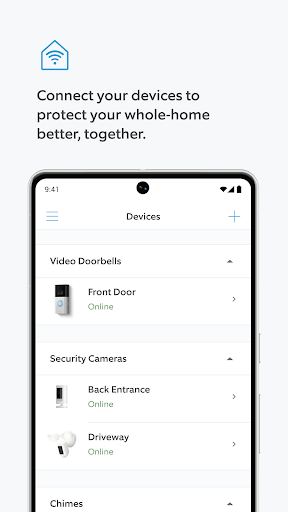
- Add your Ring devices, such as doorbells or cameras, by following the on-screen instructions for pairing.
- Configure notification settings and motion detection zones to personalize your alerts.
- View live video feeds from your devices and use two-way talk functionality as needed.
- Access recorded events and manage your Ring Home Plan subscription within the app.
Frequently Asked Questions
Is a subscription required to use Ring - Always Home?
While the app provides basic live view and notifications without a subscription, features like video recording, saving, and sharing clips require a Ring Home Plan. This plan unlocks the full potential of your Ring devices.
What types of devices can I connect to the app?
The app is designed to connect with various Ring products, including Ring Video Doorbells, Security Cameras, Ring Alarm Systems, and Ring Smart Lights. It serves as a central control point for your entire Ring ecosystem.
Are there any known privacy concerns with this app?
The app's description mentions that privacy concerns have been raised regarding data storage and sharing practices. Users should review Ring's privacy policy to understand how their data is handled.
Can I talk to people at my door when I'm not home?
Yes, the app supports two-way communication through compatible Ring Video Doorbells and Security Cameras. This feature allows you to speak with visitors or delivery personnel remotely, regardless of your location.
What is the minimum Android version required for this app?
Ring - Always Home requires Android 9 or a newer version to function correctly on your device. Ensure your smartphone or tablet meets this operating system requirement for optimal performance.
Similar to This App

T-Life
Lifestyle

Lemon8 - Lifestyle Community
Lifestyle

KashKick: Get paid to have fun
Lifestyle

Playful Rewards: Play & Earn
Lifestyle

Cash Giraffe: Games & Rewards
Lifestyle

Life360: Stay Connected & Safe
Lifestyle

Pinterest
Lifestyle

Amazon Alexa
Lifestyle

Deepsearch AI Search Assistant
Lifestyle

Duolingo: Language Lessons
Education
Hot Apps
T-Life
Lifestyle
Lemon8 - Lifestyle Community
Lifestyle
KashKick: Get paid to have fun
Lifestyle
Playful Rewards: Play & Earn
Lifestyle
Cash Giraffe: Games & Rewards
Lifestyle
Life360: Stay Connected & Safe
Lifestyle
Pinterest
Lifestyle
Amazon Alexa
Lifestyle
Deepsearch AI Search Assistant
Lifestyle
Duolingo: Language Lessons
Education