
AirDroid Parental Control





Overview
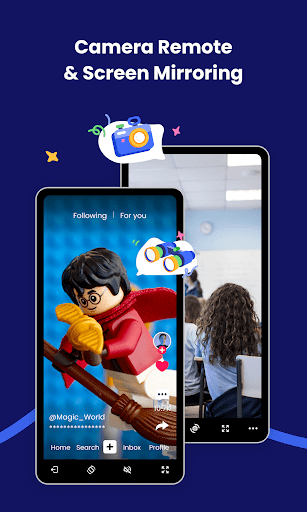
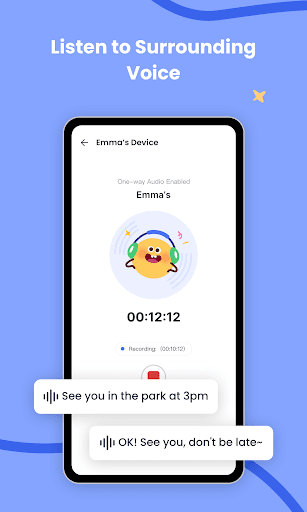
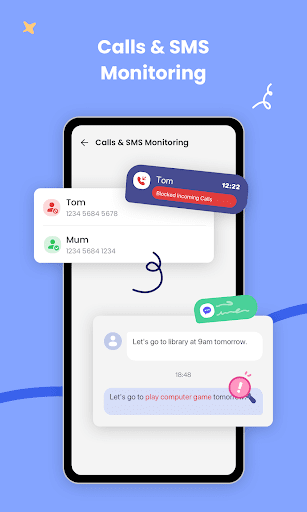
For parents navigating the complexities of their children's digital lives, finding a robust tool to ensure safety and balance is a common challenge. AirDroid Parental Control offers a comprehensive suite of features designed to help families manage device usage effectively. This application, developed by SAND STUDIO, aims to provide peace of mind by allowing parents to monitor and guide their children's online interactions and offline movements. It covers aspects from setting screen time limits and blocking specific applications to tracking real-time location and filtering potentially inappropriate content. Our review will examine its key functionalities, ease of use, and overall value, helping you decide if it’s the right fit for your family's needs. We'll also consider any limitations and how it stacks up in this competitive category.
Key Features
- Set daily screen time limits and define accessible periods for apps and games.
- Block or allow specific applications to manage what content your child can access.
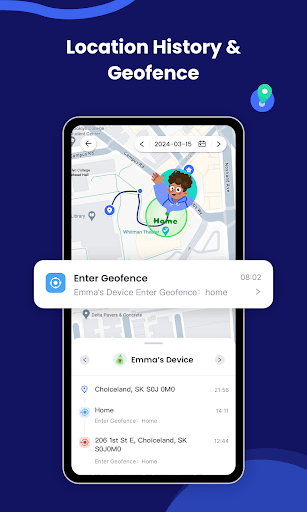
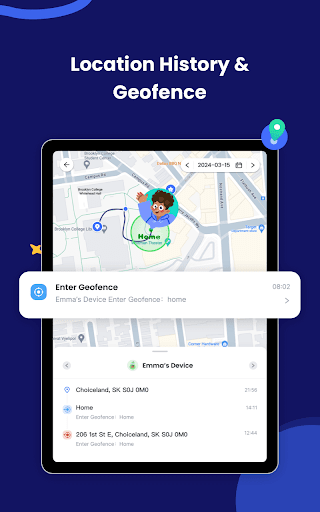
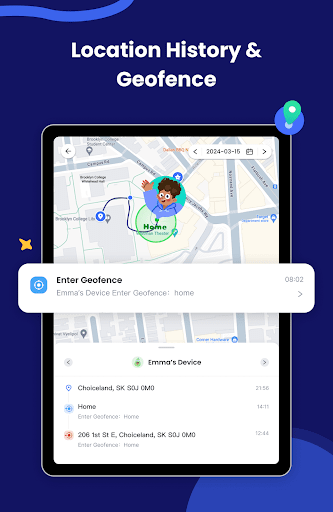
- Monitor real-time location, view history, and receive geofencing alerts for safe zones.
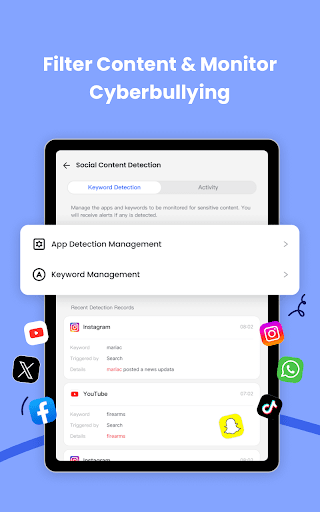
- Scan images on the child's device and notify parents of potentially inappropriate content.
- Enable a Focus Mode to disable distractions, allowing only essential functions like calls.
- Manage child devices across both Android and iOS platforms from a single parent dashboard.
Pros & Cons
Pros
- Comprehensive toolkit for managing various aspects of child device use.
- Intuitive interface makes setup and daily management straightforward.
- Cross-platform compatibility for managing both Android and iOS devices.
- Real-time GPS tracking with geofencing offers enhanced location safety.
- Active development ensures regular updates and improved functionality.
Cons
- Many advanced features are locked behind a subscription paywall.
- Setting up advanced iOS features can be complex for some users.
- Constant background activity may contribute to battery drain on the child's device.
- Potential for privacy concerns due to extensive monitoring capabilities.
How to Use AirDroid Parental Control
- Download and install the AirDroid Parental Control app on your own device.
- Install the companion "AirDroid Kids" app onto your child's Android or iOS device.
- Link the two applications by scanning the QR code or entering the pairing code provided in the parent app.
- Configure desired settings such as daily screen time limits and app blocking schedules from your parent dashboard.
- Activate GPS tracking and define geofenced safe zones to receive alerts about your child's whereabouts.
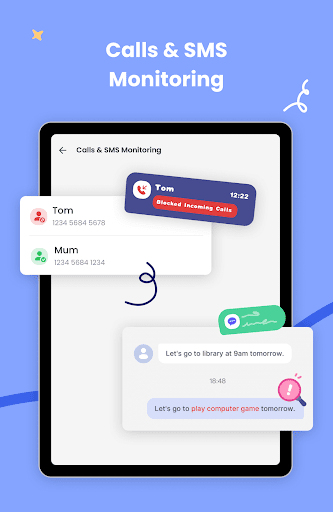
- Monitor activity logs and receive notifications regarding app usage, content, or location breaches.
Frequently Asked Questions
Is AirDroid Parental Control free to use?
What devices does it support?
Does the app track my child's location in real-time?
Can I block specific apps or games?
Are there privacy concerns with using a parental control app?
Similar to This App


Hot Apps