
Police Scanner - Live Radio
Overview
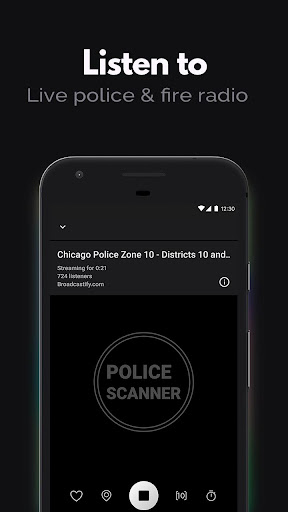
For those interested in real-time public safety communications, having immediate access to scanner feeds can be invaluable. Whether you're a civilian keeping tabs on local events, an aspiring journalist, or simply curious about emergency services in your area, an app that provides live radio streams is a powerful tool. Police Scanner - Live Radio aims to fill this niche, offering a comprehensive platform for tuning into police, fire, EMS, and even air traffic control broadcasts from around the world. With millions of downloads and a high average rating, it promises a direct line to critical updates as they unfold. This review will examine its extensive features, evaluate its strengths and weaknesses, and guide you through getting started with this popular application, helping you decide if it’s the right fit for your information needs.
Key Features
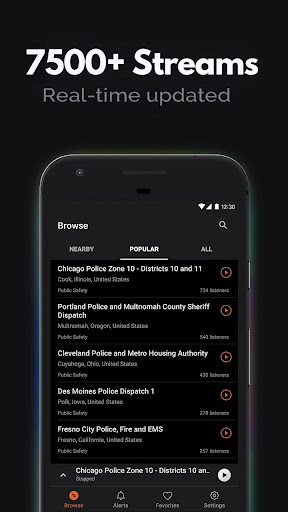
- Provides access to over 7,000 live public safety radio feeds worldwide.
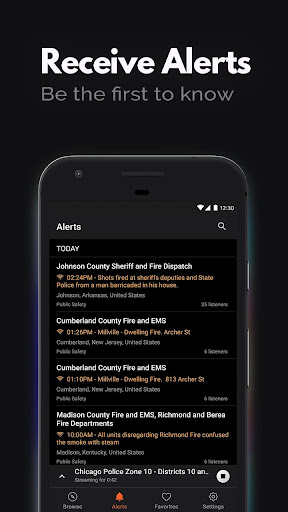
- Offers AI-driven alerts for important incidents in your local vicinity.
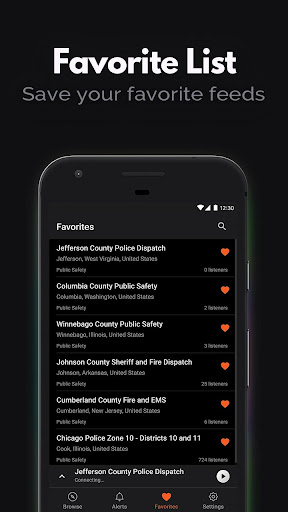
- Allows users to save frequently accessed channels to a personalized favorites list.
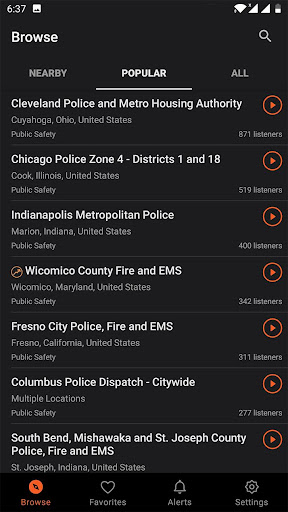
- Displays current listener counts for each station to indicate popularity.
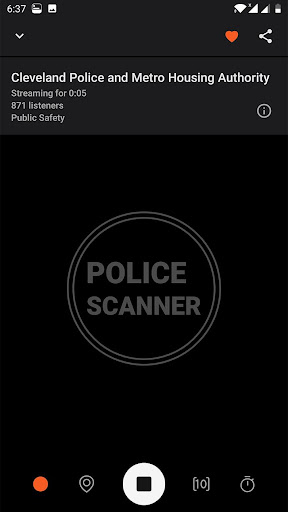
- Includes a sleep timer function to automatically cease audio playback.
Pros & Cons
Pros
- Access to a wide array of global public safety radio channels.
- Intuitive interface designed for straightforward navigation and use.
- AI-powered incident alerts provide timely local emergency notifications.
- Completely free to download and operate, with no hidden subscription fees.
Cons
- Feed availability can be limited in certain geographical regions due to regulations.
- Audio streaming reliability may vary with network connection quality.
- The extensive number of available feeds might initially feel overwhelming for new users.
- Listening to unencrypted police communication may have privacy implications in some areas.
How to Use Police Scanner - Live Radio
- Download and install Police Scanner - Live Radio from the Google Play Store.
- Launch the application and grant any necessary permissions for location or notifications.
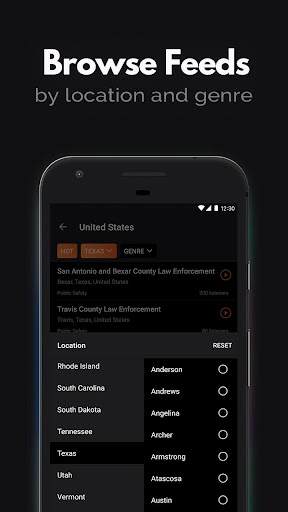
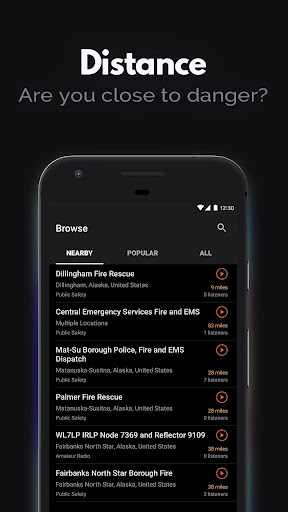
- Browse the available live feeds by location, agency type, or popularity.
- Tap on a desired radio channel to begin streaming the audio broadcast.
- Utilize the search function or filter options to find specific departments or regions.
- Add frequently listened-to channels to your favorites list for quick access later.
Frequently Asked Questions
Is this app completely free to use?
Can I listen to feeds from any location in the world?
Do I need an internet connection to use the scanner?
How accurate and reliable are the AI-powered alerts?
Is it legal to listen to police scanner radio broadcasts?
Similar to This App


Hot Apps