
Cars.com: Buy and sell cars










Overview
Searching for a new or used vehicle can often feel overwhelming, with countless listings across various platforms. This is where a dedicated automotive marketplace app can simplify the entire process, connecting prospective buyers with a vast inventory of cars and private sellers. Cars.com: Buy and sell cars aims to be that comprehensive solution, offering a streamlined experience for anyone looking to enter the automotive market in the United States. With millions of vehicles available, it provides tools for both purchasing and selling, from advanced search filters to detailed vehicle history reports. This review will explore the app's key functionalities, evaluate its strengths and weaknesses, and guide you through its practical usage, helping you decide if it's the right tool for your next automotive transaction.
Key Features
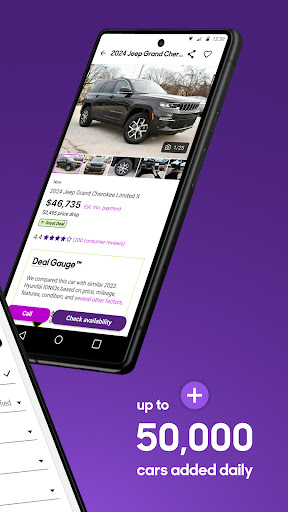
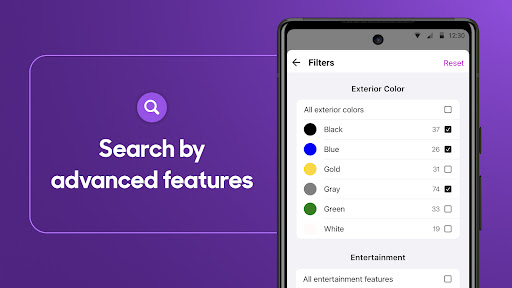
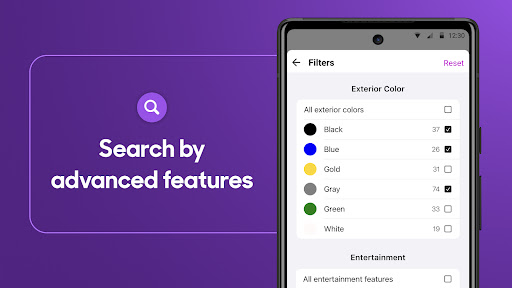
- Refine vehicle searches using detailed criteria like make, model, price, and mileage.
- Directly compare different vehicles based on specifications, features, and pricing.
- Access comprehensive vehicle history reports for transparency and peace of mind.
- Read feedback on dealerships to ensure a reliable and trustworthy transaction.
- Receive notifications for new listings that match your personalized search preferences.
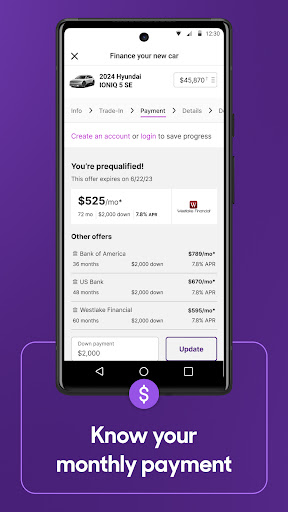
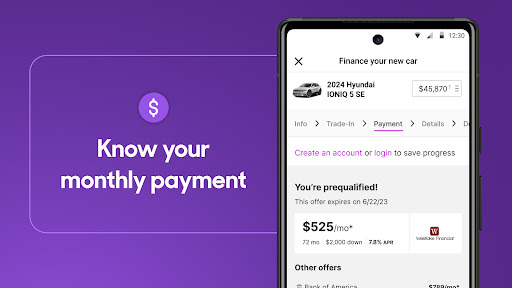
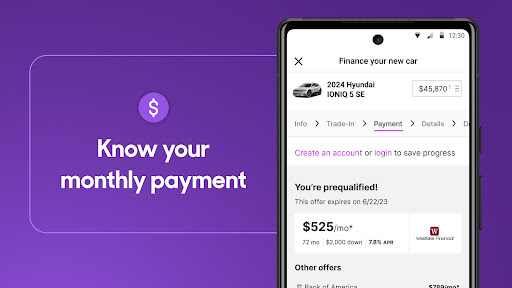
- Estimate potential monthly payments and explore various financing options.
Pros & Cons
Pros
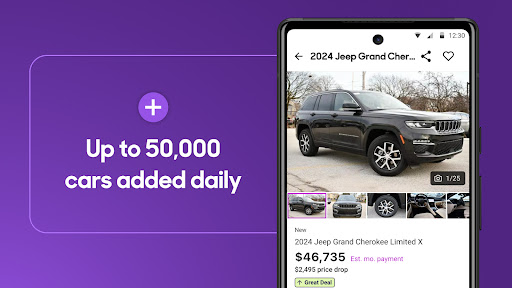
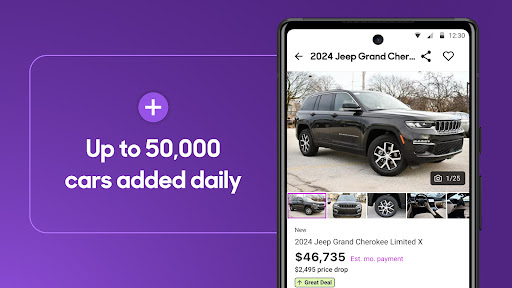
- Vast inventory with over four million vehicle listings.
- User-friendly interface designed for intuitive navigation.
- Integration of Carfax reports enhances buyer confidence.
- Helpful tools like loan calculators simplify financial planning.
Cons
- Some users may find in-app ads or premium feature prompts distracting.
- Final vehicle negotiations still require direct communication with sellers.
- Primarily focused on the U.S. market, limiting international use.
- Battery usage can be higher with frequent browsing and location services.
How to Use Cars.com: Buy and sell cars
- Install the Cars.com app from the Google Play Store onto your Android device.
- Open the application and optionally create an account to unlock personalized features.
- Search for vehicles using the advanced filters to narrow down results by make, model, price, and more.
- Review detailed listings, photos, and access available Carfax reports for preferred cars.
- Contact sellers or dealerships directly through the app to inquire further or schedule a test drive.
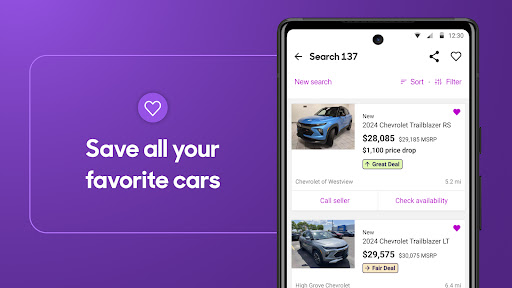
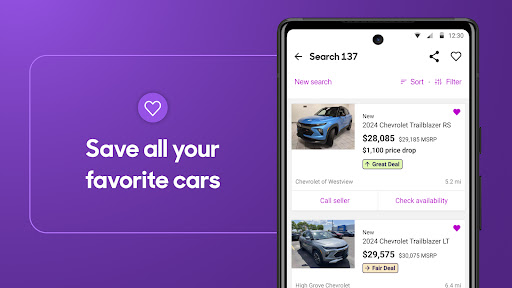
- Save interesting listings or specific search criteria to receive alerts for new matches.
Frequently Asked Questions
Is the Cars.com app free to download and use?
Do I need to create an account to browse cars?
How accurate are the vehicle details and availability?
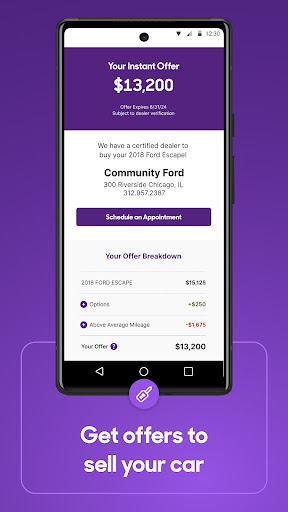
Can I sell my own car using the Cars.com app?
Does the app help with vehicle financing?
Is Cars.com available for users outside the United States?
Similar to This App


Hot Apps