
Chevron








Overview
Managing your fuel purchases and loyalty rewards can often feel like a chore, requiring multiple cards and transaction steps. The Chevron app aims to streamline this experience for users of its gas stations, offering a digital platform designed for convenience and efficiency. This tool centralizes various aspects of the Chevron customer journey, from locating the nearest pump to handling payments and maximizing savings through personalized offers. Our review will explore how well this application integrates essential services, its key functionalities, and what potential users should consider before making it a regular part of their fueling routine. We'll examine its user interface, payment security, and overall value for frequent Chevron patrons, helping you decide if it’s a worthwhile addition to your smartphone.
Key Features
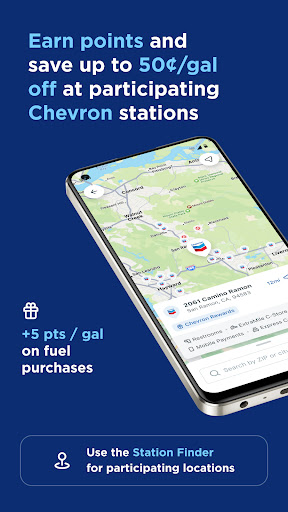
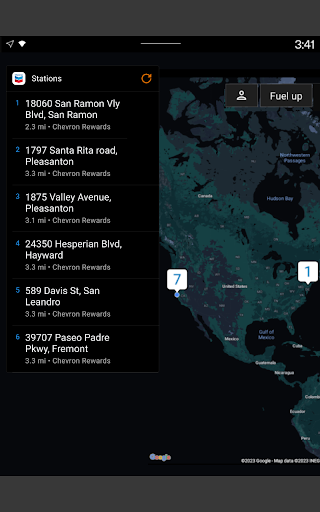
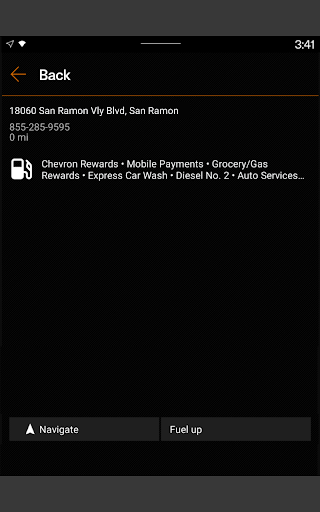
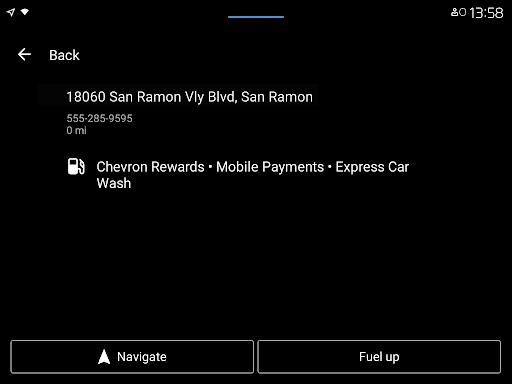
- Locate nearby Chevron stations with detailed maps and real-time fuel price information.
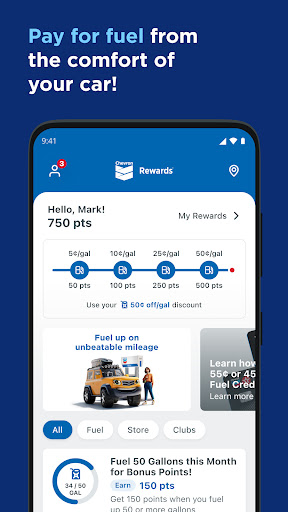
- Integrate your loyalty accounts to earn points and redeem rewards directly through the app.
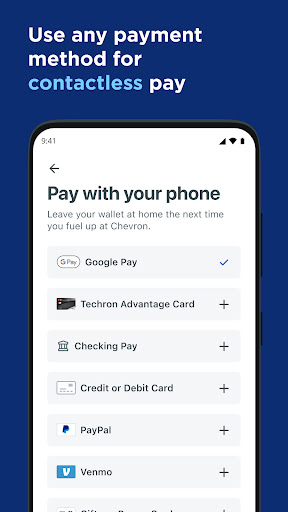
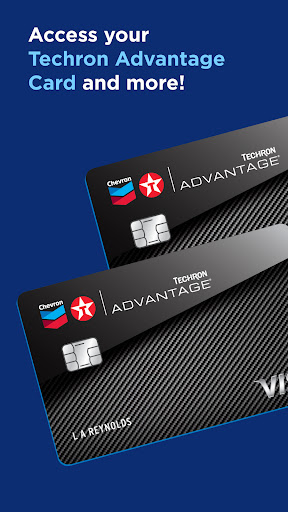
- Utilize secure in-app payment options, including credit/debit cards and digital wallets.
- Receive personalized discounts and promotional offers based on your usage patterns.
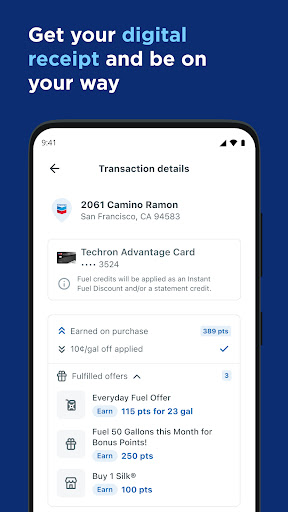
- View transaction history and manage payment methods from a single dashboard.
Pros & Cons
Pros
- Streamlines the fueling process with convenient in-app payment.
- Seamless integration of loyalty programs for easy rewards earning.
- Real-time updates on fuel prices and station availability are very useful.
- Personalized offers can lead to significant savings for frequent users.
- User-friendly interface makes navigation straightforward for all ages.
Cons
- Functionality is strictly limited to Chevron-branded services and locations.
- Some valuable features, like exclusive offers, often require a loyalty membership.
- Users have reported occasional software bugs during periods of high usage.
- Requires an active internet connection for most features, including payments.
- Potential privacy concerns regarding the collection of location and purchase data.
How to Use Chevron
- Download the Chevron app from the Google Play Store onto your Android device.
- Open the app and either create a new account or log in using your existing Chevron credentials.
- Link your preferred payment method, such as a credit card or digital wallet, and connect any loyalty program accounts.
- Use the in-app map to find a nearby Chevron station and check current fuel prices.
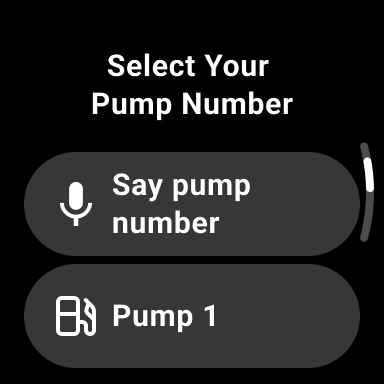
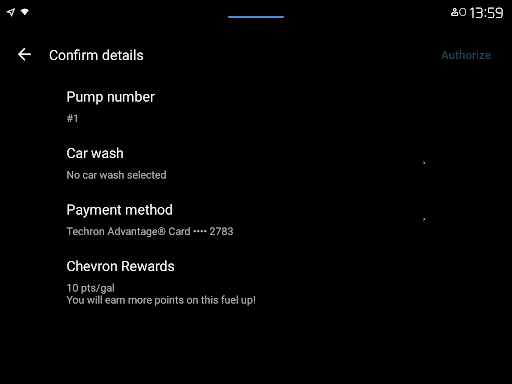
- Upon arrival at the station, select your pump number within the app and authorize the payment.
- Begin fueling your vehicle; a digital receipt will be provided in the app once complete.
Frequently Asked Questions
Is the Chevron app free to download and use?
Do I need an internet connection to use the app?
Is my payment information secure within the app?
Can I use the app if I don't have a Chevron loyalty account?
What if I experience a bug or problem while using the app?
Similar to This App


Hot Apps