
Google Wallet


Overview
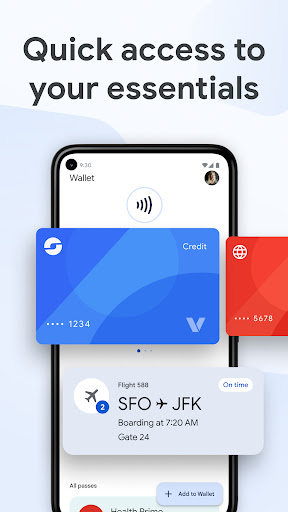
Managing the various cards, tickets, and personal documents that fill our physical wallets can be a cumbersome task. For those seeking a streamlined digital solution, Google Wallet emerges as a robust contender, aiming to consolidate these everyday essentials onto your Android device. This application, developed by Google LLC, offers a centralized hub for everything from payment methods and loyalty programs to event tickets and even health records. It promises fast, secure access to your most important items, leveraging the convenience of your smartphone. Our review will explore its core features, weigh its benefits against potential drawbacks, and guide you through the process of integrating it into your daily routine, helping you decide if this digital wallet is the right fit for your needs.
Key Features
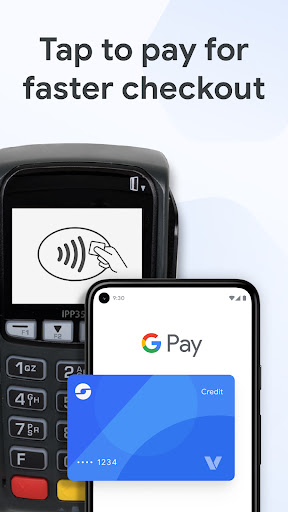
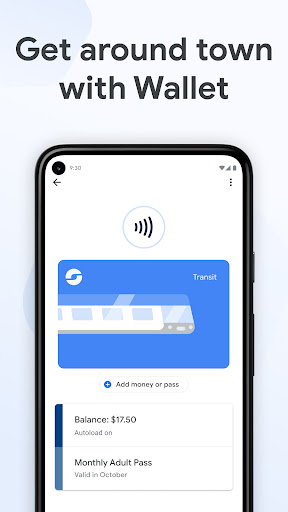
- Facilitates quick, contactless payments using stored credit and debit cards at compatible terminals.
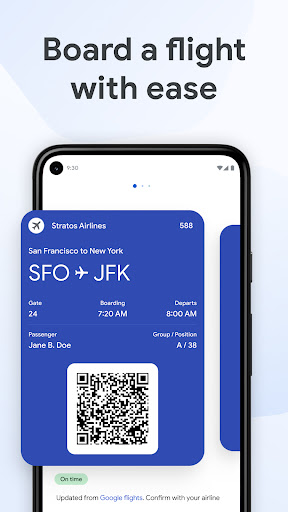
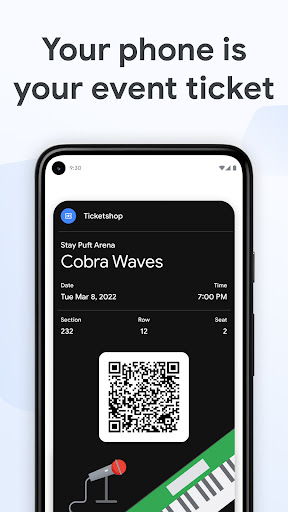
- Centralizes various tickets, including movie, event, and airline boarding passes for easy access.
- Supports digital car keys and campus IDs, providing convenient access control directly from your phone.
- Securely stores important health information, such as vaccination records and test results.
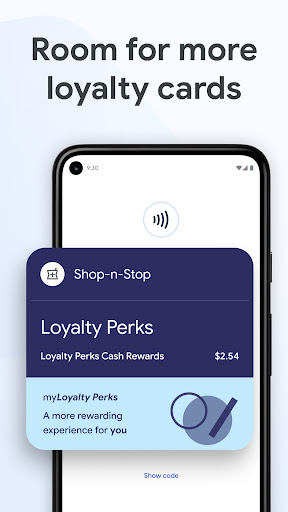
- Allows for the addition of gym memberships, library cards, and other customizable passes.
Pros & Cons
Pros
- Highly versatile, supporting a wide array of digital items beyond just payment cards.
- Offers a user-friendly interface with seamless integration across Google's ecosystem.
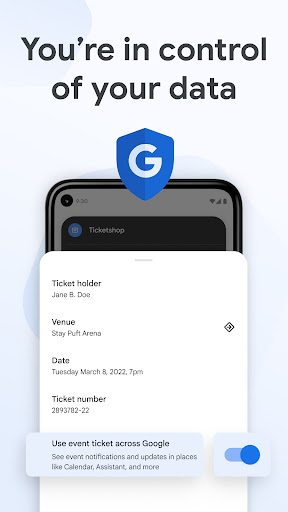
- Incorporates robust security features to protect sensitive financial and personal data.
- Provides real-time updates and location-based notifications for stored tickets and passes.
- Simplifies daily transactions and access by consolidating multiple items into one app.
Cons
- Certain advanced functionalities may not be available in all geographic regions.
- Some features require additional setup or compatibility with specific third-party systems.
- Optimal performance and full functionality are dependent on a stable internet connection.
- Potential for increased battery drain with active use of NFC or location services.
How to Use Google Wallet
- Install the Google Wallet application from the Google Play Store on your Android device.
- Open the app and sign in using your existing Google account credentials.
- Tap the "Add to Wallet" button, usually represented by a plus sign, to select the type of item you wish to add.
- Follow the on-screen prompts to either scan your card, input details manually, or upload a digital pass.
- Enable Near Field Communication (NFC) in your device settings to facilitate contactless payments.
- Present your phone to a compatible payment terminal or scanner to use your stored cards or passes.
Frequently Asked Questions
Is Google Wallet a secure way to store my information?
Can I use Google Wallet without an internet connection?
What Android versions are compatible with Google Wallet?
Do I need a Google account to use Google Wallet?
Are there any fees associated with using Google Wallet?
What types of items can I store in Google Wallet?
Similar to This App
Hot Apps


