
Capital One Mobile


Overview
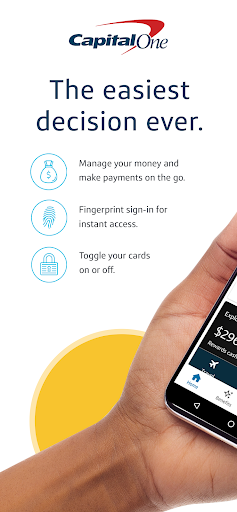
Managing personal finances on the go has become an expectation, not a luxury, for many Android users. Capital One Mobile offers a comprehensive toolkit for individuals with existing Capital One accounts, aiming to consolidate various banking tasks into one accessible platform. This review will explore its core functionalities, highlighting what makes it a convenient choice for daily financial management, as well as addressing some of its potential shortcomings. From routine balance checks to more involved transactions like bill payments and mobile check deposits, the app positions itself as a central hub for Capital One customers. We'll delve into its practical features, evaluate its user experience, and provide insights into whether it truly simplifies banking for its target audience.
Key Features
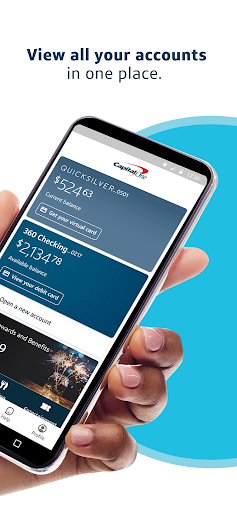
- View real-time account balances and detailed transaction history.
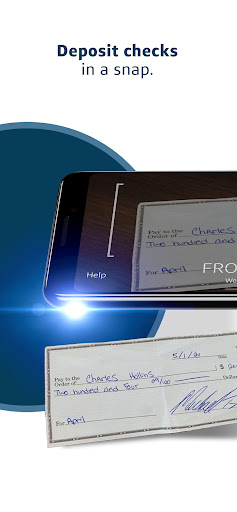
- Deposit checks directly from your smartphone using the camera.
- Pay bills and transfer funds between linked Capital One accounts.
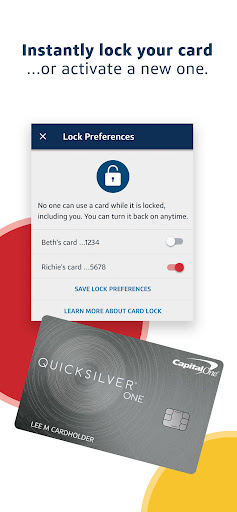
- Lock or unlock credit and debit cards instantly for security.
- Receive customizable push notifications for account activity and alerts.
- Access credit score monitoring and financial insights.
Pros & Cons
Pros
- Robust security measures protect personal and financial data.
- Convenient mobile check deposit feature saves time.
- Real-time account monitoring and customizable alerts.
- Ability to lock/unlock cards provides immediate control.
- Integration of credit score tracking within the app.
Cons
- Some users report occasional slow loading times within the app.
- Certain advanced banking functions may still require desktop access.
- Requires an existing Capital One account to be fully utilized.
- Frequent use can contribute to smartphone battery drain.
How to Use Capital One Mobile
- Download the Capital One Mobile app from the Google Play Store.
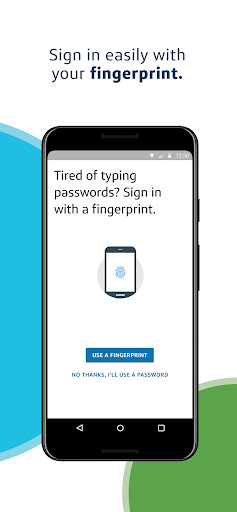
- Open the application and log in using your existing Capital One online banking credentials.
- Explore the main dashboard to view summaries of your accounts, including balances and recent transactions.
- Initiate a mobile check deposit by selecting the appropriate option and following the on-screen camera prompts.
- Manage your bills by navigating to the payments section and scheduling payments or transfers.
- Set up personalized push notifications to receive alerts on account activity or payment due dates.


