
PayPal - Pay, Send, Save




Overview
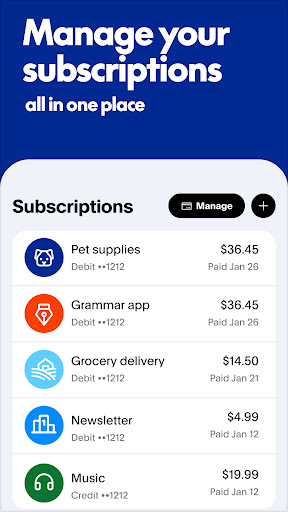
Managing personal finances on the go has become an essential part of modern life, and many look for reliable tools to handle their transactions. Offering a comprehensive platform for digital payments, PayPal - Pay, Send, Save positions itself as a central hub for sending and receiving money, making purchases, and monitoring financial activity directly from a smartphone. With its reputation for secure transactions and widespread acceptance, this application aims to streamline how individuals interact with their money, whether it's splitting a bill with friends, paying for goods online, or managing recurring payments. This review will explore its core features, highlight its strengths and weaknesses, and guide potential users through its initial setup and usage, helping determine if this long-standing financial service effectively meets their everyday digital payment needs.
Key Features
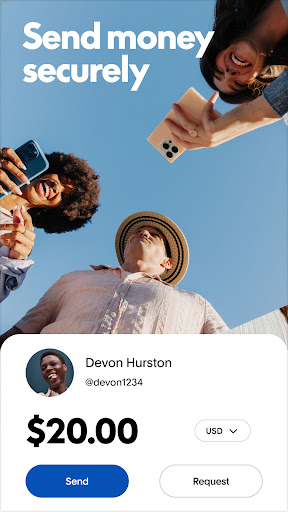
- Securely send and receive money from friends, family, or businesses globally.
- Link bank accounts, credit cards, and debit cards for flexible payment options.
- Monitor all account activity with real-time notifications for every transaction.
- Access a detailed transaction history to track and organize past spending.
- Benefit from advanced encryption and fraud protection to safeguard financial data.
- Make purchases online and in stores, with options for installment payments.
Pros & Cons
Pros
- Widespread acceptance and global reach in over 200 countries.
- Robust security features including encryption and fraud protection.
- User-friendly interface simplifies complex financial tasks.
- Convenient real-time notifications for all account activity.
Cons
- Transaction fees can apply, particularly for international transfers or currency conversions.
- New user accounts may face holds during initial verification processes.
- Potential for account limitations or restrictions without clear explanation.
How to Use PayPal - Pay, Send, Save
- Install the PayPal - Pay, Send, Save app from the Google Play Store on your Android device.
- Open the app and either log in with an existing PayPal account or create a new one by following the on-screen prompts.
- Link a funding source, such as a bank account or credit card, to your PayPal wallet for transactions.
- Tap "Send" to initiate a payment, entering the recipient's email or phone number and the amount.
- Confirm the transaction details and selected funding source before finalizing the payment.
- Monitor your account activity and transaction history through the app's main dashboard.


