
YouTube Studio
Category
Video Players & Editors
Downloads
100M+
Developer
Google LLC
Available on
Android, iOS
OS




Overview
For creators managing their presence on the world's largest video platform, a robust mobile tool is essential. This application, developed by Google LLC, offers a dedicated environment for monitoring and optimizing a YouTube channel directly from an Android device. With over 100 million downloads, it serves as a critical companion for anyone looking to stay connected to their audience and content on the go. This review will explore its core functionalities, highlight its strengths, acknowledge its limitations, and guide prospective users through its initial setup and use. It aims to provide an honest assessment of whether this app lives up to its promise of empowering content creators with efficient channel management.
Key Features
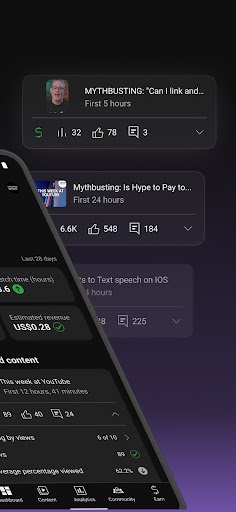
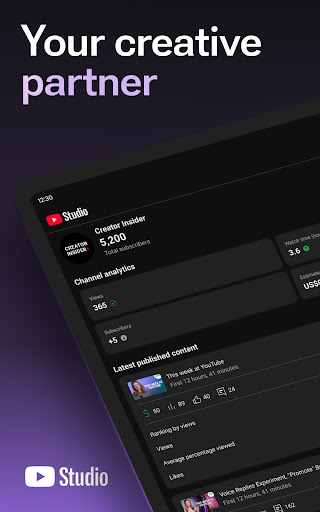
- Detailed performance analytics provide insights into video views, watch time, and audience retention.
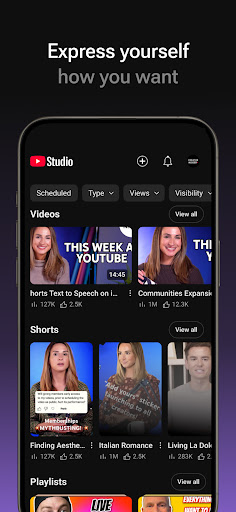
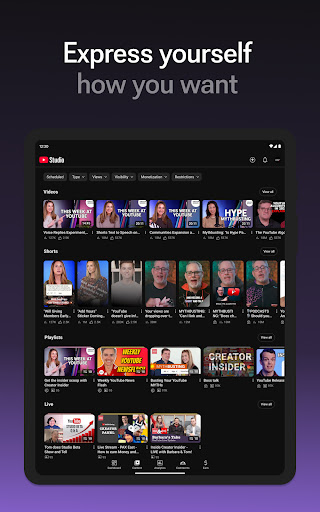
- Content management tools allow uploading, editing video details, and scheduling posts conveniently.
- Customization options for video thumbnails and descriptions directly within the mobile interface.
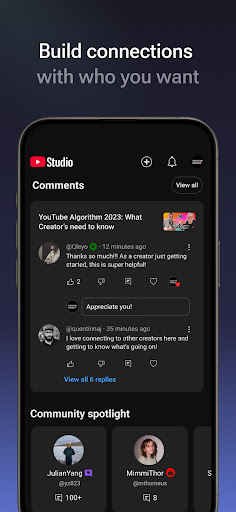
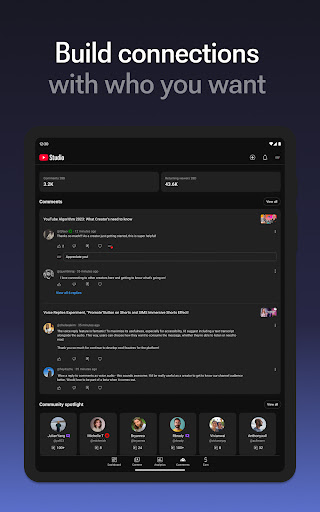
- Community engagement features for moderating comments and responding to subscriber interactions.
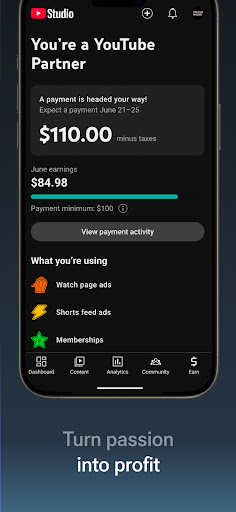
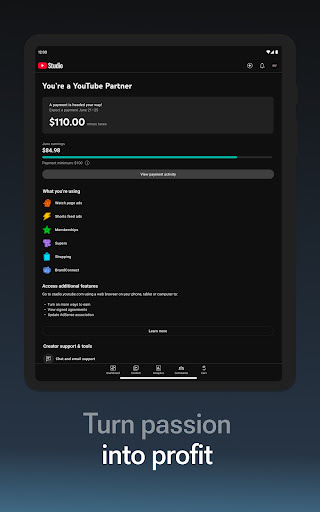
- Access to revenue reports and tracking of earnings from various monetization streams.
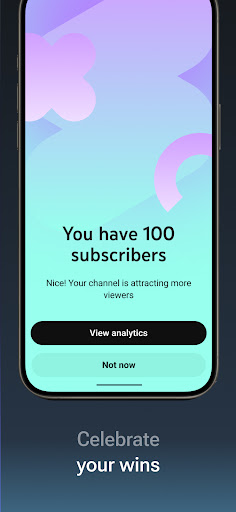
- Real-time notifications keep creators informed about new comments and channel activity.
Pros & Cons
Pros
- Intuitive and streamlined interface designed specifically for content creators.
- Comprehensive analytics empower data-driven decisions for content strategy.
- Real-time notifications ensure creators are always aware of channel activity.
- Consolidates multiple management tasks into a single, accessible mobile application.
- Essential for monitoring channel performance and engaging with the audience remotely.
Cons
- Some advanced editing and channel management features remain exclusive to the desktop version.
- Users occasionally report encountering bugs during video uploads or when editing content.
- Customization options within the app are more limited compared to the full web interface.
- Requires a stable internet connection for most functions, limiting offline utility.
How to Use YouTube Studio
- Install the YouTube Studio app from the Google Play Store on your Android device.
- Open the application and sign in using the Google account associated with your YouTube channel.
- Review your channel dashboard to see an overview of recent performance metrics and activity.
- Tap on the 'Content' tab to browse your uploaded videos and access individual video analytics.
- Select a specific video to edit its details, change the thumbnail, or view detailed performance insights.
- Navigate to the 'Comments' section to moderate discussions and respond to your audience directly.
- Monitor your channel's monetization performance and revenue reports under the 'Earn' tab.
Frequently Asked Questions
Is YouTube Studio a free application?
Yes, YouTube Studio is a completely free application provided by Google LLC. It serves as a companion tool for managing an existing YouTube channel without any subscription fees.
Do I need a YouTube channel to use this app?
Yes, this app is specifically designed for content creators to manage their YouTube channels. You must have an active YouTube channel linked to your Google account to utilize its features.
Can I upload new videos directly from the app?
Yes, you can upload videos, edit their details, and schedule posts directly from the YouTube Studio app. This allows for convenient content management on the go.
Does the app work offline?
While some cached data might be viewable offline, most functionalities of YouTube Studio, such as viewing real-time analytics, moderating comments, or uploading videos, require an active internet connection. It is primarily an online management tool.
How does YouTube Studio help with monetization?
The app provides access to revenue reports and helps creators track their earnings. You can monitor income from ads, Super Chats, and channel memberships, offering a clear overview of your monetization performance.
Similar to This App

TikTok Studio
Video Players & Editors

Edits: Video Editor
Video Players & Editors

Video Downloader & Player
Video Players & Editors

Photo Editor Video Maker Music
Video Players & Editors

VLC for Android
Video Players & Editors

AI Video Maker With Music
Video Players & Editors

YouTube
Video Players & Editors

CapCut - Video Editor
Video Players & Editors

Video&Drama Player All Format
Video Players & Editors

VideXo : Video Downloader HD
Video Players & Editors
Hot Apps
TikTok Studio
Video Players & Editors
Edits: Video Editor
Video Players & Editors
Video Downloader & Player
Video Players & Editors
Photo Editor Video Maker Music
Video Players & Editors
VLC for Android
Video Players & Editors
AI Video Maker With Music
Video Players & Editors
YouTube
Video Players & Editors
CapCut - Video Editor
Video Players & Editors
Video&Drama Player All Format
Video Players & Editors
VideXo : Video Downloader HD
Video Players & Editors