
TikTok Studio

Overview
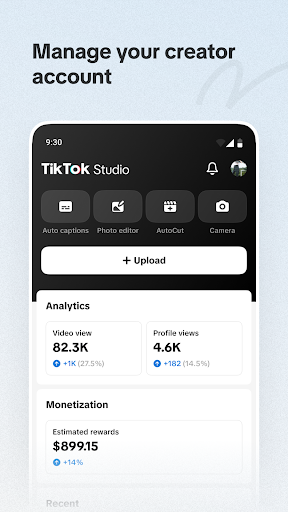
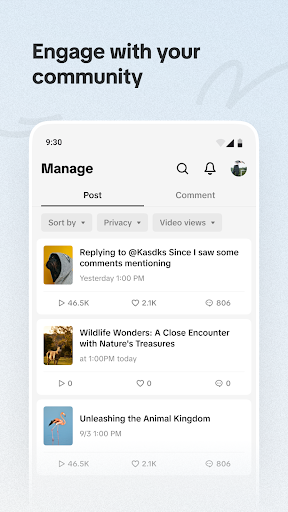
For anyone serious about building a presence on TikTok, managing content across multiple accounts, or simply looking to refine their video strategy, a dedicated management tool can be invaluable. TikTok Studio, developed by TikTok Pte. Ltd., positions itself as an all-in-one platform designed to streamline the creative and analytical processes for content creators. This app aims to empower users, from individual hobbyists to professional teams, by centralizing video production, performance tracking, and monetization efforts. As an upgraded version of the platform's previous Creator Tools, it promises a more robust and integrated experience. This review will explore its core functionalities, highlight its strengths and weaknesses, and guide you through its initial setup, helping you decide if it’s the right fit for your content creation journey.
Key Features
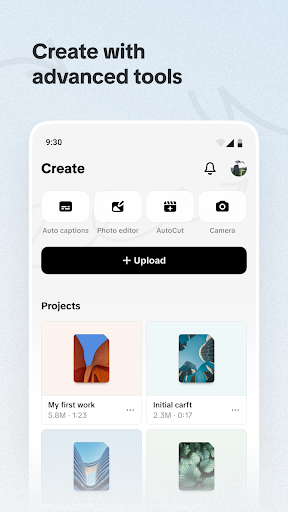
- Provides built-in editing tools like filters, captions, and templates for video creation.
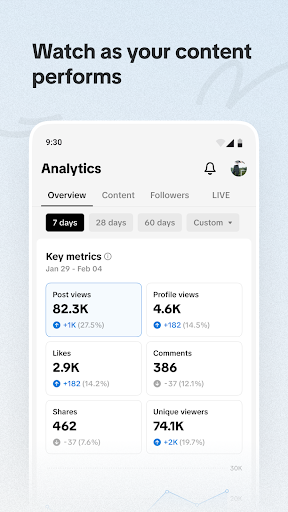
- Offers detailed analytics on video views, engagement rates, and audience demographics.
- Manages live streams, including scheduling, viewer interaction, and post-stream data.
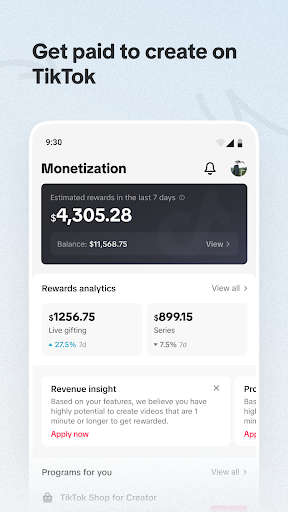
- Tracks various monetization streams, such as Creator Fund earnings and live gifts.
- Supports multi-account management with batch uploads and scheduled posting capabilities.
- Serves as a centralized workspace for all TikTok content management and optimization tasks.
Pros & Cons
Pros
- Consolidates multiple creator tools into a single, comprehensive application.
- Provides in-depth performance analytics to inform content strategy effectively.
- Simplifies managing several TikTok accounts efficiently from one place.
- Offers a user-friendly interface that helps streamline complex tasks.
Cons
- New users might face a learning curve for some of the more advanced features.
- Some early adopters have reported occasional bugs and performance inconsistencies.
- Requires a deep commitment to the TikTok platform for full utility.
How to Use TikTok Studio
- Install the TikTok Studio app from the Google Play Store onto your Android device.
- Open the application and log in using your existing TikTok account credentials.
- Explore the dashboard to familiarize yourself with content creation, analytics, and live stream sections.
- Upload or create a new video using the integrated editing tools and apply desired filters or captions.
- Access the analytics section to review performance metrics for your recently published content.
- Schedule a live stream or manage existing ones through the dedicated live streaming tab.
Frequently Asked Questions
Is TikTok Studio free to use?
Can I manage multiple TikTok accounts with this app?
Does TikTok Studio offer video editing capabilities?
What kind of data analytics does it provide?
Is an internet connection required to use TikTok Studio?
What if I encounter bugs or performance issues?
Similar to This App


Hot Apps