
CapCut - Video Editor



Overview
For anyone looking to produce engaging video content directly from their mobile device, a robust yet accessible editor is essential. CapCut - Video Editor offers a comprehensive suite of tools designed to cater to both novice users and seasoned creators, making it a prominent option in the crowded mobile video editing space. This application aims to simplify the video production process, allowing individuals to craft polished videos for social media, personal projects, or professional use without needing complex desktop software. With its widespread adoption, reaching over a billion downloads, it clearly resonates with a broad audience. Our review will delve into its key functionalities, highlight its strengths and weaknesses, and guide you through its basic operation, helping you determine if this popular tool from ByteDance is the right fit for your mobile editing workflow.
Key Features
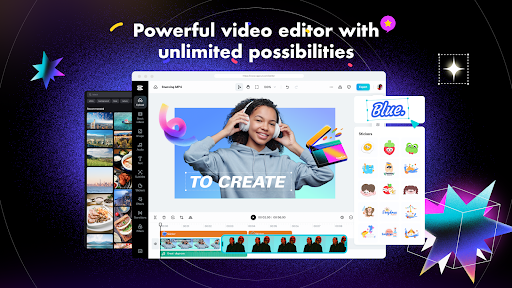
- Provides fundamental editing functions like trimming clips, splitting segments, and adjusting playback speed.
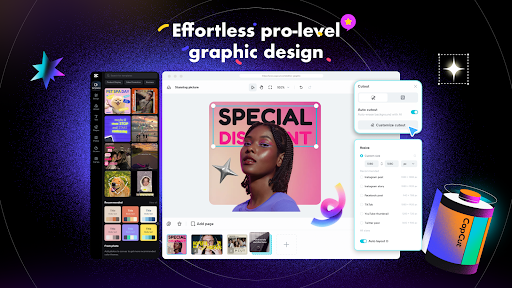
- Offers a broad selection of filters, transitions, stickers, and animated text for creative enhancement.
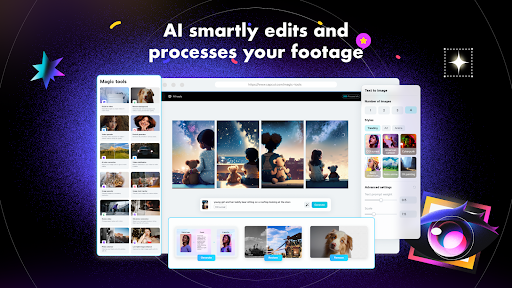
- Includes AI-driven tools such as automatic subtitles, object removal, and intelligent background replacement.
- Allows extensive audio control, incorporating royalty-free music and advanced noise reduction capabilities.
- Features professional-grade color correction options to fine-tune brightness, contrast, and saturation.
Pros & Cons
Pros
- Completely free to use without any in-app purchases or intrusive advertisements.
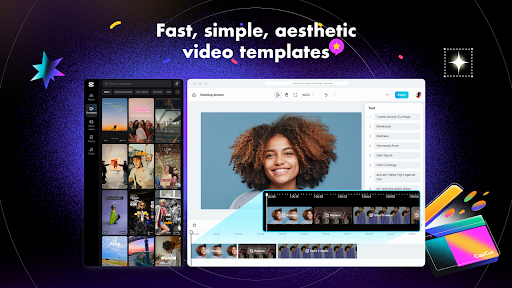
- Extensive collection of effects, templates, and royalty-free music tracks.
- Supports multiple languages, making it accessible to a diverse global user base.
- Regular updates introduce new features and ongoing performance enhancements.
Cons
- Advanced functionalities may present a learning curve for new users.
- High-resolution video exports can be time-consuming, especially on older devices.
- The application can be resource-intensive, potentially impacting device battery life and storage.
How to Use CapCut - Video Editor
- Download and install CapCut - Video Editor from the Google Play Store onto your Android device.
- Launch the application and tap "New Project" to begin your video creation journey.
- Import video clips and photos from your device's gallery into the project timeline.
- Utilize the editing tools to trim, split, adjust speed, and arrange your media segments.
- Enhance your video by adding filters, transitions, text, stickers, or background music from the extensive library.
- Review your edited video and then tap the export button to save it to your device or share it directly.
Frequently Asked Questions
Is CapCut - Video Editor free to use?
Does CapCut require an internet connection to function?
Is an account registration necessary to use the app?
What are the minimum device requirements for running CapCut?
Are there any privacy concerns with using CapCut given its developer?
Similar to This App


Hot Apps