
ADP Mobile Solutions



Overview
Managing your professional life often requires quick access to crucial employment details, from pay stubs to time-off requests. For millions of workers whose companies rely on ADP's comprehensive human resources and payroll platforms, ADP Mobile Solutions offers a direct conduit to this information. This highly-rated application serves as an employee self-service portal, designed to keep staff connected to their company's vital data anytime, anywhere. It promises to streamline how organizations deliver essential resources, transforming how employees interact with their HR and payroll information directly from their mobile devices. Our review will explore the key functionalities, advantages, and any limitations users might encounter with this widely adopted business tool.
Key Features
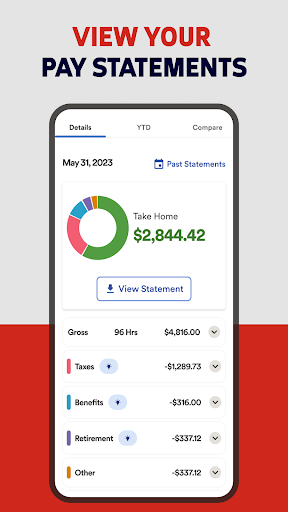
- Securely access and review detailed pay stubs and earnings statements.
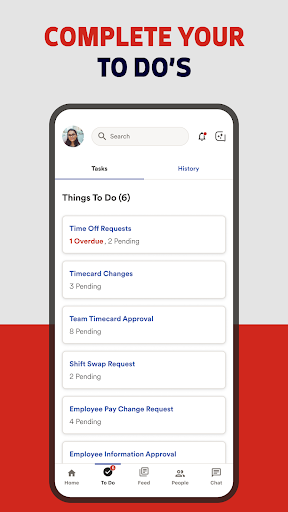
- Submit time-off requests and monitor your remaining leave balances.
- Efficiently track work hours, punch in/out, and manage timesheets.
- Access comprehensive information regarding your retirement and benefit plans.
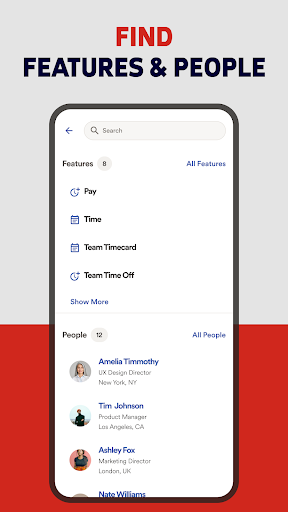
- Connect with coworkers quickly using the integrated company directory.
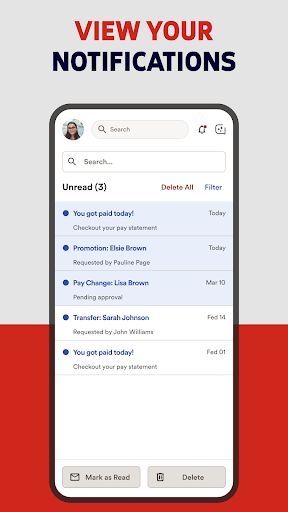
- Stay informed with the latest company announcements and important updates.
Pros & Cons
Pros
- Intuitive interface simplifies navigation for all users.
- Robust security measures protect sensitive personal and financial data.
- Provides centralized access to payroll, time, and HR information.
- Widely adopted by businesses using ADP platforms, ensuring broad compatibility.
Cons
- Feature access is entirely dependent on the employer's specific ADP product subscription.
- Individual users might face limitations based on company-set configurations.
- Not useful for individuals whose employers do not use ADP services.
- Requires an existing ADP account provided by your employer to function.
How to Use ADP Mobile Solutions
- Download the ADP Mobile Solutions app from the Google Play Store onto your device.
- Open the application and enter the company code or URL provided by your employer.
- Log in using your ADP user ID and password, which are supplied by your company.
- Explore the dashboard to view recent pay stubs, upcoming time off, or other quick summaries.
- Tap on specific modules like "Pay" or "Time" to access detailed information or submit requests.
- Utilize the integrated company directory to find contact information for colleagues or departments.


