
Microsoft Authenticator
Category
Business
Downloads
100M+
Developer
Microsoft Corporation
Available on
Android, iOS
OS
8.0
Overview
For anyone seeking to bolster their digital defenses against an ever-increasing array of online threats, a dedicated authenticator application can be an invaluable tool. Microsoft Authenticator offers a robust solution, providing an essential layer of security for a wide range of online accounts, from personal social media to critical work and school logins. This review will examine how the app simplifies the login process through passwordless options and multi-factor authentication, aiming to make secure access both convenient and reliable. We'll explore its key features, discuss its advantages and potential drawbacks, and provide a clear guide on how to get started, helping you decide if this tool fits your security needs.
Key Features
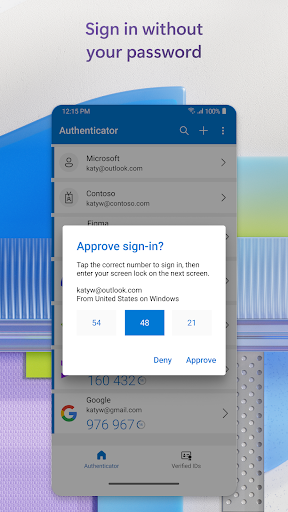
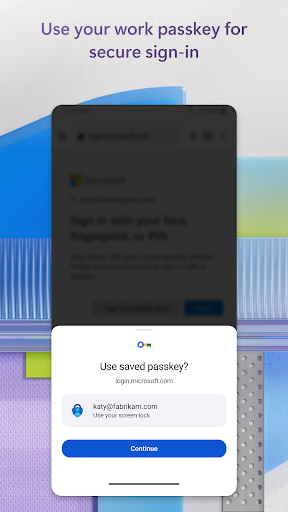
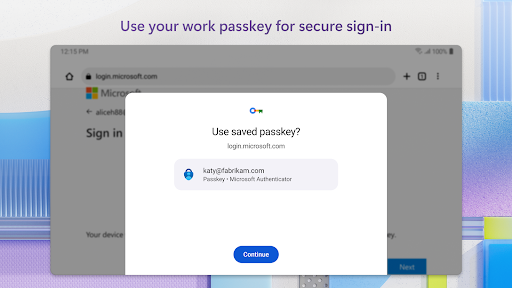
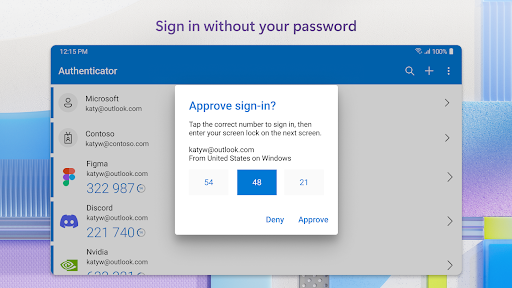
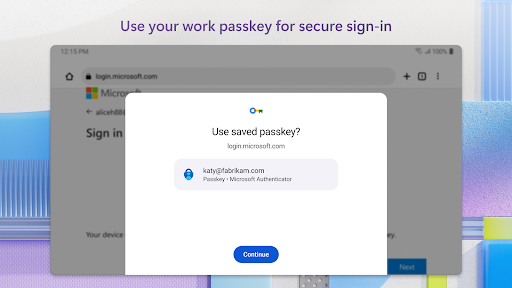
- Passwordless sign-in using biometrics or a PIN for enhanced convenience and security.
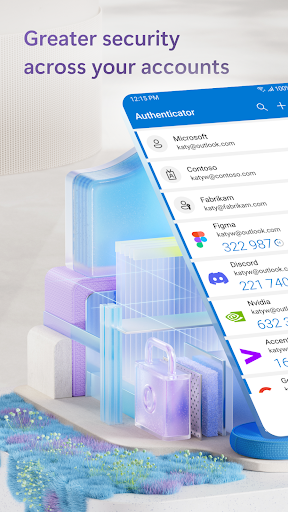
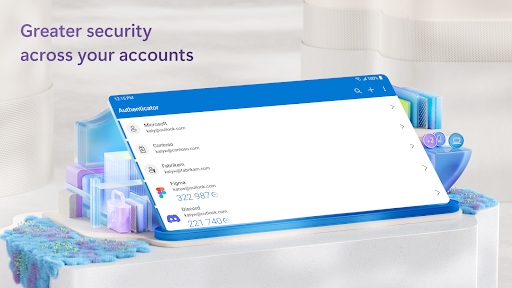
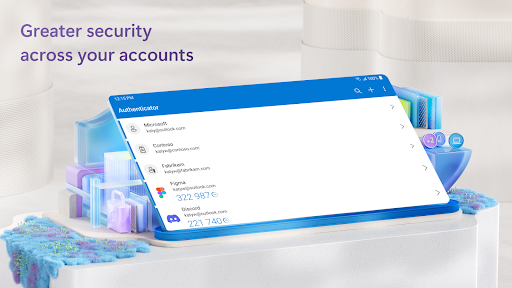
- Generates time-based one-time passwords (TOTP) for multi-factor authentication.
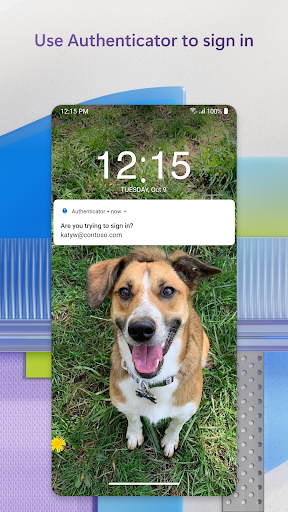
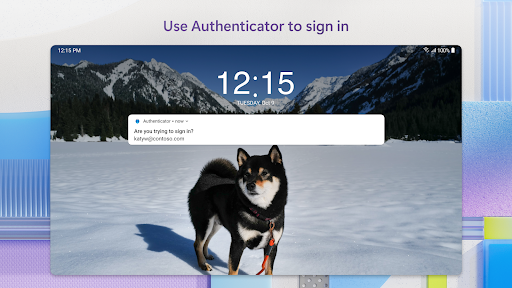
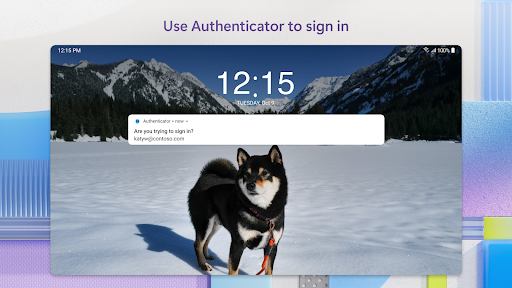
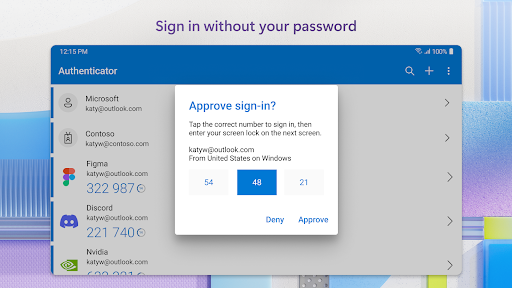
- Receive and approve login requests directly via push notifications on your device.
- Securely backs up and restores account credentials across multiple devices with encryption.
- Supports enterprise-grade security, including certificate-based authentication and FIPS 140 compliance.
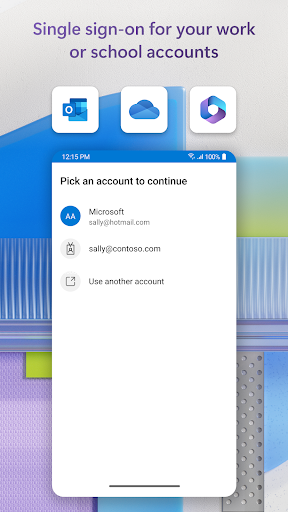
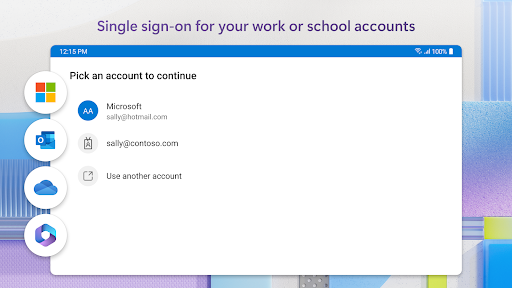
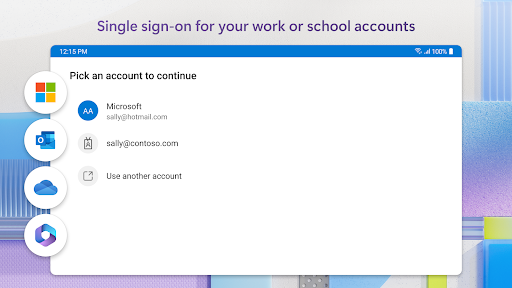
- Integrates with Microsoft services like Outlook and OneDrive, plus many third-party platforms.
Pros & Cons
Pros
- Significantly enhances account security through multi-factor and passwordless options.
- Simple and straightforward setup process for multiple personal and professional accounts.
- Broad compatibility with numerous third-party services beyond Microsoft's ecosystem.
- Developers provide consistent updates, ensuring ongoing functionality and security improvements.
Cons
- Functionality is restricted or unavailable on rooted or jailbroken mobile devices.
- Some previously available features, like automatic password filling, are being deprecated.
- Requires a consistent internet connection for push notifications and account synchronization.
- Can be a single point of failure if the device is lost or compromised without proper backup.
How to Use Microsoft Authenticator
- Install the Microsoft Authenticator app from the Google Play Store on your Android device.
- Open the app and tap the plus (+) icon to add an account.
- Choose the type of account you wish to add (e.g., personal Microsoft, work/school, or other account).
- Follow the on-screen instructions to scan a QR code or manually enter a setup key provided by the service you are protecting.
- Approve any test notifications or enter the generated code to confirm the setup.
- Enable cloud backup within the app settings to securely store your credentials for recovery.
Frequently Asked Questions
Is Microsoft Authenticator a free application?
Yes, Microsoft Authenticator is completely free to download and use on both Android and iOS devices. There are no hidden costs or subscription fees associated with its core features for personal use.
Do I need a Microsoft account to use this app?
While it integrates seamlessly with Microsoft services, you do not strictly need a Microsoft account to use the app. It can manage multi-factor authentication for various third-party services like Google, Facebook, and Amazon as well.
Can I use the app offline to generate codes?
Yes, the app can generate time-based one-time passwords (TOTP) even when your device is offline. However, features like push notifications for login approvals and cloud backup require an active internet connection.
What happens if I lose my phone with the Authenticator app?
If you lose your device, you can restore your backed-up accounts to a new device using your Microsoft account. It is crucial to enable cloud backup within the app settings to facilitate this recovery process.
Is the app secure against hacking attempts?
Microsoft Authenticator adds a significant layer of security to your accounts, making them much harder to compromise. It uses strong encryption for data and supports passwordless sign-ins and multi-factor authentication, protecting against common password-based attacks.


