
FedEx Mobile
Overview
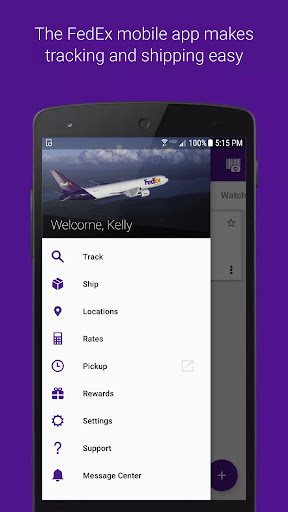
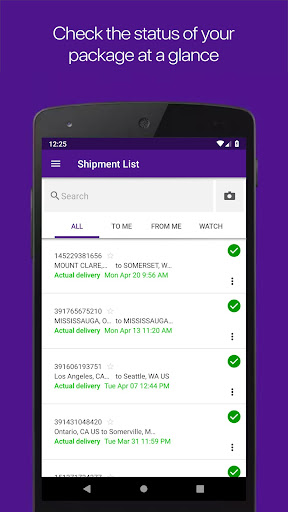
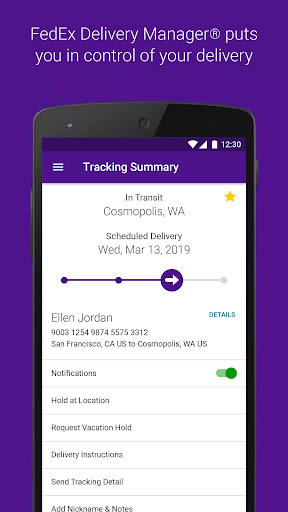
Keeping track of packages, scheduling deliveries, or preparing new shipments often requires a dedicated set of tools. For individuals and businesses relying on a major global carrier, this Android application offers a streamlined approach to managing all aspects of their logistics directly from a smartphone or tablet. The FedEx Mobile app consolidates essential functionalities, providing real-time updates and interactive features designed to simplify the shipping experience. This review will delve into its core capabilities, examining how it performs in areas like package tracking, label generation, and finding drop-off locations. We’ll also consider its specific advantages and any potential drawbacks, helping you determine if this tool effectively supports your personal or professional shipping requirements and enhances your overall logistical operations.
Key Features
- Receive detailed, real-time status updates on all your incoming and outgoing packages.
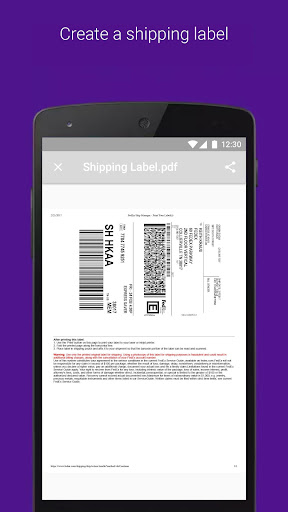
- Generate domestic or international shipping labels directly from your mobile device.
- Schedule convenient package pickups and customize delivery preferences for flexibility.
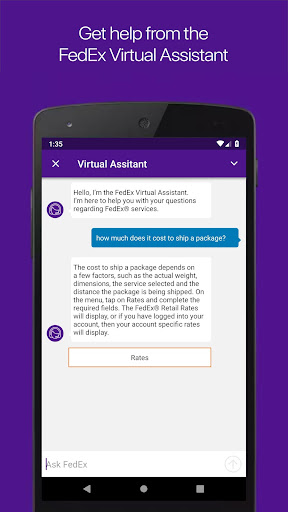
- Estimate shipping costs and transit times using integrated rate calculation tools.
- Utilize your phone's camera to accurately measure package dimensions for shipping.
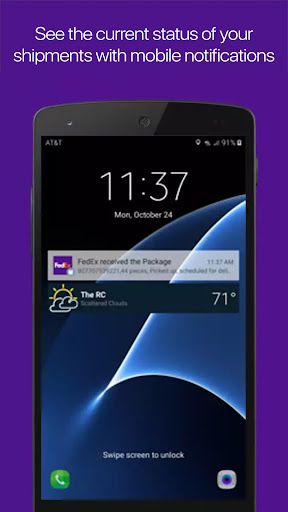
- Get push notifications for shipment status changes, delivery attempts, and confirmations.
- Locate nearby FedEx service centers, drop-off points, and other facilities easily.
Pros & Cons
Pros
- Provides comprehensive tracking and shipment management features.
- Offers a user-friendly interface suitable for various users.
- Ensures reliable service with global coverage across many regions.
- Includes advanced tools like package measurement and rate estimation.
Cons
- Some advanced features might be unavailable in certain regions.
- Notification updates can experience delays during peak shipping seasons.
- Functionality is limited exclusively to FedEx services, not other carriers.
- The app requires Android 11 or newer, excluding older devices.
How to Use FedEx Mobile
- Install the FedEx Mobile app from the Google Play Store on your device.
- Open the application and grant any necessary permissions for location or camera access.
- Enter a tracking number manually or scan a package barcode to view real-time status updates.
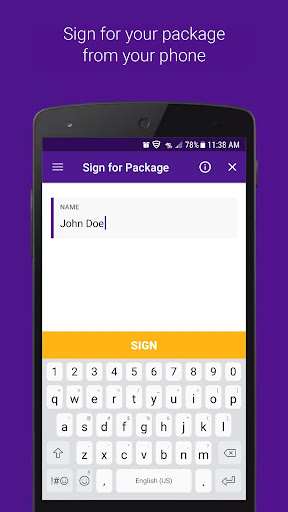
- Tap the "Create Shipment" option to generate new shipping labels and arrange pickups.
- Access the "Locations" feature to find the nearest FedEx drop-off points or service centers.
- Enable push notifications within settings to receive timely alerts about your packages.
Frequently Asked Questions
Is a FedEx account required to use this app?
Can I track packages from other shipping carriers using this app?
Is there a cost associated with using the FedEx Mobile app?
Does the app support international shipping?
What Android versions are compatible with the app?
Can I use the app's features offline?
Similar to This App
Hot Apps


