
Workday
Overview
Managing human resources and financial operations efficiently is crucial for any modern business. For organizations that rely on a comprehensive cloud-based system, a dedicated mobile interface can significantly enhance productivity and accessibility for their workforce. Workday offers just such a solution, extending its powerful HR and financial management capabilities to Android devices. This app aims to provide both employees and managers with the tools they need to handle essential tasks on the go, from submitting expense reports to approving time-off requests. Our review will explore the app's core features, highlight its advantages, identify potential drawbacks, and guide you through its basic usage, giving you a clear picture of its utility within an enterprise ecosystem.
Key Features
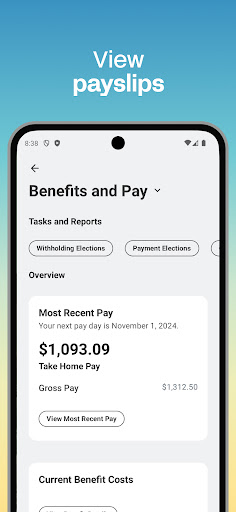
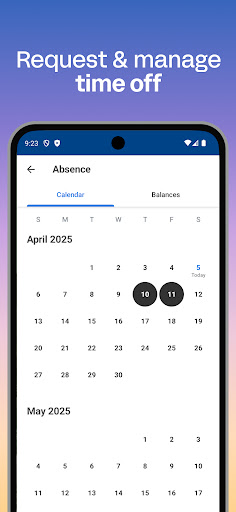
- Employees can view pay stubs, request time off, and update personal information.
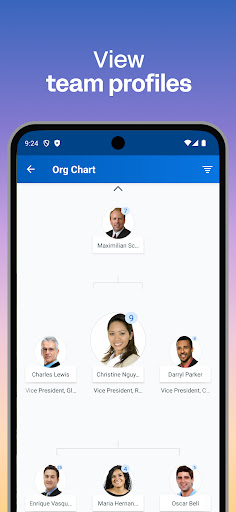
- Managers can approve requests, review team performance, and access real-time analytics.
- Secure access to sensitive data through advanced encryption and biometric authentication.
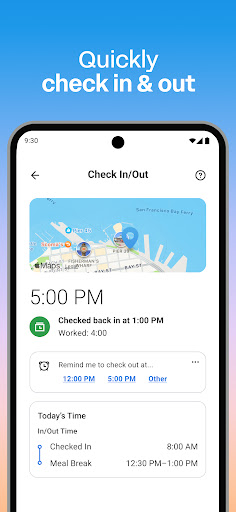
- Timely notifications keep users informed about approvals, deadlines, and important updates.
- Access learning modules and feedback tools to support employee skill development.
- Unified platform integrating human resources, finance, and planning functionalities.
Pros & Cons
Pros
- Comprehensive functionality covering HR, payroll, and finance in one platform.
- Real-time data insights support informed decision-making across the organization.
- Robust security features, including biometric authentication, protect sensitive data.
- Mobile accessibility provides flexibility and convenience for remote or on-the-go work.
Cons
- A potentially steep learning curve for users unfamiliar with enterprise software interfaces.
- Some advanced features may require additional configuration or separate subscriptions.
- Effectiveness is heavily dependent on how thoroughly the employer has implemented and configured the system.
- Constant data syncing and notifications can contribute to increased battery consumption.
How to Use Workday
- Install the Workday app from the Google Play Store on your Android device.
- Open the application and wait for it to load the initial setup screen.
- Log in using the credentials provided by your employer or organization.
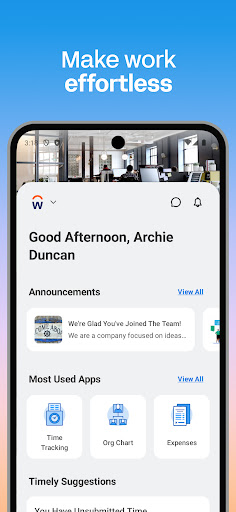
- Explore the main dashboard for quick access to common tasks and notifications.
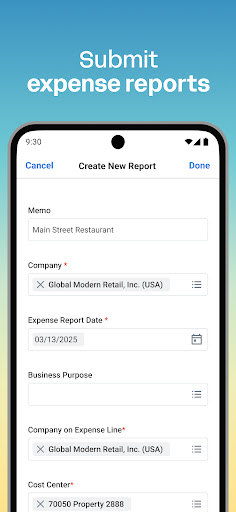
- Access employee self-service features like viewing pay stubs or submitting expense reports.
- Utilize manager tools to approve pending items or review team-specific performance data.
Frequently Asked Questions
Do I need an account to use the Workday app?
What kind of information can I access through the mobile app?
Is my personal and company data secure within the Workday app?
Can I use the Workday app if my company does not subscribe to Workday services?
What is the minimum Android version required for this app?
Similar to This App
Hot Apps


