
QR & Barcode Scanner


Overview
For anyone who frequently encounters QR codes or barcodes in their daily life, a reliable scanner app is an essential productivity tool. Finding one that's efficient, free, and respects user privacy can be a challenge amidst a crowded market. AT Technologyy's QR & Barcode Scanner aims to fill this niche, offering a straightforward solution for decoding various code types. Whether you're a student scanning textbook links, a professional decoding product information, or simply someone looking to streamline digital interactions, this app promises a quick and accurate experience. This review will explore its core functionalities, highlight its strengths and weaknesses, and guide you through its practical usage to help you decide if it deserves a spot on your Android device.
Key Features
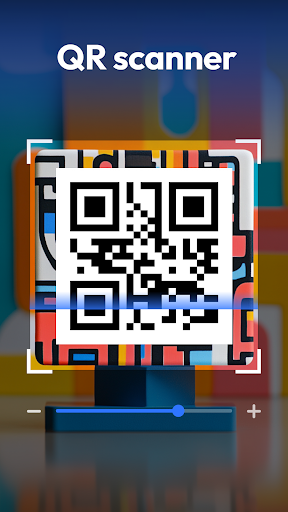
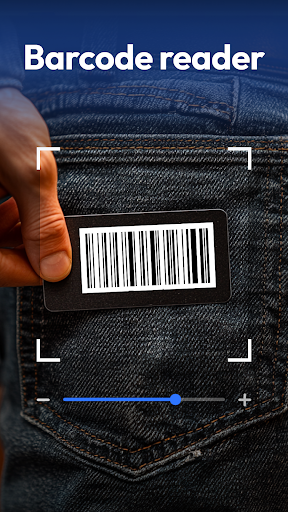
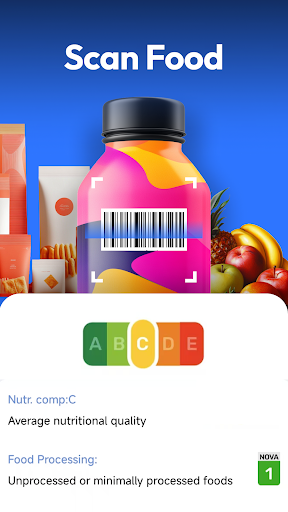
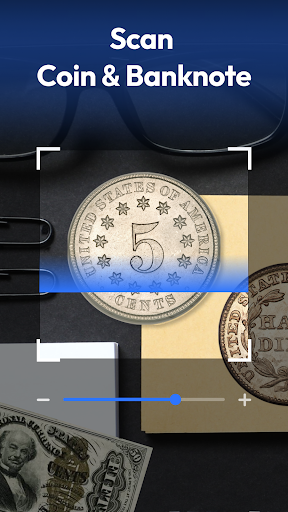
- Scans over 20 different barcode and QR code formats for broad compatibility.
- Offers both real-time camera scanning and image import from your device gallery.
- Intelligently parses scanned content to perform actions like opening URLs or connecting Wi-Fi.
- Maintains a comprehensive history of all scanned items for easy review and export.
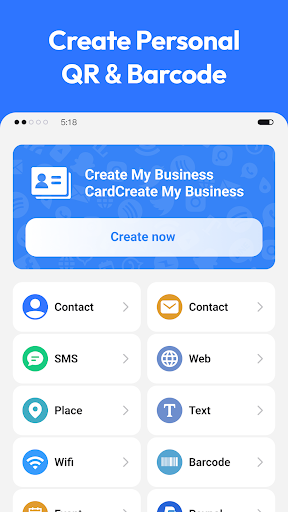
- Includes a built-in generator for creating custom QR codes from text, links, or contacts.
- Provides an intuitive user interface with support for a comfortable dark mode.
Pros & Cons
Pros
- Completely free to use with no intrusive advertisements.
- Keeps all scanned data stored locally on your device, ensuring privacy.
- Supports a wide array of barcode and QR code formats.
- Features a clean, intuitive interface and a convenient dark mode.
Cons
- May struggle to accurately scan low-quality or physically damaged codes.
- Lacks extensive advanced customization options compared to some premium alternatives.
- Limited in terms of detailed scan settings for power users.
How to Use QR & Barcode Scanner
- Install the QR & Barcode Scanner app from the Google Play Store.
- Open the application, which will immediately activate the camera for scanning.
- Point your device's camera steadily at the QR code or barcode you wish to scan.
- Review the decoded information displayed on the screen after a successful scan.
- Perform the suggested action, such as opening a website or adding contact details.
- Access the history section to review past scans or use the generator to create new codes.
Frequently Asked Questions
Is QR & Barcode Scanner a free application?
Does this app display advertisements?
How does the app handle user data and privacy?
Can I use the scanner without an internet connection?
What types of codes can this app scan?
Similar to This App


Hot Apps