
ChatGPT
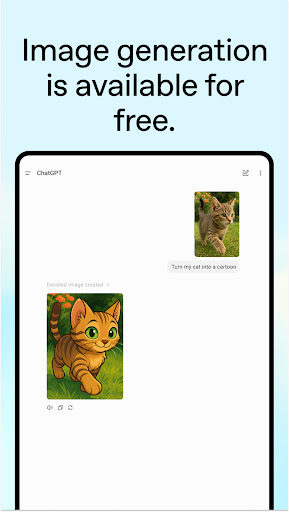
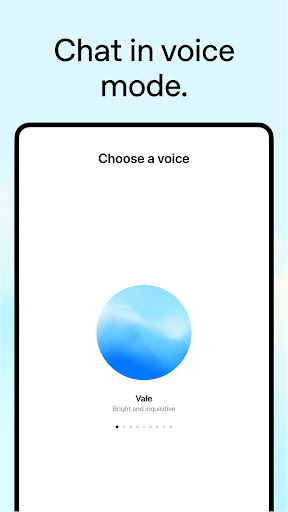
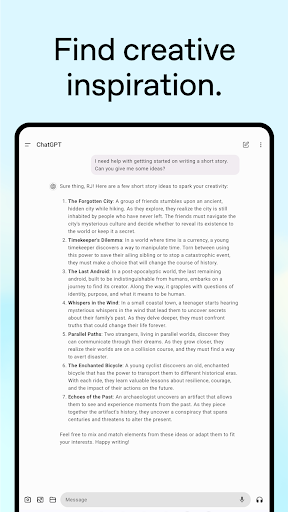
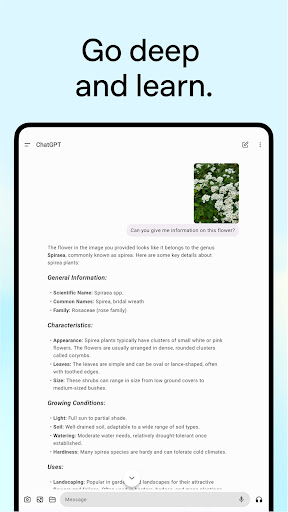
Overview
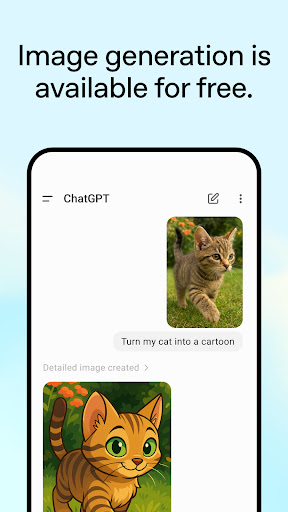
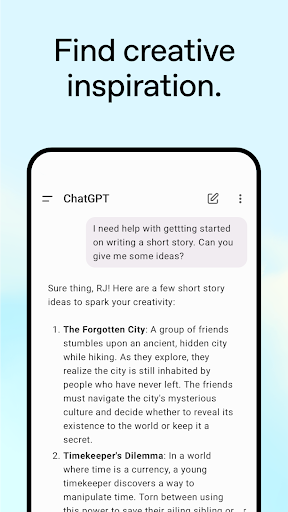
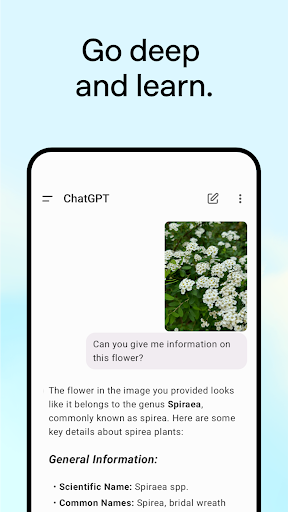
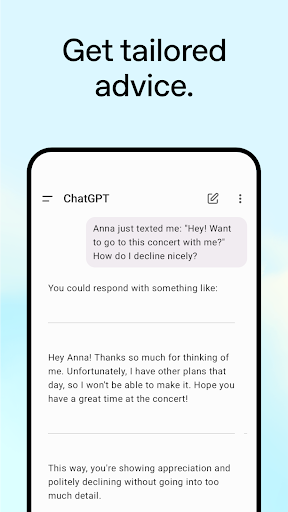
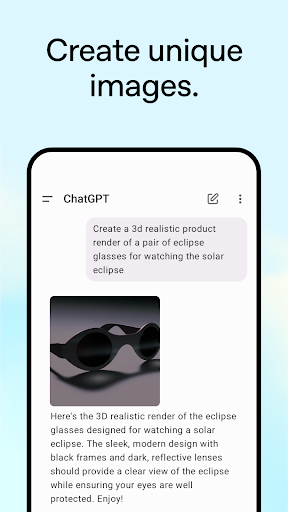
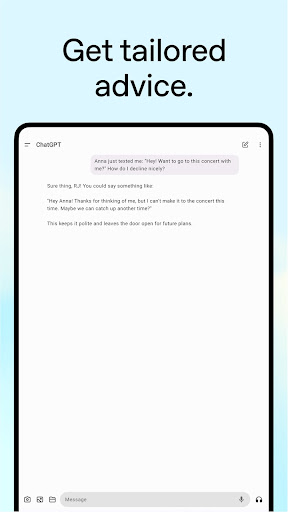
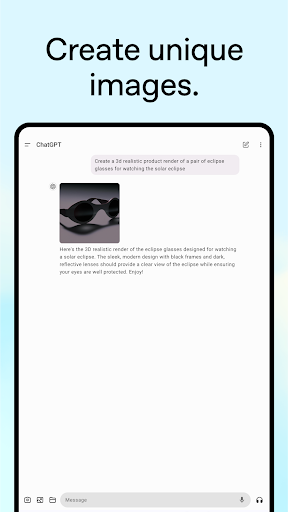
For anyone seeking a powerful digital assistant to streamline their daily tasks or ignite their creativity, the official ChatGPT app from OpenAI presents a compelling option. This productivity tool leverages advanced artificial intelligence to provide a conversational experience that feels remarkably human-like. Whether you're drafting important emails, brainstorming creative content, or simply seeking quick answers to complex questions, this application aims to be a versatile companion. With a high user rating and hundreds of millions of downloads, it’s clear many have found value in its capabilities. This review will delve into the app's key features, weigh its advantages and potential drawbacks, and guide you through the process of getting started, ensuring you understand what makes this AI assistant a significant player in the mobile app landscape.
Key Features
- Provides natural language understanding for intuitive, engaging conversations.
- Offers versatile writing assistance across tasks, from essays to code snippets.
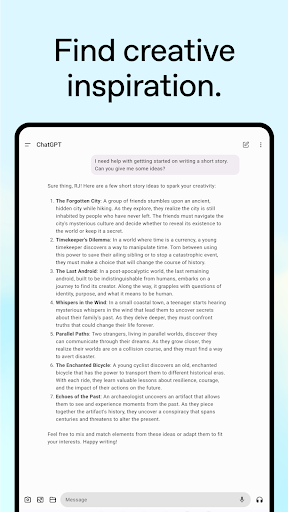
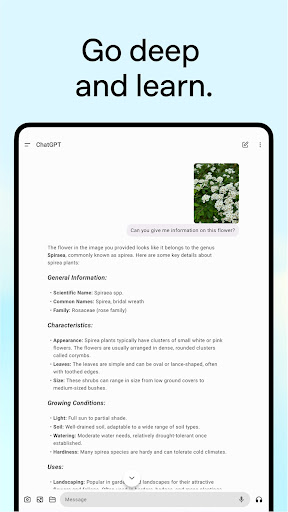
- Delivers insightful answers to questions and helps generate various content.
- Accessible around the clock, ensuring continuous support whenever needed.
- Supports multiple languages, catering to a diverse global user base.
Pros & Cons
Pros
- Handles a wide range of queries with notable accuracy.
- Benefits from a vast knowledge base for comprehensive answers.
- Features an intuitive and user-friendly interface.
- Continuously available for assistance at any time.
Cons
- Responses can sometimes be off-topic or lack precision.
- Premium features may require a paid subscription.
- Accuracy might diminish when dealing with highly specialized subjects.
- Requires a consistent internet connection to function.
How to Use ChatGPT
- Download the official app from the Google Play Store.
- Sign up or log in using your OpenAI account credentials.
- Start a new conversation by typing your query or prompt.
- Review the AI-generated response and refine your input if needed.
- Utilize the output for various tasks like writing or research.
Frequently Asked Questions
Is the ChatGPT app free to use?
Do I need an account to use the app?
Can ChatGPT work without an internet connection?
What languages does the app support?
How accurate are the responses provided by ChatGPT?
Similar to This App


Hot Apps