
ScanNow Home





Overview
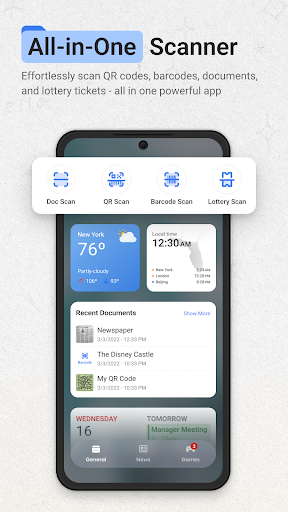
Digitizing paper documents has become a necessary task for many, whether for work, study, or personal record-keeping. ScanNow Home positions itself as a comprehensive solution, aiming to transform your smartphone into a portable scanner. This application is designed to streamline the process of capturing, organizing, and sharing digital copies of various physical items, from important contracts to casual photos and even QR codes. Aimed at a broad audience, including students, remote workers, and business professionals, it promises an intuitive experience supported by advanced features. This review will explore its core functionalities, highlight its benefits, and point out any potential downsides, helping you decide if this tool is the right fit for your mobile scanning needs.
Key Features
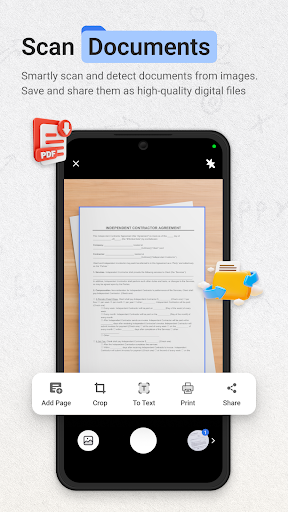
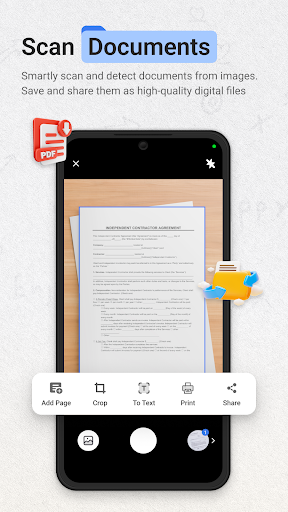
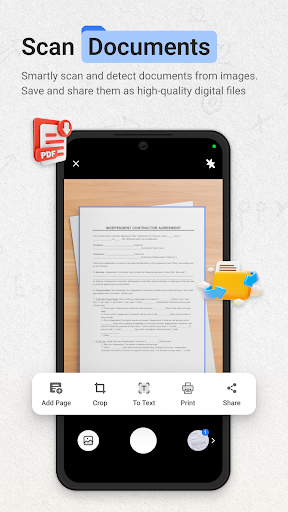
- Advanced scanning technology with automatic edge detection and image enhancement.
- Optical Character Recognition (OCR) to convert scanned text into editable formats.
- Export documents to multiple formats like PDF, JPEG, Word, and Excel.
- Secure sensitive files using password encryption or biometric authentication.
- Seamlessly integrate with popular cloud services for backup and easy access.
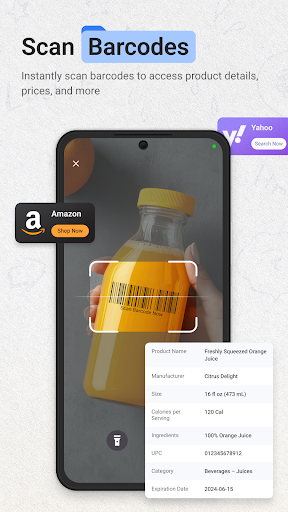
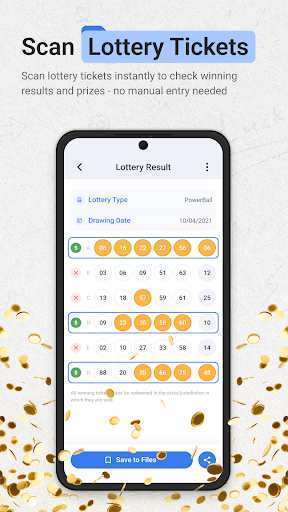
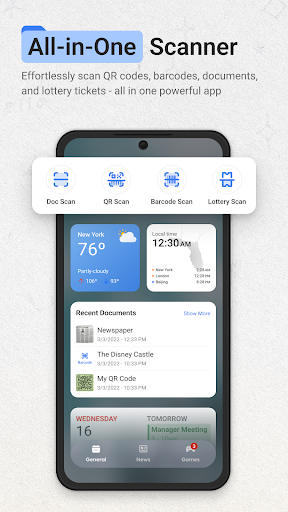
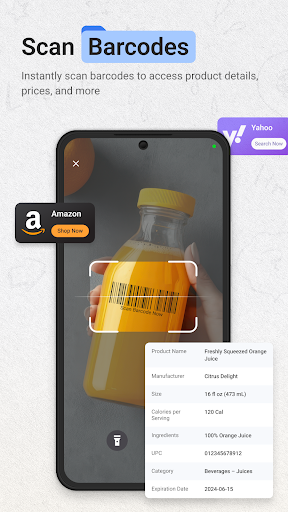
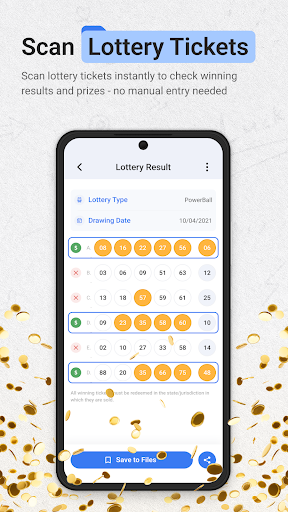
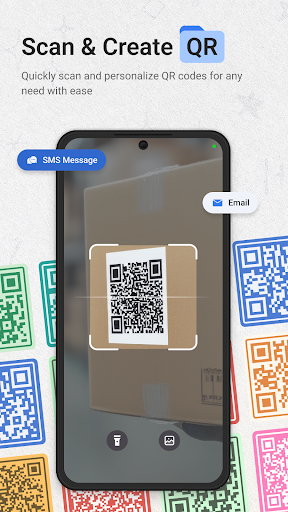
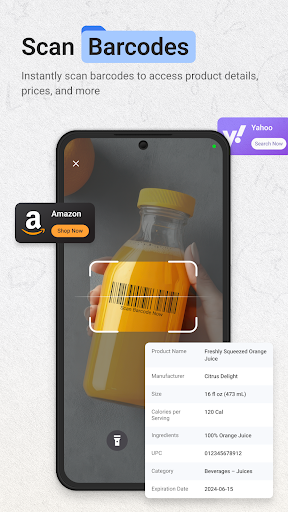
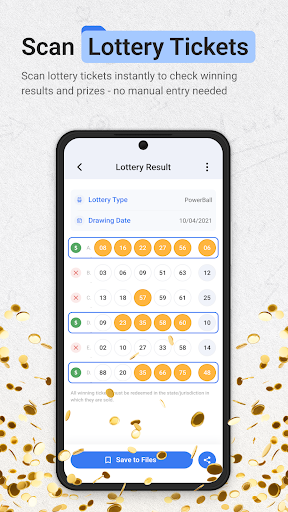
- Scan various item types, including documents, photos, lottery tickets, and QR codes.
Pros & Cons
Pros
- Intuitive interface makes scanning and managing documents straightforward.
- Advanced OCR accurately converts scanned images into editable text.
- Supports exporting files to a wide range of popular formats.
- Robust security options protect sensitive documents effectively.
- Cloud integration simplifies backup and cross-device access.
Cons
- The free version contains advertisements, which can interrupt the user experience.
- Advanced features like OCR or cloud sync may require a premium subscription.
- Scanning and processing can consume significant battery life.
- Requires Android 9 or a newer version, excluding some older devices.
How to Use ScanNow Home
- Install ScanNow Home from the Google Play Store on your Android device.
- Open the application and grant any necessary camera and storage permissions.
- Tap the camera icon, usually found at the bottom, to initiate a new scan.
- Position your document clearly within the camera frame; the app will automatically detect its edges.
- Adjust the scan boundaries if necessary, then confirm the capture to process the image.
- Apply any desired filters or use OCR, then save or share your newly digitized document.
Frequently Asked Questions
Is ScanNow Home free to use?
Does the app require an internet connection?
Can I edit scanned documents?
How does ScanNow Home protect my documents?
What types of documents can I scan?
Is ScanNow Home available on older Android versions?
Similar to This App


Hot Apps