
Microsoft Copilot





Overview
In the bustling world of digital productivity, an intelligent assistant can make a significant difference in how effectively tasks are managed. Microsoft Copilot steps into this role, offering a sophisticated AI-powered companion designed to streamline daily workflows and boost efficiency across various devices. This application integrates generative AI directly into your fingertips, aiming to assist students, professionals, and educators alike in working smarter. By leveraging advanced AI models and deep integration with Microsoft 365 apps, Copilot promises to automate repetitive tasks, provide intelligent suggestions, and support creative projects. This review will explore the app's key features, weigh its advantages against potential drawbacks, and guide prospective users through its initial setup and usage, helping you decide if it’s the right tool for your productivity needs.
Key Features
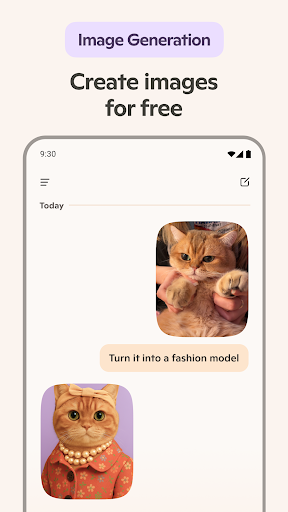
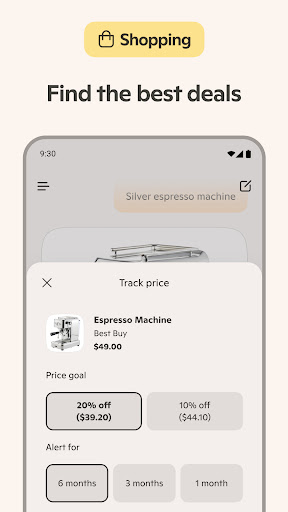
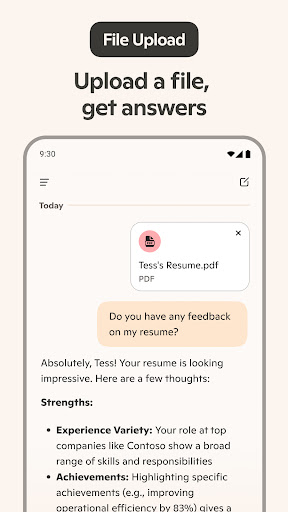
- Smart suggestions for drafting emails, creating presentations, and analyzing data.
- Voice command interaction supporting over 50 languages for hands-free operation.
- Personalized AI agents can be built using the integrated Copilot Studio.
- Context-aware memory adapts to user preferences and individual working styles.
- Seamless cross-platform synchronization ensures continuity for your files and activities across all devices.
- Leverages advanced AI models, such as claimed GPT-5, for enhanced intelligence and insights.
- Deeply integrates with core Microsoft 365 applications like Word and Excel.
Pros & Cons
Pros
- Significantly boosts efficiency by automating routine tasks and offering intelligent insights.
- Extensive language support makes it highly accessible for a global user base.
- Seamlessly integrates with Microsoft 365, benefiting existing subscribers.
Cons
- Full functionality often requires an active Microsoft 365 subscription.
- Certain advanced features are exclusively available to enterprise-level users.
- Potential privacy implications due to its reliance on cloud processing and data handling.
How to Use Microsoft Copilot
- Install the Microsoft Copilot app from the Google Play Store on your Android device.
- Open the application and sign in with your Microsoft account credentials.
- Grant necessary permissions for the app to access features like microphone or files, if prompted.
- Begin by typing a query or using voice commands to ask a question or request assistance.
- Explore the integration options with your Microsoft 365 apps to enhance specific workflows.
- Utilize smart suggestions for drafting documents, emails, or analyzing data as needed.
Frequently Asked Questions
Is Microsoft Copilot free to use?
What kind of data does Copilot collect, and how is my privacy protected?
Can I use Copilot offline?
Does Copilot integrate with non-Microsoft applications?
What languages does Copilot support?
Similar to This App


Hot Apps