
Clean Fix Plus






Overview
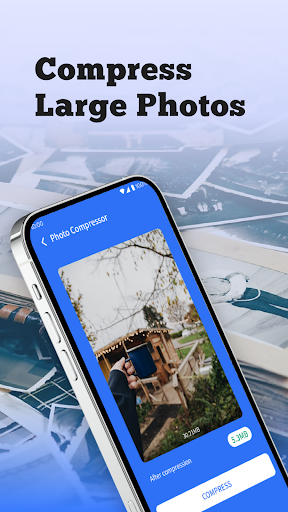
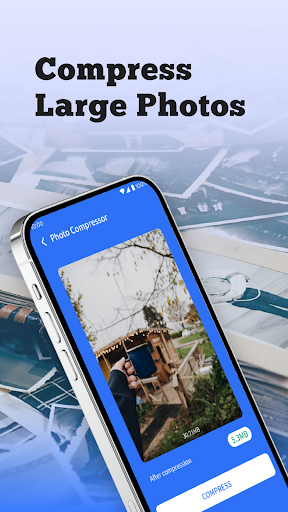
A cluttered Android device can quickly become a sluggish one, impacting everything from app launch times to battery life. For users seeking to reclaim storage and improve their phone's responsiveness, Clean Fix Plus presents itself as a comprehensive tool. Developed by AppDustBuster, this utility aims to streamline your device by targeting common culprits of slowdown: junk files, duplicate data, and inefficient app management. With a solid 4.59-star rating from over a million downloads, it promises a more organized and faster smartphone experience. This review will explore its core functionalities, weigh its stated benefits against potential drawbacks, and guide you through its practical use to help you decide if it’s the right solution for your device maintenance needs.
Key Features
- Scans and removes residual files, cache, and temporary data to free up storage.
- Identifies and deletes duplicate photos, videos, and documents for better organization.
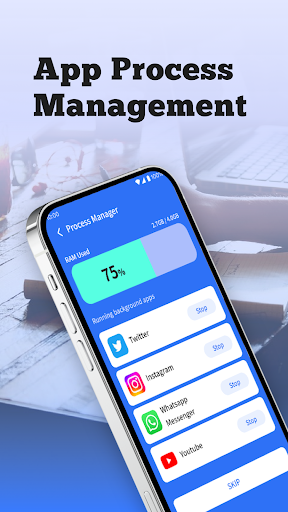
- Monitors app usage patterns and facilitates uninstallation of rarely used applications.
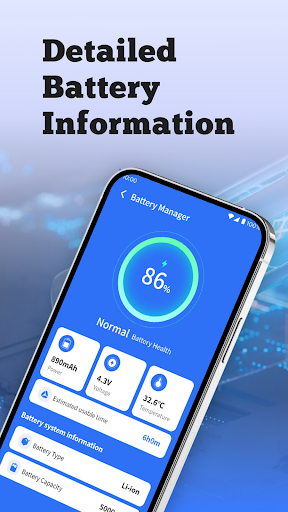
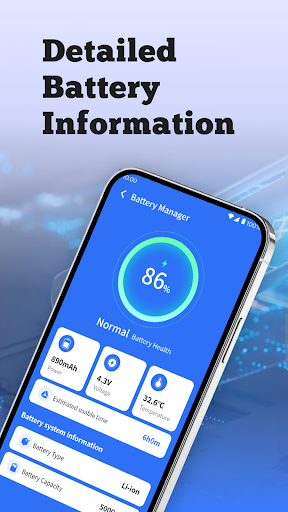
- Optimizes battery life by detecting power-hungry processes and adjusting settings.
- Provides basic security features, guarding against malware and intrusive advertisements.
Pros & Cons
Pros
- Simple, intuitive interface suitable for all user levels.
- Effectively frees up significant storage space.
- Includes useful battery optimization tools.
- Lightweight design ensures it doesn't drain system resources itself.
Cons
- Some advanced features are locked behind in-app purchases.
- Users may encounter occasional advertisements during use.
- Customization options are limited for more advanced users.
- Aggressive cleaning might inadvertently delete desired files if not careful.
How to Use Clean Fix Plus
- Install Clean Fix Plus from the Google Play Store onto your Android device.
- Launch the application and grant any necessary permissions for storage access.
- Tap the "Scan" or "Analyze" button to initiate a comprehensive device scan.
- Review the scan results, which will categorize junk files, duplicate items, and unused apps.
- Select the items you wish to remove or optimize, ensuring you don't delete anything critical.
- Confirm your selections to begin the cleaning or optimization process.
- Explore other features like App Management or Battery Optimization from the main dashboard.
Frequently Asked Questions
Does Clean Fix Plus require an internet connection to function?
Is Clean Fix Plus a free application?
Can this app accidentally delete important files?
How often should I use Clean Fix Plus to maintain my device?
Does Clean Fix Plus offer antivirus protection?
Similar to This App
Hot Apps


