
QR Code & Barcode Scanner


Overview
In an increasingly connected world, the ability to quickly scan and generate QR codes and barcodes has become a near-essential function for many smartphone users. From accessing restaurant menus to making payments or simply gathering product information, a reliable scanner app streamlines these daily interactions. This utility, called QR Code & Barcode Scanner from SolaraSoft, aims to provide a straightforward solution for decoding various code types and even creating your own. With over a million downloads, it positions itself as a practical tool for both casual use and more specific business needs. This review will examine its core features, ease of use, and overall value, helping you decide if it’s the right addition to your Android device.
Key Features
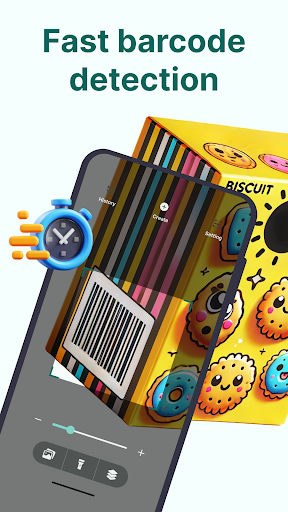
- Quickly and accurately decodes a wide range of QR codes and barcodes, even in challenging light.
- Generate custom QR codes for URLs, text, contact details, and other information types.
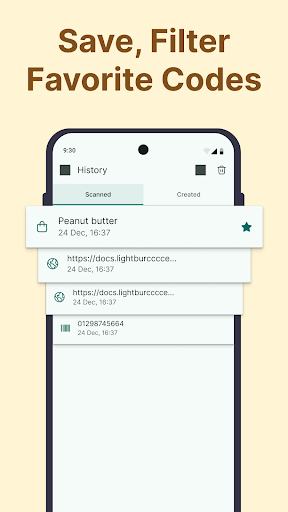
- Automatically saves all scanned codes to a convenient history log for easy retrieval.
- Supports multiple code formats including EAN, UPC, Data Matrix, and PDF417 standards.
- Join Wi-Fi networks instantly by simply scanning a designated QR code.
- The app is available in multiple languages, catering to a diverse global user base.
Pros & Cons
Pros
- Lightweight application with a clean, intuitive user interface.
- Supports an extensive variety of QR and barcode formats.
- Completely free from ads and avoids requesting unnecessary permissions.
- Prioritizes user privacy by storing all data locally on the device.
Cons
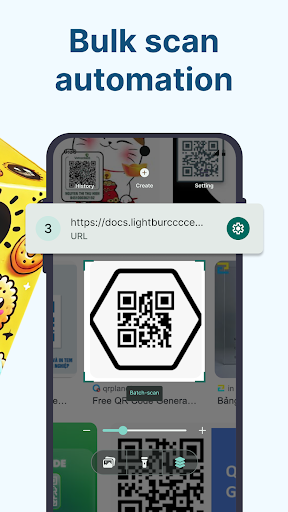
- Lacks advanced features like batch scanning, which some power users might expect.
- The visual design is functional but may appear somewhat basic or outdated to some.
- An average rating of 3.69 suggests a portion of users encounter issues or dissatisfactions.
- Functionality is limited to scanning and generating, without deeper integration features.
How to Use QR Code & Barcode Scanner
- Install the QR Code & Barcode Scanner app from the Google Play Store onto your Android device.
- Open the application from your home screen or app drawer to begin.
- Point your device's camera steadily at the QR code or barcode you wish to decode.
- View the decoded information, which will be displayed on your screen instantly.
- Access the history section to review any codes you have previously scanned.
- Tap the generate option to create new QR codes for various purposes, such as sharing a URL or contact.


