
Homes.com Real Estate Search


Overview
Finding the perfect place to call home, whether for purchase or rent, often feels like a daunting task. The Homes.com Real Estate Search app aims to streamline this process, offering a comprehensive platform for exploring properties across the United States. Designed for everyone from first-time buyers and seasoned investors to renters simply looking for a new apartment, this application provides a robust set of tools to simplify your search. This review will delve into its core functionalities, highlighting its strengths and potential limitations, and guide you through the initial steps of using it effectively. We’ll also address common questions prospective users might have, ensuring you have a clear understanding of what Homes.com brings to the competitive real estate app market.
Key Features
- Customize property searches using various detailed criteria, including amenities and property types.
- Receive instant notifications for new listings that perfectly match your saved preferences.
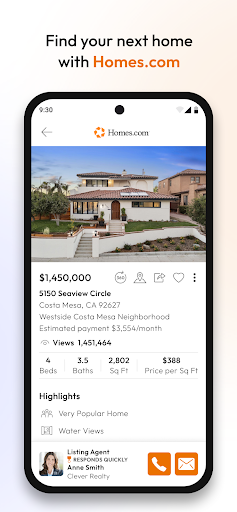
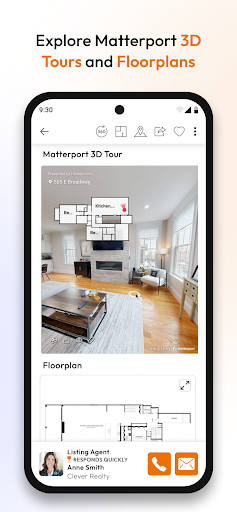
- Explore extensive property details, including high-quality images and immersive virtual tours.
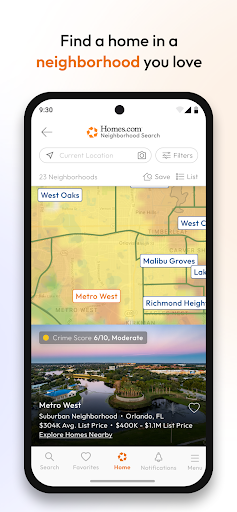
- Access authentic neighborhood insights and local reviews written by current residents.
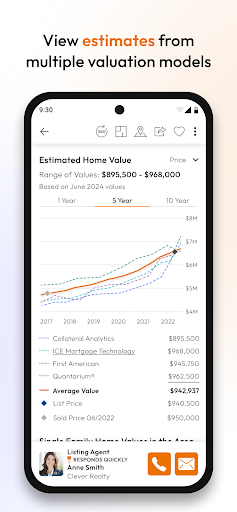
- Analyze past sales data to understand current market trends and pricing in desired areas.
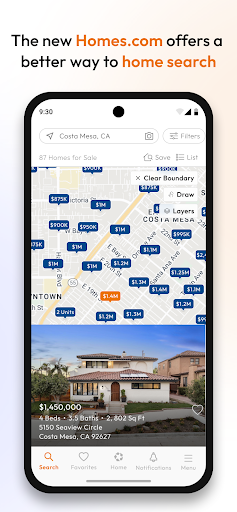
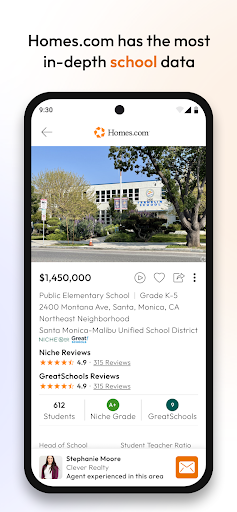
- Search specifically for homes, rental properties, real estate agents, and local schools.
Pros & Cons
Pros
- Intuitive design makes navigation effortless for all users.
- Extensive database of listings ensures a wide variety of options.
- Personalized notifications save time by keeping you updated on relevant properties.
- Detailed property information includes photos, virtual tours, and descriptions.
Cons
- Some advanced features may require account registration for full access.
- Availability of listings might vary depending on location and agent partnerships.
How to Use Homes.com Real Estate Search
- Install the Homes.com Real Estate Search app from the Google Play Store on your device.
- Open the application and grant any necessary location permissions for local property searches.
- Enter your desired location, city, or zip code into the search bar to begin exploring.
- Apply filters to refine results by price range, number of bedrooms, bathrooms, or property type.
- Review detailed listings, photos, virtual tours, and neighborhood insights for properties of interest.
- Save favorite properties or specific search criteria to receive real-time updates on new listings.
Frequently Asked Questions
Is the Homes.com app free to use?
Do I need an account to use the app?
Can I use this app to find rentals, or is it just for homes for sale?
How accurate is the listing information provided?
Does the app offer services outside the United States?
Similar to This App


Hot Apps