
Hubspace
Category
House & Home
Downloads
1M+
Developer
Afero
Available on
Android, iOS
OS
7.0

Overview
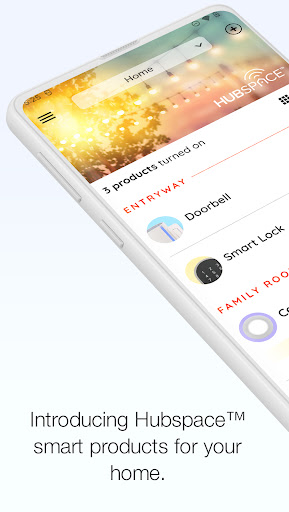
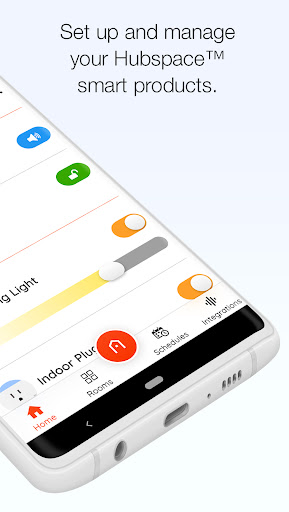
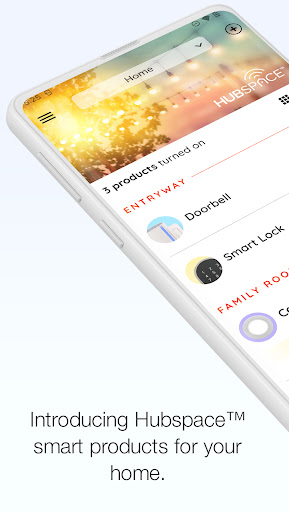
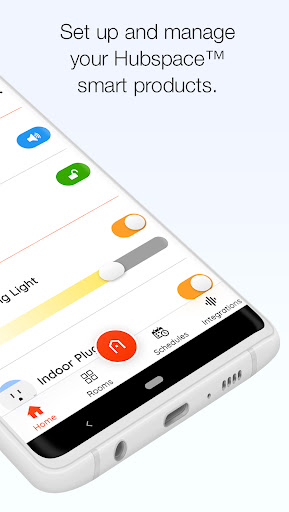
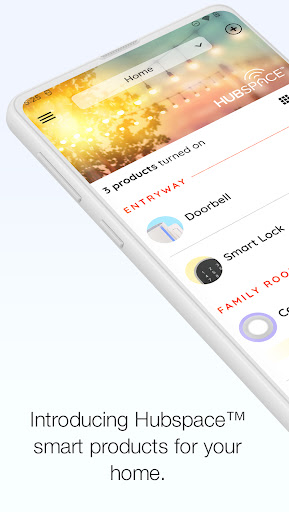
Managing a smart home ecosystem can often feel complex, with multiple devices and platforms requiring attention. For those looking for a streamlined approach to controlling their connected gadgets, Hubspace by Afero offers a compelling solution. This application, developed by The Home Depot, aims to simplify how users interact with everything from smart lights and fans to plugs, providing a centralized hub for management. It’s designed for both new smart home owners and those with existing setups who seek an intuitive interface. This review will delve into its core features, highlight its strengths and weaknesses, and guide you through its initial setup, helping you decide if it’s the right fit for your smart living needs.
Key Features
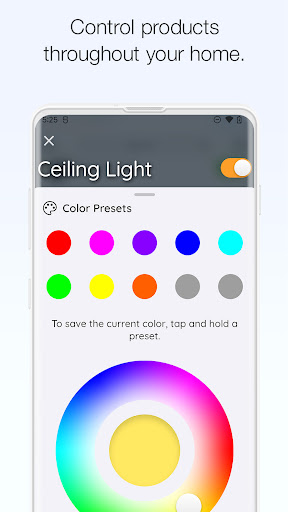
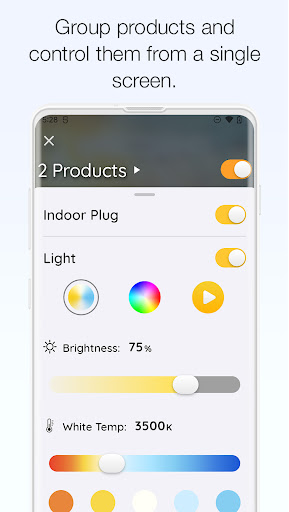
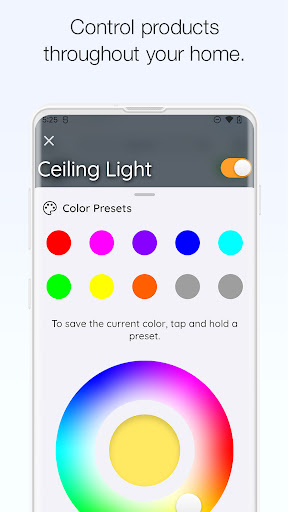
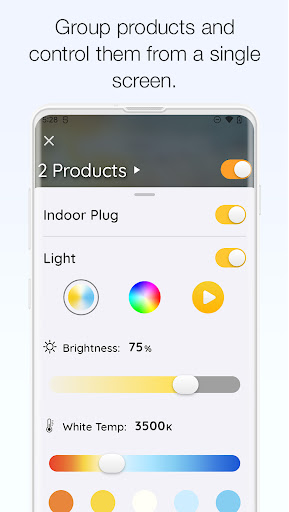
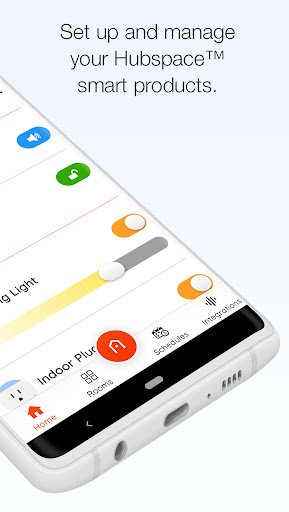
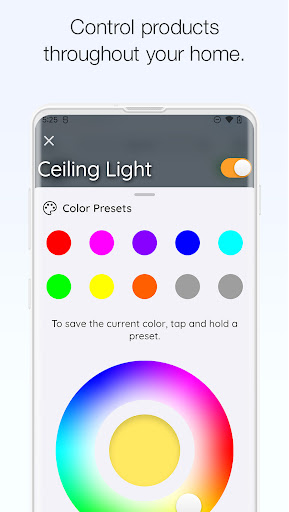
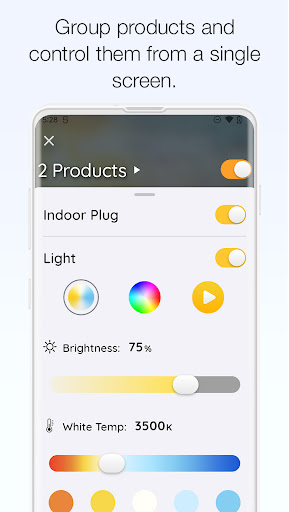
- Centralized control for a variety of smart home devices, including lights, fans, and plugs.
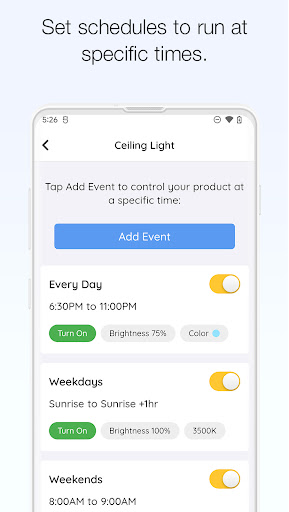
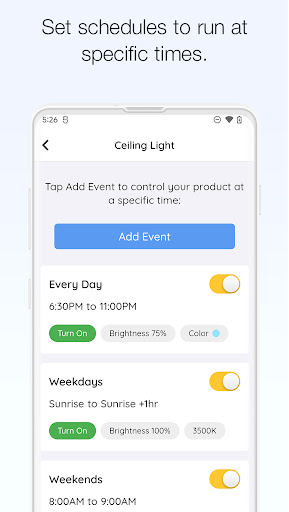
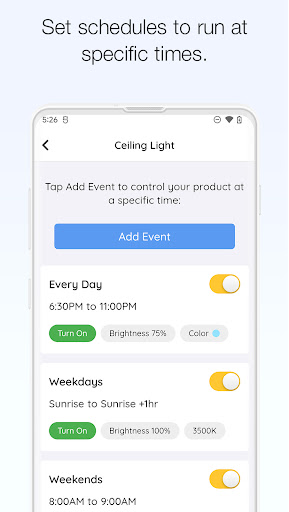
- Automate routines and save energy by setting schedules for devices to operate at specific times.
- Seamlessly integrate with popular voice assistants such as Google Assistant and Amazon Alexa.
- Optimize your home's lighting to naturally align with daily circadian rhythms.
- Enhance home security by simulating occupancy with randomized device activity when you are away.
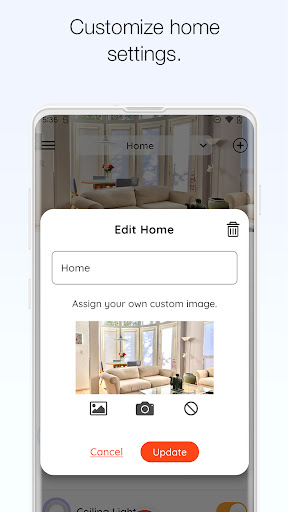
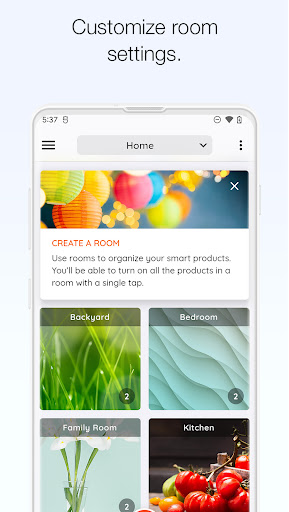
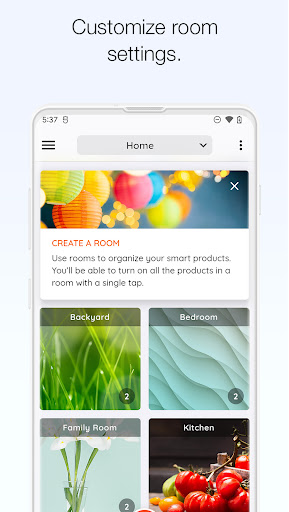
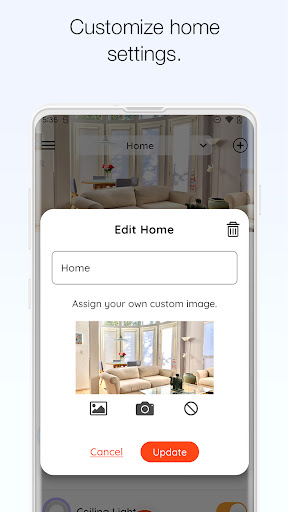
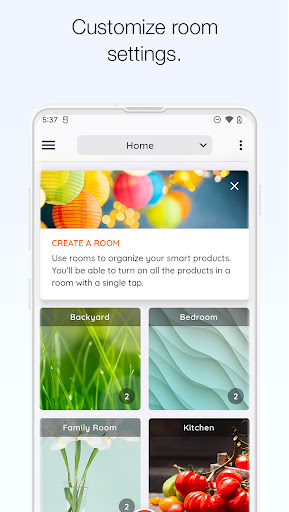
- Organize devices into custom rooms or properties for more efficient and tailored management.
Pros & Cons
Pros
- User-friendly interface makes device setup and daily management straightforward.
- Offers broad compatibility with a wide range of smart home products.
- Remote access provides convenient control and peace of mind from anywhere.
- Regular updates ensure new features and improvements are consistently rolled out.
Cons
- Some users have reported connectivity issues, especially when traveling internationally.
- Advanced automation options are somewhat limited compared to premium competitors.
- Requires an internet connection for full functionality and remote access.
- Primarily focused on devices sold or compatible with The Home Depot ecosystem.
How to Use Hubspace
- Download and install the Hubspace app from the Google Play Store onto your Android device.
- Open the app and either create a new account or log in with your existing credentials.
- Connect your smart home devices by following the in-app prompts to pair them with Hubspace.
- Organize your newly connected devices into logical rooms or properties within the application.
- Set schedules for your lights, fans, or other devices to automate their daily operation.
- Explore advanced features like Circadian Lighting or Vacation Mode to customize your smart home experience.
Frequently Asked Questions
What types of smart home devices are compatible with Hubspace?
Hubspace is designed to manage a wide range of smart home devices, including lights, fans, smart plugs, and more. It focuses on products that are part of the Hubspace ecosystem, often found at The Home Depot.
Does Hubspace require an internet connection to function?
Yes, an active internet connection is generally required for Hubspace to set up new devices, provide remote control, and integrate with voice assistants. Local control might be possible for some functions, but full features rely on connectivity.
Can I control my Hubspace devices with voice commands?
Absolutely. Hubspace seamlessly integrates with popular voice assistants such as Google Assistant and Amazon Alexa. This allows for convenient, hands-free control of your connected smart home devices.
Is there a subscription fee to use Hubspace?
Based on the provided information, Hubspace appears to be a free application for managing compatible smart home devices. There are no explicit mentions of subscription fees for its core functionalities.
What happens if I lose internet connectivity at home?
If your home loses internet connectivity, remote control via the Hubspace app will likely be unavailable. Some basic local control of devices might still function, depending on the specific device and its internal programming.
Similar to This App

Thumbtack: Hire Service Pros
House & Home

Zillow: Homes for Sale & Rent
House & Home

Homes.com Real Estate Search
House & Home

Realtor.com Real Estate & Rent
House & Home

Rent. Apartments & Homes
House & Home

Surveillance Camera: Visory
House & Home

Planner 5D: AI Home Design
House & Home

Roku Smart Home
House & Home

Remote for Smart Samsung TV
House & Home

Duolingo: Language Lessons
Education
Hot Apps
Thumbtack: Hire Service Pros
House & Home
Zillow: Homes for Sale & Rent
House & Home
Homes.com Real Estate Search
House & Home
Realtor.com Real Estate & Rent
House & Home
Rent. Apartments & Homes
House & Home
Surveillance Camera: Visory
House & Home
Planner 5D: AI Home Design
House & Home
Roku Smart Home
House & Home
Remote for Smart Samsung TV
House & Home
Duolingo: Language Lessons
Education