
Planner 5D: AI Home Design



Overview
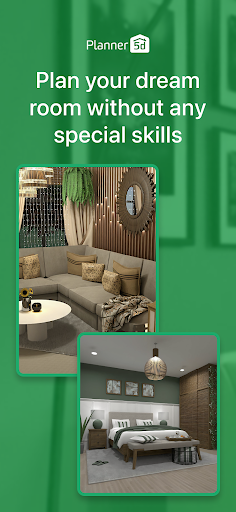
Designing the interior of a home or even just a single room can be a complex and daunting task, requiring a keen eye for aesthetics and practical considerations. For those looking to visualize their dream living spaces without hiring a professional, Planner 5D: AI Home Design offers a robust set of tools. This application aims to democratize interior design, making it accessible to both casual users experimenting with layouts and more serious enthusiasts planning extensive renovations. It promises to guide users from initial floor plans to fully furnished 3D models, incorporating artificial intelligence to streamline the creative process. Our review will explore its core functionalities, user experience, and overall value for anyone looking to transform their living environment.
Key Features
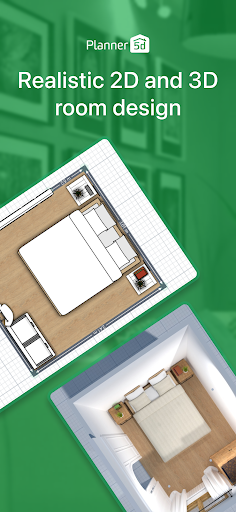
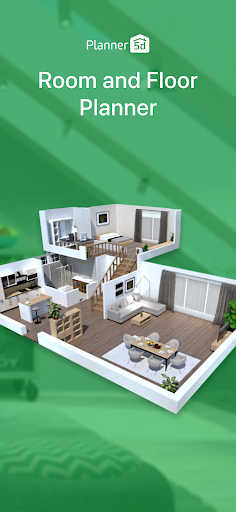
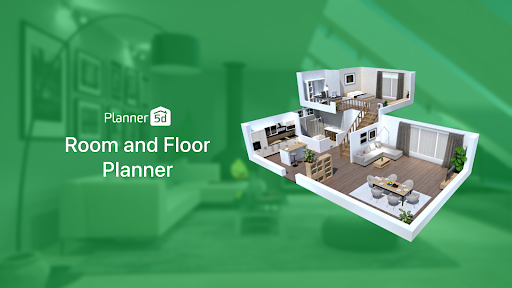
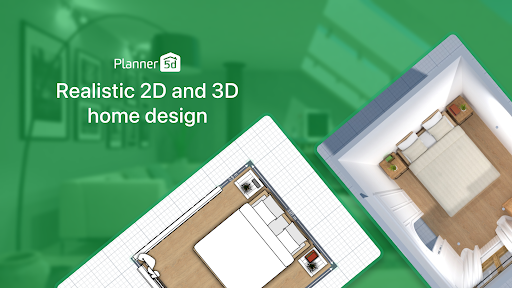
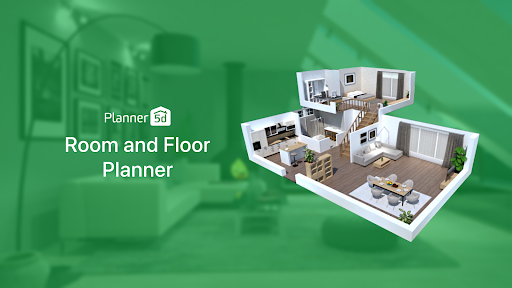
- Create detailed 2D floor plans and visualize them instantly in immersive 3D environments.
- Utilize AI assistance to generate smart layout suggestions and optimize room arrangements.
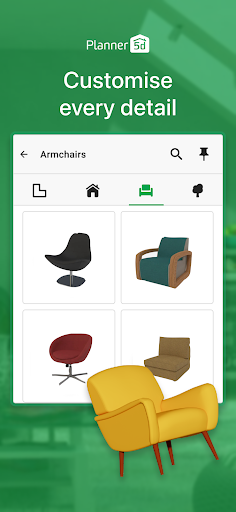
- Access an extensive library of over 8,400 items, including furniture, appliances, and decor.
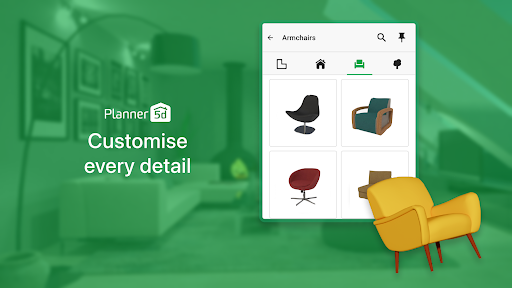
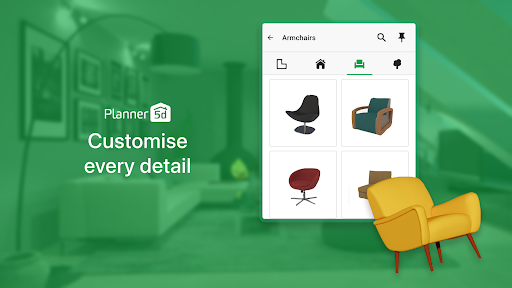
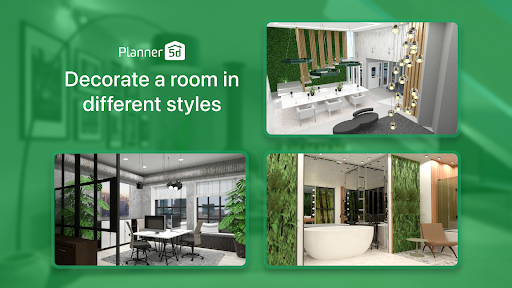
- Customize materials, colors, and dimensions of structural elements and furnishings to match your style.
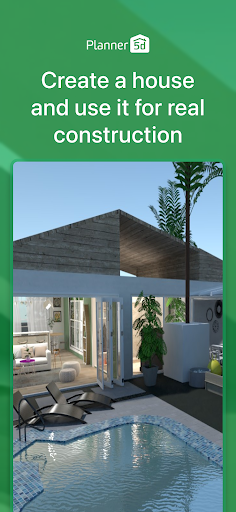
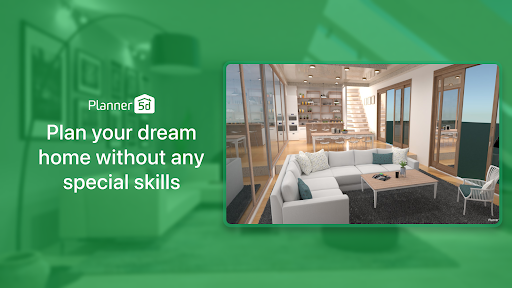
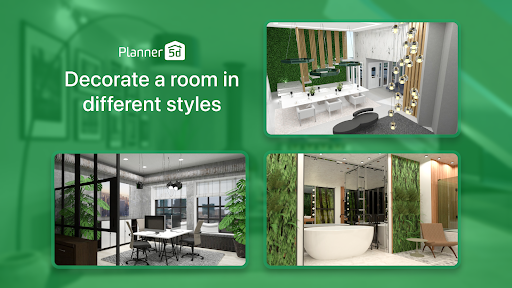
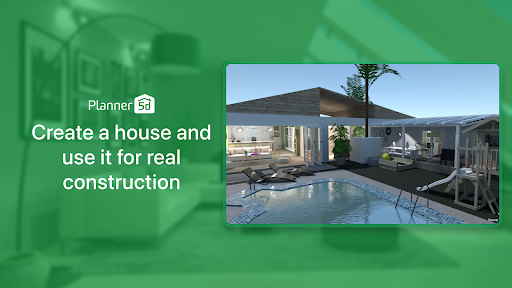
- Produce photorealistic renderings with dynamic lighting, shadows, and varied textures.
- Work on design projects offline, without requiring an active internet connection.
- Synchronize designs across multiple devices, allowing for flexible access and editing.
Pros & Cons
Pros
- Intuitive drag-and-drop interface makes design accessible for all skill levels.
- Extensive catalog of items provides vast customization possibilities for any space.
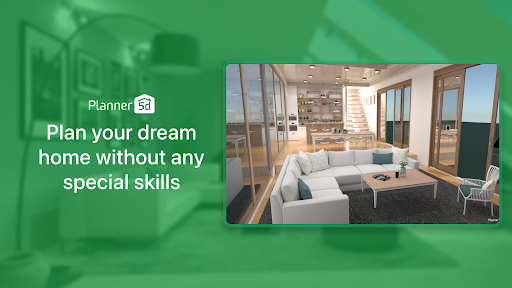
- High-quality 3D rendering helps visualize designs with realistic detail and lighting.
- Offline mode allows users to continue working on projects without interruption.
- Cross-platform syncing ensures projects are available on various devices.
Cons
- Many advanced features and a significant portion of the item library are locked behind a premium subscription.
- Users may experience occasional slow loading times, especially with larger projects or asset libraries.
- The AI suggestions, while helpful, may not always align perfectly with specific user tastes or complex design needs.
- Requires Android 10 or newer, which might exclude users with older devices.
How to Use Planner 5D: AI Home Design
- Download and install Planner 5D: AI Home Design from the Google Play Store onto your Android device.
- Launch the application and choose to start a new project from scratch or select one of the pre-designed templates.
- Design your floor plan by dragging and dropping walls, doors, and windows in the 2D view, adjusting their dimensions as needed.
- Switch to the 3D mode to furnish your space, selecting items from the extensive catalog and placing them with the drag-and-drop interface.
- Customize furniture and structural elements by adjusting colors, materials, and sizes to fit your aesthetic preferences.
- Utilize the AI design assistant for layout suggestions or to refine your existing arrangements.
- Save your project and generate photorealistic renders to visualize the final outcome of your design.
Frequently Asked Questions
Is Planner 5D: AI Home Design free to use?
Can I use the app without an internet connection?
What kind of devices does this app support?
How realistic are the 3D renderings?
Can I share my designs with others?
Similar to This App


Hot Apps