
Roku Smart Home
Overview
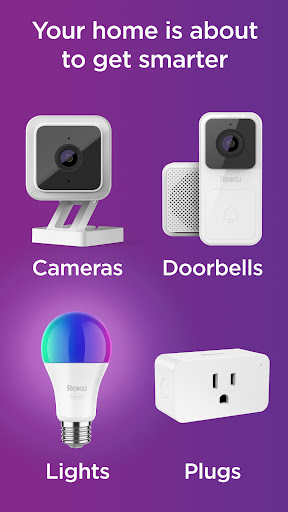
For anyone seeking a straightforward entry into the world of connected living, Roku Smart Home presents itself as an accessible option. This application aims to simplify the management of various Roku-branded smart devices, from security cameras and video doorbells to smart bulbs and plugs. Catering primarily to beginners and those who prioritize ease of use and affordability, it offers a centralized hub for monitoring and controlling your household's smart ecosystem. The app promises a convenient way to keep an eye on things, whether you're adjusting lights or checking camera feeds from afar. While it brings essential functionalities like live camera feeds, instant notifications for motion or sound, and remote device adjustments, it's also important to note its positioning in the market. This review will explore the app's core features, its advantages for casual users, and some areas where it might fall short compared to more complex smart home solutions, helping you decide if it’s the right fit for your needs.
Key Features
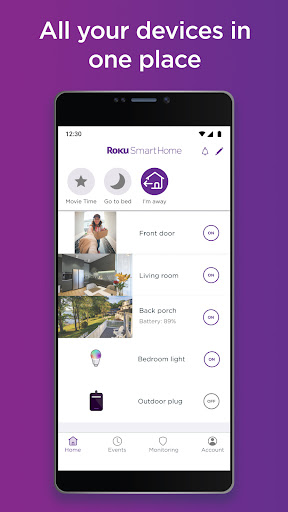
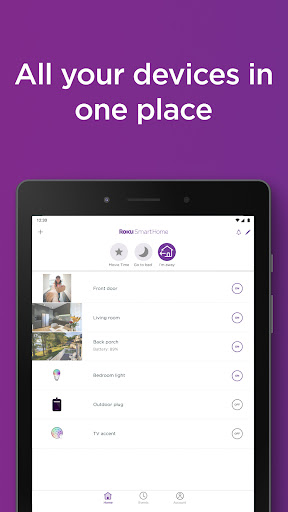
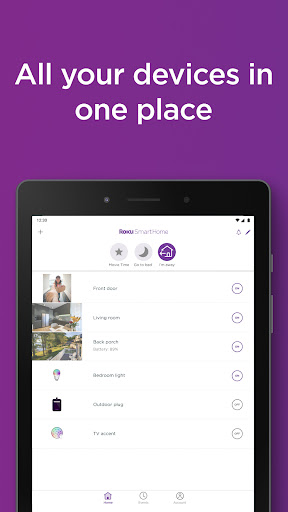
- Control various Roku Smart Home devices such as cameras, doorbells, and lighting from one interface.
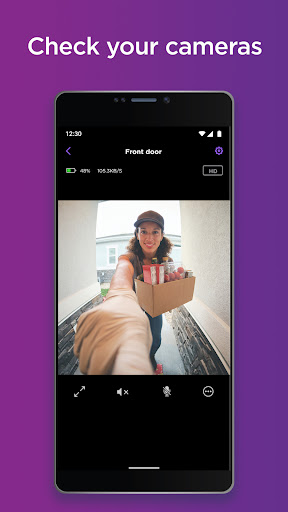
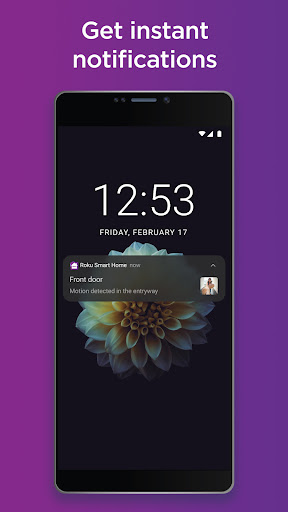
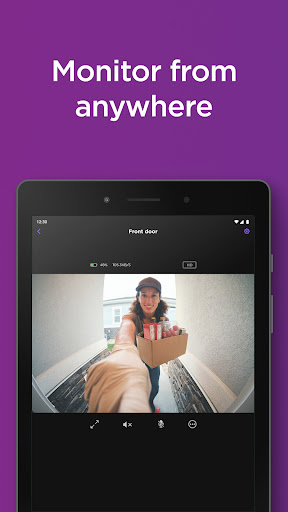
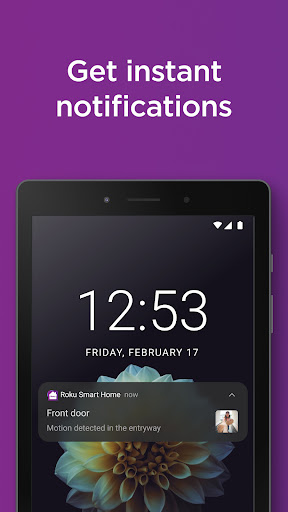
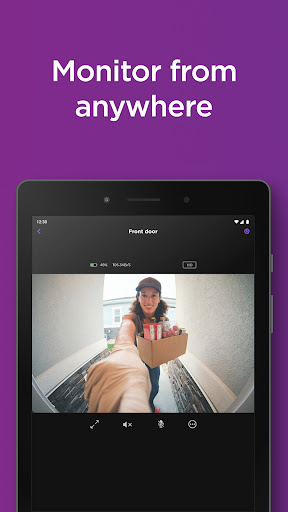
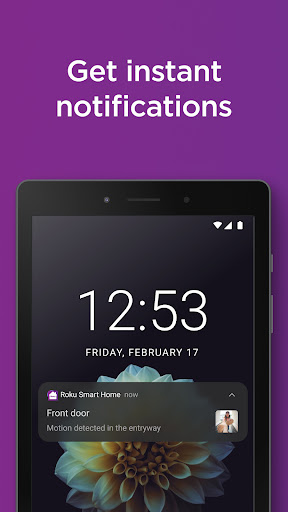
- Monitor live camera feeds and receive instant alerts for detected motion or sound events.
- Utilize two-way audio for remote communication through connected smart home devices.
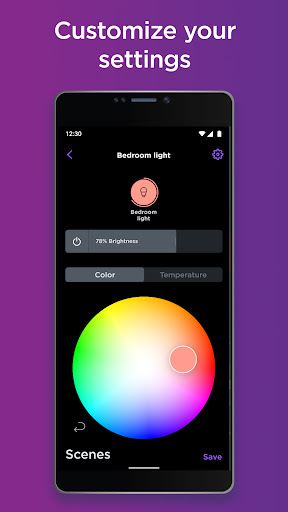
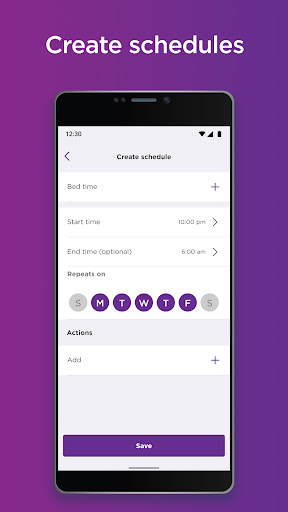
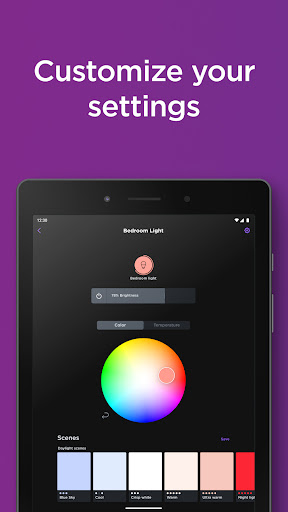
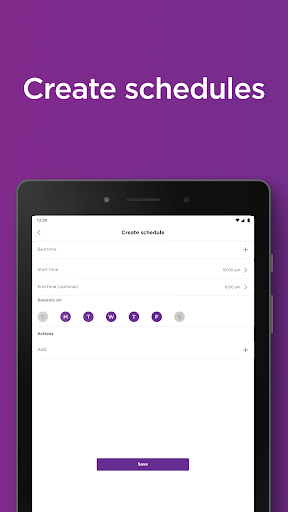
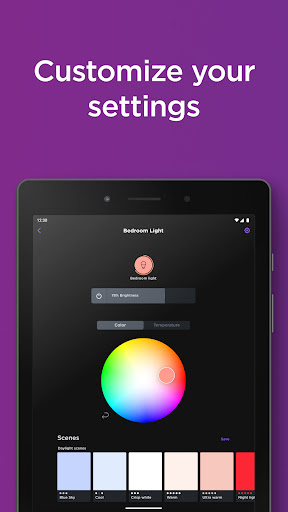
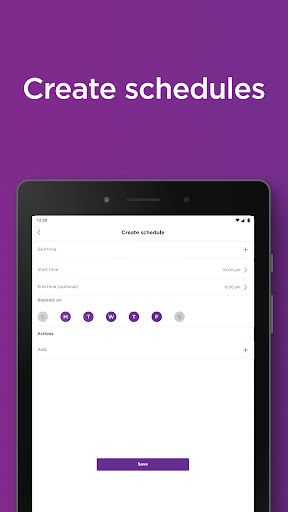
- Adjust smart lighting settings, including brightness, color, and scheduled on/off times.
- Remotely manage appliances by controlling smart plugs from any location via the app.
- Access advanced detection capabilities and cloud storage with an optional subscription plan.
Pros & Cons
Pros
- Offers an affordable entry point for managing smart home devices.
- Features a simple and intuitive interface, ideal for new smart home users.
- Provides seamless integration with popular voice assistants like Alexa and Google Assistant.
- Consolidates control for multiple Roku-branded smart devices within a single application.
Cons
- Lacks advanced automation capabilities found in more complex smart home systems.
- May not satisfy power users seeking sophisticated customization options and deeper controls.
- Many premium features, such as extended cloud storage, require a paid subscription.
- Primarily limited to the Roku smart home device ecosystem, which may restrict choice.
How to Use Roku Smart Home
- Install the Roku Smart Home app from the Google Play Store on your Android device.
- Open the application and either create a new Roku account or log in with an existing one.
- Add your Roku Smart Home devices by following the on-screen pairing instructions for each product.
- Customize device settings, such as camera motion zones or smart bulb colors, to fit your preferences.
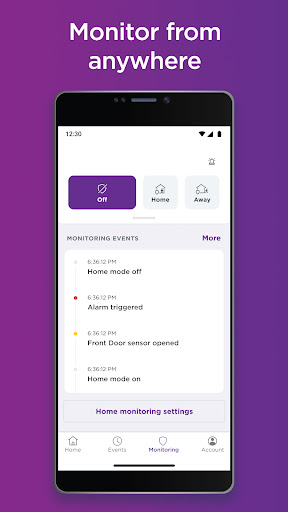
- Monitor your home remotely by viewing live camera feeds or checking the status of connected devices.
- Receive instant notifications for security alerts and interact with two-way audio through compatible devices.
Frequently Asked Questions
Is the Roku Smart Home app free to use?
What types of devices can I control with this app?
Does the app work with voice assistants?
Can I access my devices when I'm away from home?
Is an internet connection required for the app to function?
What are the privacy implications of using smart home cameras?
Similar to This App


Hot Apps