
TickPick - Live Event Tickets









Overview
Finding tickets for live events can often be a frustrating experience, fraught with hidden fees and confusing pricing structures. This is where TickPick - Live Event Tickets aims to differentiate itself, offering a platform designed to simplify the purchase process for concerts, sports, and theater performances. Developed by TickPick LLC, this Android application focuses on transparency and user convenience, promising no service fees on transactions. With an average rating of 4.79 and over a million downloads, it positions itself as a reliable option for event-goers. Our review will examine its key features, evaluate its strengths and weaknesses, and guide prospective users through its functionality to determine if it lives up to its claims.
Key Features
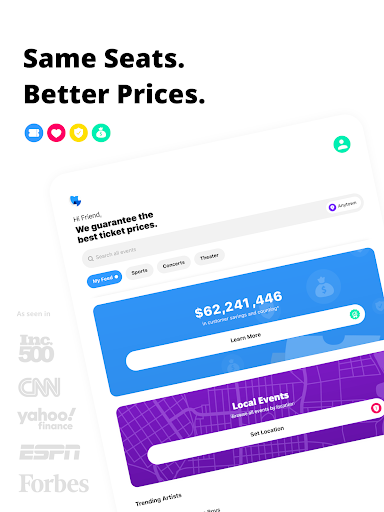
- Zero service fees on all ticket purchases, ensuring transparent pricing for users.
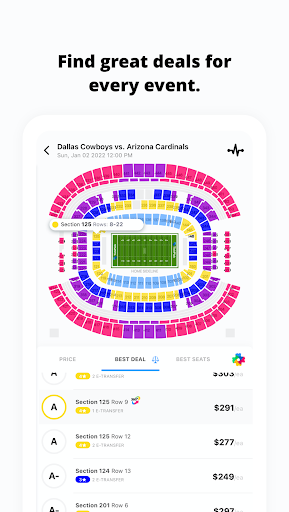
- Patented Score Report ranks tickets based on price and seat location for best value.
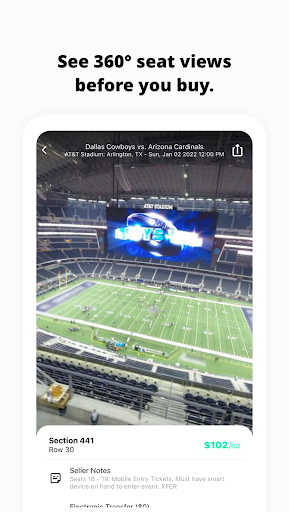
- Interactive 360-degree virtual views allow checking seat perspectives for major events.
- Track average prices and available inventory over time for events of interest.
- Supports various secure payment methods, including flexible payment plans.
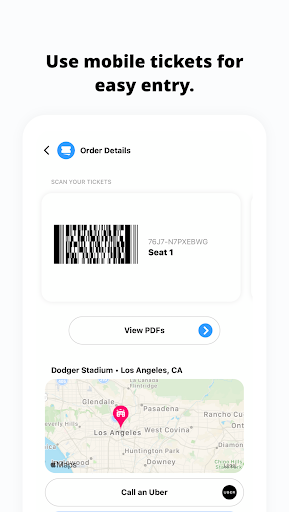
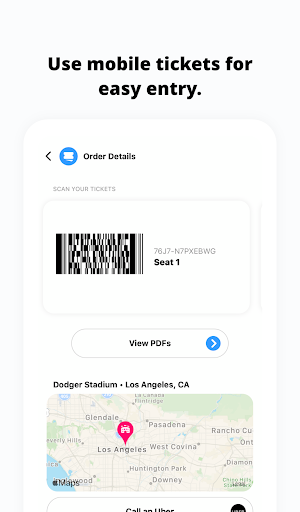
- Conveniently store and access e-tickets directly within the app for easy entry.
Pros & Cons
Pros
- Transparent pricing due to the absence of hidden service fees.
- Intuitive user interface simplifies finding and purchasing tickets.
- Helpful 360-degree seat views aid informed decision-making.
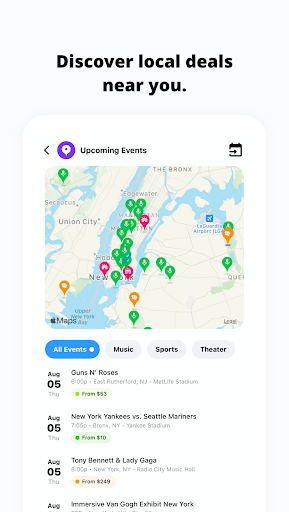
- Wide selection of events across various entertainment categories.
- Offers flexible payment plans for more expensive ticket purchases.
Cons
- Availability may be limited for some niche or smaller local events.
- Ticket prices are subject to fluctuations based on demand and market conditions.
- Requires Android version 8.0 or newer, which might exclude some older devices.
- Competitive pricing from other platforms can sometimes offer better deals despite fees.
How to Use TickPick - Live Event Tickets
- Install the TickPick app from the Google Play Store on your Android device.
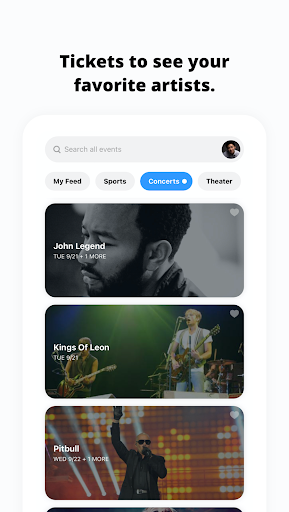
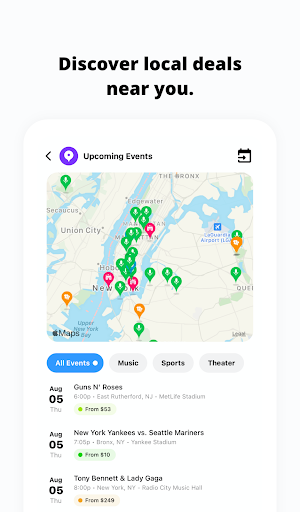
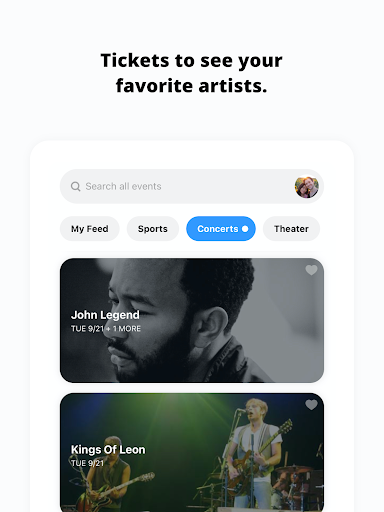
- Browse upcoming events by category (sports, concerts, theater) or use the search function for specific shows.
- Select an event to view available tickets, seat maps, and pricing details.
- Utilize the Score Report and 360-degree seat views to compare options and choose your preferred seats.
- Proceed to checkout, selecting a secure payment method or a flexible payment plan.
- Access your purchased mobile tickets directly within the app when it's time for the event.
Frequently Asked Questions
Are there any hidden fees when buying tickets through TickPick?
Can I view my seats before purchasing tickets?
What payment options are available within the app?
Is an account required to purchase tickets?
What happens if an event is canceled or postponed?
Similar to This App


Hot Apps