
Vivid Seats | Event Tickets


Overview
Finding tickets for live events can often be a frustrating experience, especially when popular shows sell out quickly or you're looking for specific seats. An application like Vivid Seats | Event Tickets aims to simplify this process, serving as a comprehensive marketplace for concerts, sports, and theater performances. This app positions itself as the largest independent ticket exchange in the United States, offering a vast inventory that includes options for sold-out events and premium seating. It’s designed for anyone who frequently attends live shows and wants a reliable platform to discover, purchase, and manage their tickets. Our review will explore its key features, highlight its advantages and potential drawbacks, and guide you through its basic usage.
Key Features
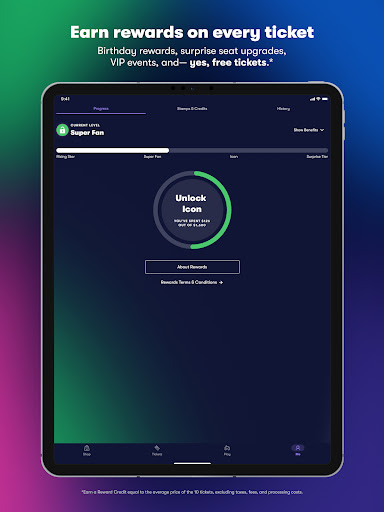
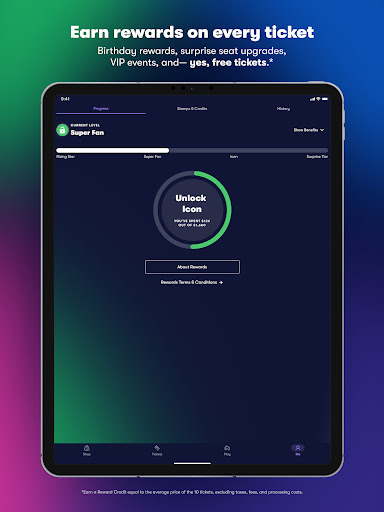
- Earn rewards credits with every ticket purchase, saving money on future events.
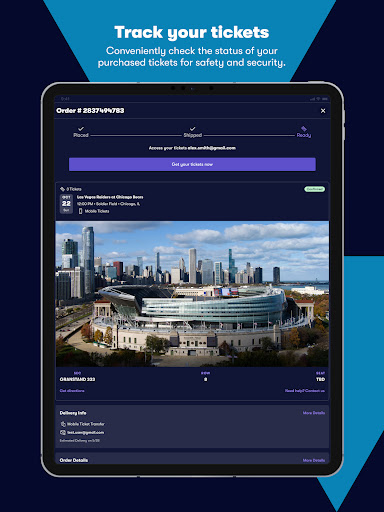
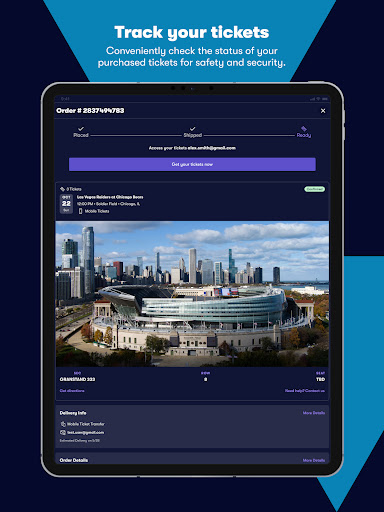
- Access digital tickets directly on your phone for hassle-free event entry.
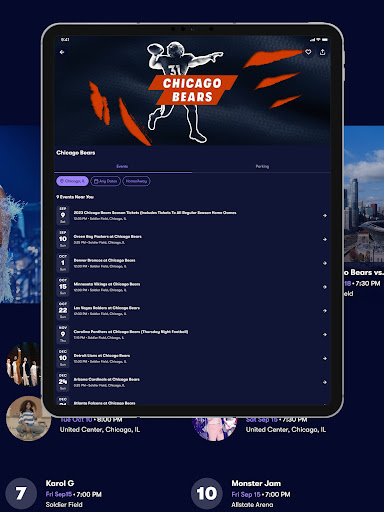
- View detailed, interactive seating maps to choose precise seat locations.
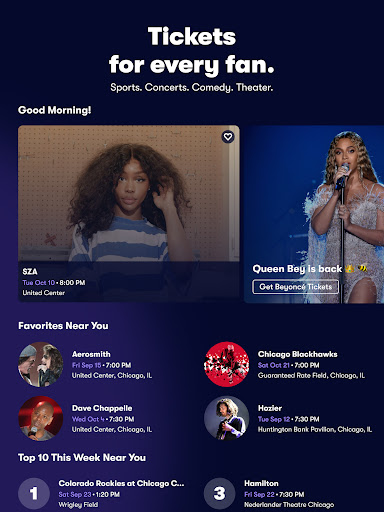
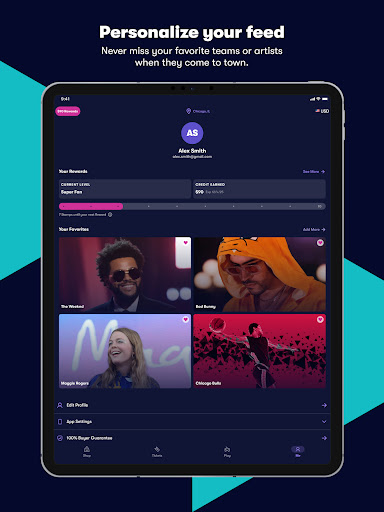
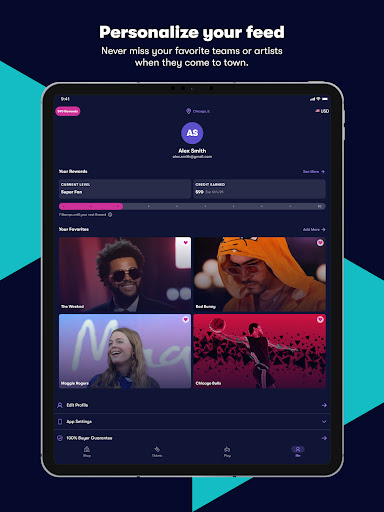
- Receive personalized event recommendations tailored to your interests and location.
- Purchase tickets last-minute, even right up until the event's start time.
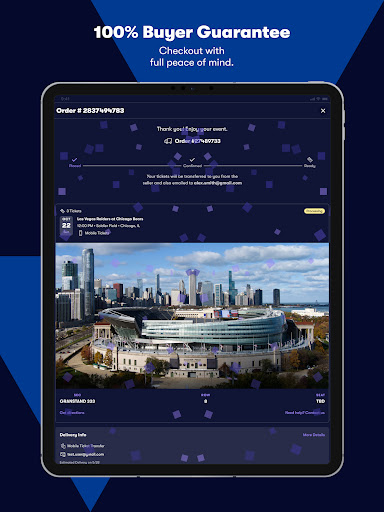
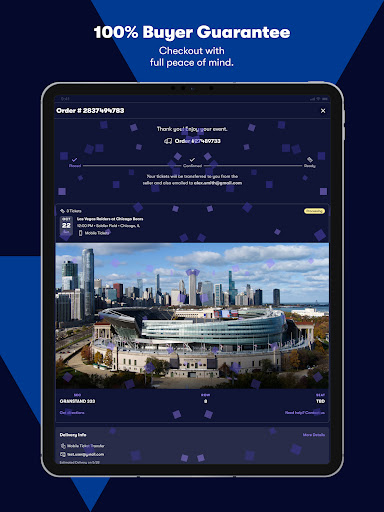
- Benefit from a 100% Buyer Guarantee ensuring secure and authentic transactions.
Pros & Cons
Pros
- Access to a vast, independent marketplace for diverse events.
- Intuitive interface with effective filters for easy ticket discovery.
- Secure transactions backed by a 100% buyer guarantee.
- Rewards program allows users to save on future ticket purchases.
Cons
- Ticket prices can fluctuate significantly due to market demand.
- Service fees often add a substantial amount to the final ticket price.
- Prices may exceed face value, especially for popular or sold-out events.
- Availability is dependent on individual sellers, not always guaranteed.
How to Use Vivid Seats | Event Tickets
- Install the Vivid Seats | Event Tickets app from your device's app store.
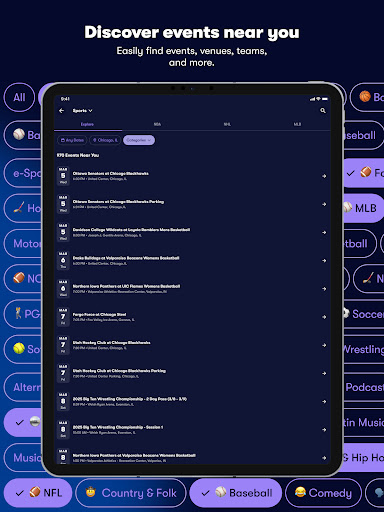
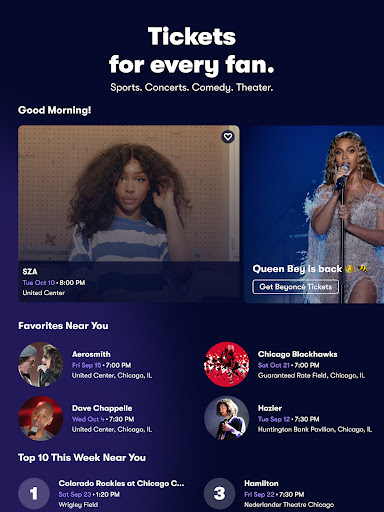
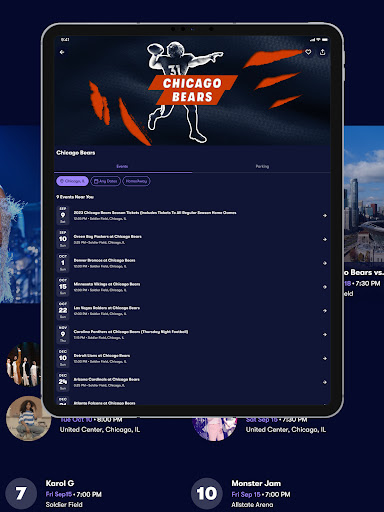
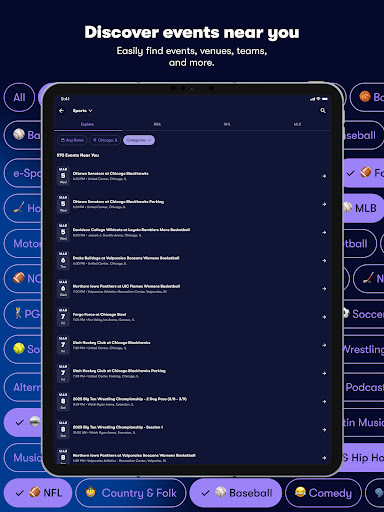
- Open the application and browse events by categories like concerts, sports, or theater.
- Search for specific artists, teams, or shows using the integrated search bar.
- Select an event and use the interactive seating maps to choose your preferred seats.
- Review your ticket details and proceed to the secure in-app checkout to complete your purchase.
- Access your mobile tickets directly within the app for convenient entry to the event.
Frequently Asked Questions
Is Vivid Seats a legitimate and safe platform for buying tickets?
Are the ticket prices listed the final prices I will pay?
Can I use the app to sell tickets I no longer need?
Do I need to print physical tickets after buying them through the app?
Does the app provide personalized event recommendations?
Similar to This App


Hot Apps