
Warm Weather
Category
Weather
Downloads
1M+
Developer
LKW ELE
Available on
Android, iOS
OS
6.0

Overview
Staying informed about local weather conditions is crucial for daily planning, especially for those who spend time outdoors. With a plethora of options available, finding a reliable and user-friendly weather application can be a challenge. Warm Weather, developed by LKW ELE, aims to be a personal weather assistant, providing up-to-date information for both casual users and dedicated enthusiasts. This review will examine its core features, highlight its strengths, acknowledge potential drawbacks, and guide you through its basic usage, helping you decide if it’s the right fit for your Android device.
Key Features
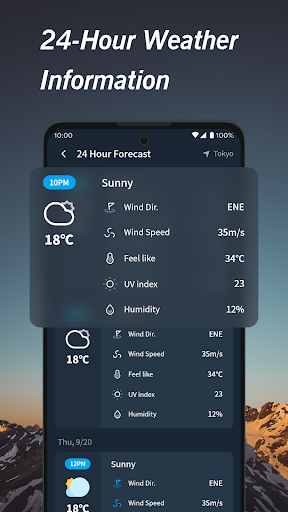
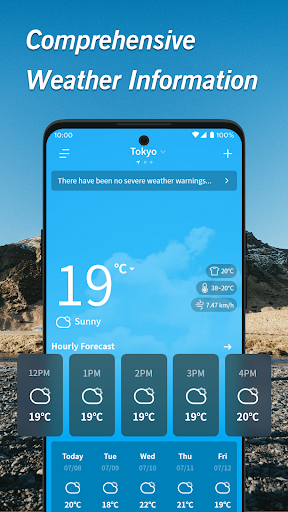
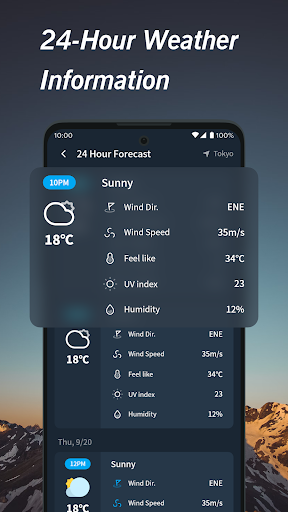
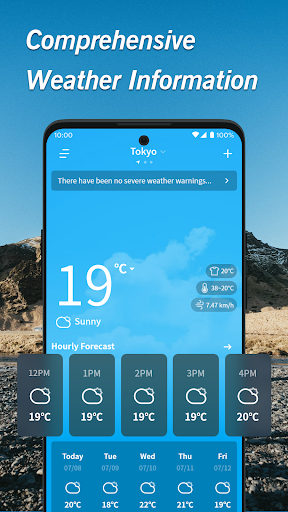
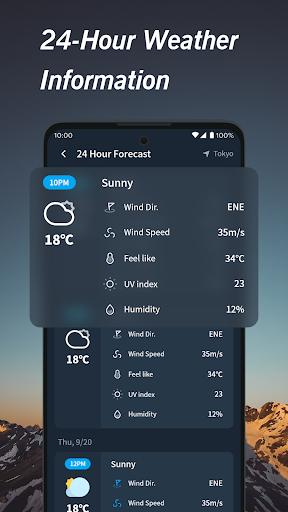
- Provides real-time updates on temperature, humidity, wind speed, and precipitation.
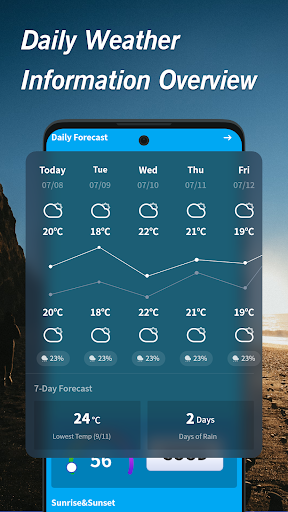
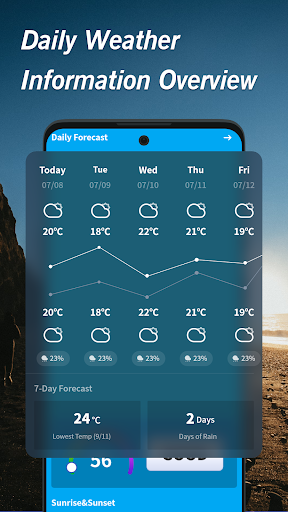
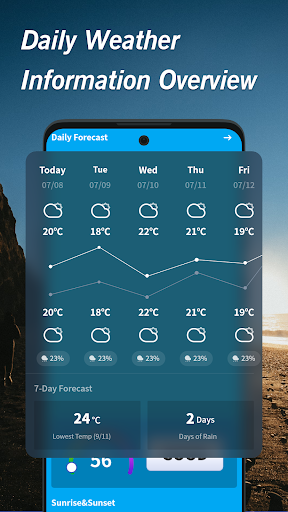
- Offers detailed hourly breakdowns and extended forecasts for up to 15 days.
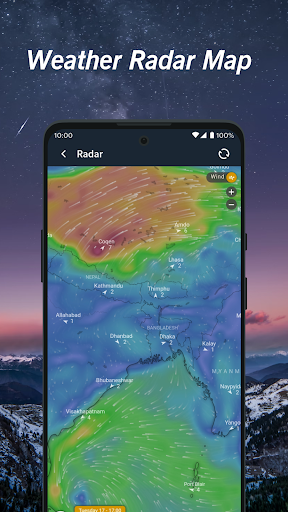
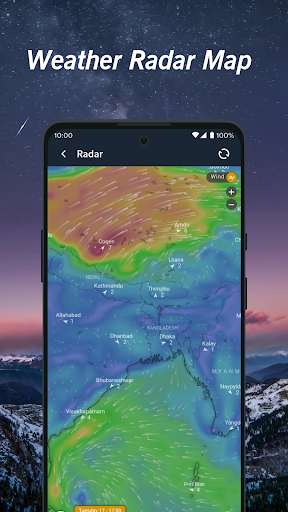
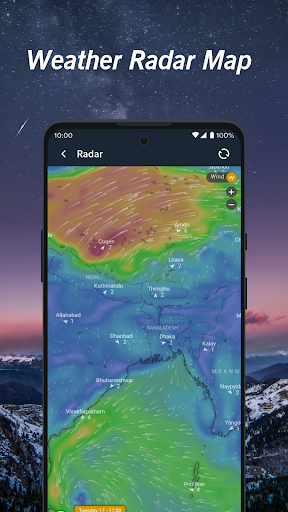
- Features interactive, high-resolution radar maps to track storms and precipitation.
- Delivers customizable notifications for severe weather and changing conditions.
- Includes additional information like moon phases and sunrise/sunset times.
Pros & Cons
Pros
- Accurate and reliable weather data for informed decision-making.
- Intuitive and user-friendly interface suitable for all users.
- Comprehensive forecasts paired with interactive visual maps.
- Personalized alerts help users stay ahead of severe weather.
- Useful extra features like moon phases for outdoor planning.
Cons
- Certain advanced functionalities are locked behind a premium subscription.
- Users may experience occasional delays when loading map data during peak times.
- Continuous location tracking and updates could contribute to battery drain.
How to Use Warm Weather
- Install the Warm Weather app from the Google Play Store onto your device.
- Grant necessary location permissions when prompted to receive local weather data.
- Review the current weather conditions and the immediate hourly forecast on the main screen.
- Swipe or tap to access the extended 15-day forecast for future planning.
- Explore the interactive radar maps to visualize precipitation and storm movements.
- Configure custom alerts in the settings for severe weather or specific conditions.
Frequently Asked Questions
Is Warm Weather a free application?
Yes, the basic version of Warm Weather is free to download and use. However, some advanced features, as noted by the developer, require a premium subscription to unlock.
Does the app require an account to function?
The provided description does not indicate that an account is necessary for basic weather information. Users should be able to access core functionalities without registration.
Can I use Warm Weather offline?
While the app may display previously loaded data, real-time updates, interactive maps, and current forecasts require an active internet connection. Offline functionality is limited to cached information.
How accurate are the weather forecasts?
The developer states that Warm Weather provides accurate and reliable weather data. Like all weather services, local microclimates can sometimes lead to slight variations, but the app aims for high precision.
Are there advertisements in the free version?
The description notes a premium subscription for advanced features. While not explicitly mentioned, free versions of apps with freemium models often include advertisements to support development.
Similar to This App

Weather Forecast & Live Radar
Weather

The Weather Channel - Radar
Weather

Daily Weather: Forecast&Alerts
Weather

Live Weather: Daily Forecast
Weather

Nice Weather
Weather

1Weather Forecasts & Radar
Weather

Live Weather Radar Launcher
Weather

Weather Now Launcher - Radar
Weather

DailyWeather: Weather Forecast
Weather

Duolingo: Language Lessons
Education
Hot Apps
Weather Forecast & Live Radar
Weather
The Weather Channel - Radar
Weather
Daily Weather: Forecast&Alerts
Weather
Live Weather: Daily Forecast
Weather
Nice Weather
Weather
1Weather Forecasts & Radar
Weather
Live Weather Radar Launcher
Weather
Weather Now Launcher - Radar
Weather
DailyWeather: Weather Forecast
Weather
Duolingo: Language Lessons
Education